

How to Try On Hats Virtually From a Photo (Free AI Try-On)
Try on hats virtually from one photo with free AI. See how the upload-to-result flow works, which hat style suits your face, and how to read the fit honestly before you buy.

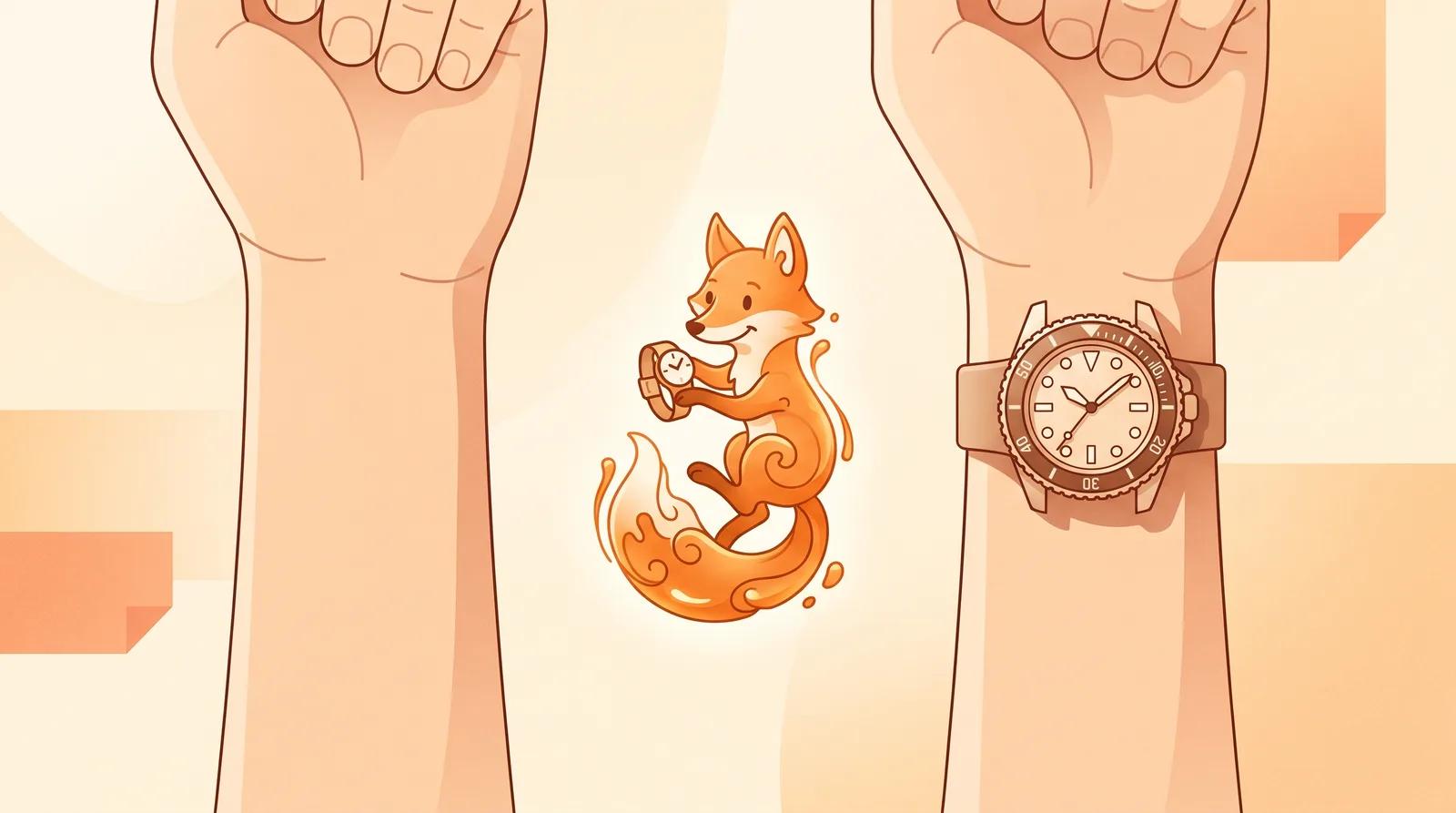
Try on watches virtually from one wrist photo with free AI. See how the upload-to-result flow works, which watch style suits your wrist, and how to read the fit honestly before you buy.
A watch is one of the hardest accessories to picture before it arrives. The case that looks perfect on a press shot can sit like a dinner plate on a slimmer wrist, a thin dress watch can disappear on a larger one, and lug-to-lug length decides whether the watch hugs your wrist or hangs off the edges. None of that shows up in a product photo taken on a stand or a model's arm.
That is the gap an AI watch try-on fills. You upload one photo of your wrist, pick a style, and the AI places the watch on it while keeping your skin, hand, and lighting the same. Instead of guessing from a thumbnail, you see a dive watch, a dress watch, or a chronograph on you before you commit. This guide covers how to use it and how to read the result honestly.
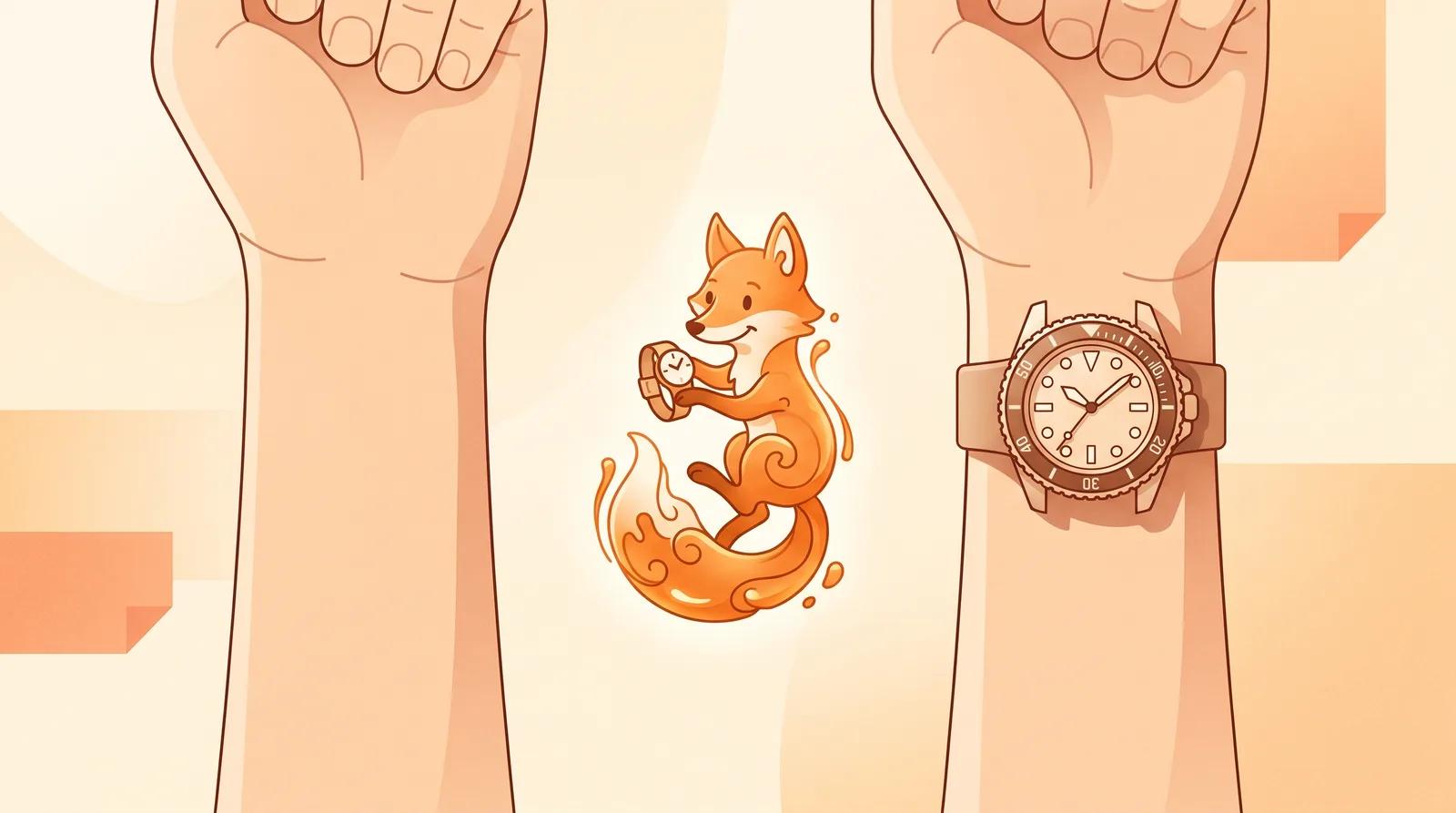
A virtual try-on does one job: it helps you judge style, scale, and how a watch sits on your wrist before you buy. It works well for:
It is not a real fitting tool. It will not confirm the case diameter in millimeters, lug-to-lug length, strap size, or weight. Treat the result as a strong shortlist, then check the actual measurements and return policy with the seller before you pay. It is also not a tool for editing someone else's photo without their consent.
The AI can only place a watch well on a wrist it can read clearly. Open the AI watch try-on and upload a photo that gives the model what it needs:
A recent phone photo of your own wrist near a window is plenty. You don't need a studio shot, just a clear, well-lit wrist.
Choose a style reference. There is no prompt to write; the styles are pre-built, so you pick the type instead of describing it. You get eight to compare:
Comparing styles is free, so run more than one. Try the two or three types you are torn between on the same wrist photo and look at them next to each other.
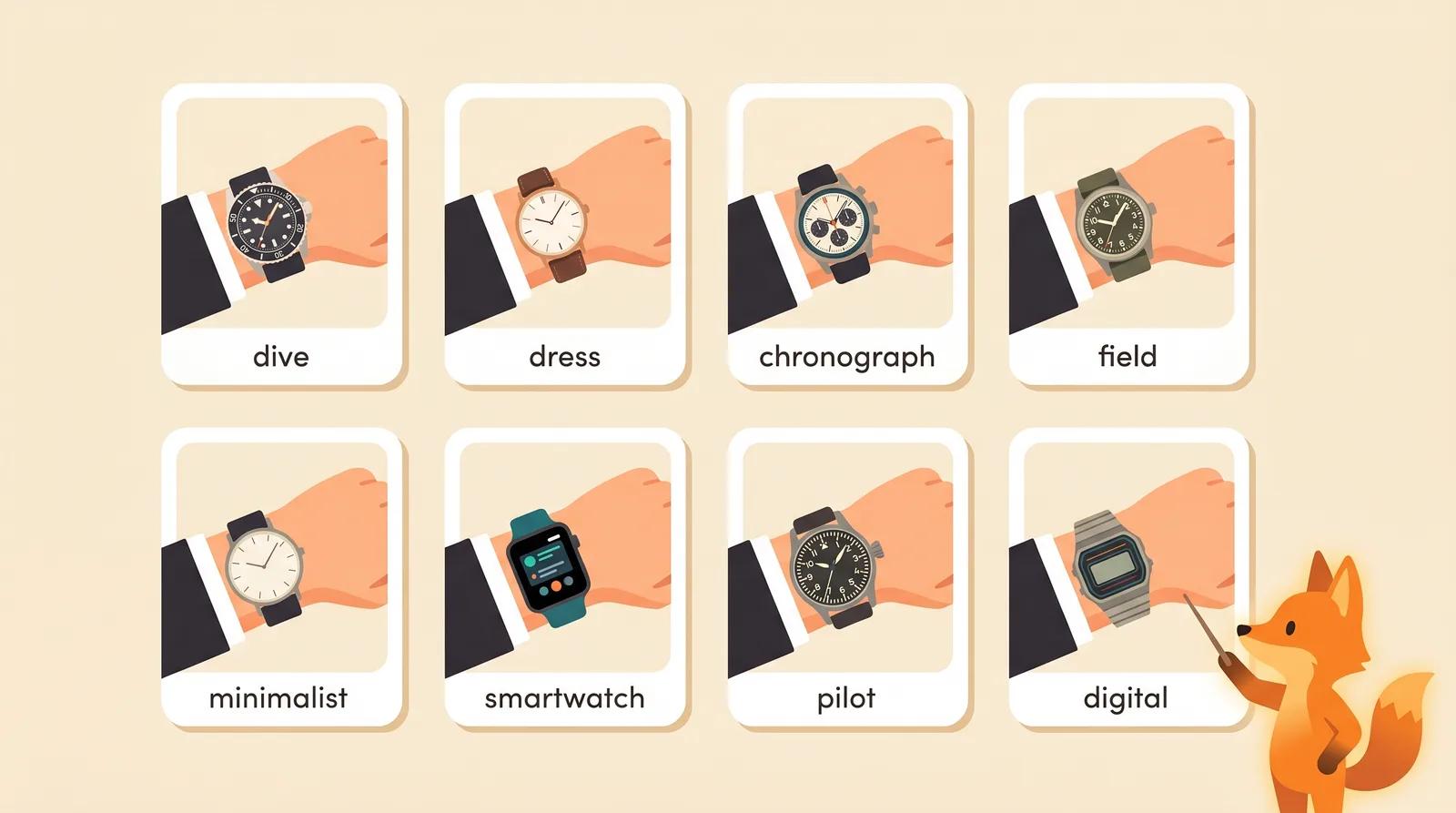
Pick a style and run the try-on. The model adds the watch while keeping your hand, skin texture, lighting, and pose stable. It takes a few seconds.
When it finishes, zoom in and check the details that tell you whether a watch works on you:
If something looks wrong, regenerate or try a different style instead of keeping the first pass. Each run varies a little, and a cleaner, flatter wrist shot fixes most placement problems.
Watch choice is mostly about matching case size to wrist width and the occasion. Use this as a starting point, then let the try-on confirm it on you.
| Watch style | Tends to suit | Vibe it gives |
|---|---|---|
| Dress | Slimmer wrists, formal wear | Refined, understated |
| Minimalist | Most wrists | Clean, everyday |
| Field | Most wrists | Practical, rugged-casual |
| Dive | Medium-to-large wrists | Sporty, robust |
| Chronograph | Medium-to-large wrists | Busy, technical |
| Pilot | Larger wrists | Bold, statement |
| Smartwatch | Most wrists | Modern, functional |
| Digital | Most wrists | Casual, retro |
The general rule: slimmer wrists balance with smaller, cleaner cases, while larger wrists carry bigger, busier dials. It is a guideline, not a law. The point of trying styles on virtually is that you can ignore the chart the moment one clearly looks right.
The difference between a try-on you can trust and one you can't comes down to the source photo. A few things matter most:
If every result looks off, the fix is almost always a better source photo, not more attempts.
You can upload a wrist photo, pick a style, and generate a try-on on the free model without an account. Comparing the eight styles costs nothing. Signing in removes the export watermark from your download, so the saved image is clean and ready to share or drop next to a product page.
You don't have to gamble on a watch from a flat product photo. Upload one clear, well-lit wrist photo, compare a few styles on your own wrist, and check the fit before you order.
Try on hats virtually from one photo with free AI. See how the upload-to-result flow works, which hat style suits your face, and how to read the fit honestly before you buy.

Remove a watermark from a photo for free with AI. Clear stock marks, logos, signatures, and date stamps in one click, no Photoshop needed.
Try on glasses online from one photo with free AI. Upload a portrait, pick a frame shape, and preview how each pair looks on your face before you buy.
Newsletter
Subscribe to our newsletter for the latest news and updates