
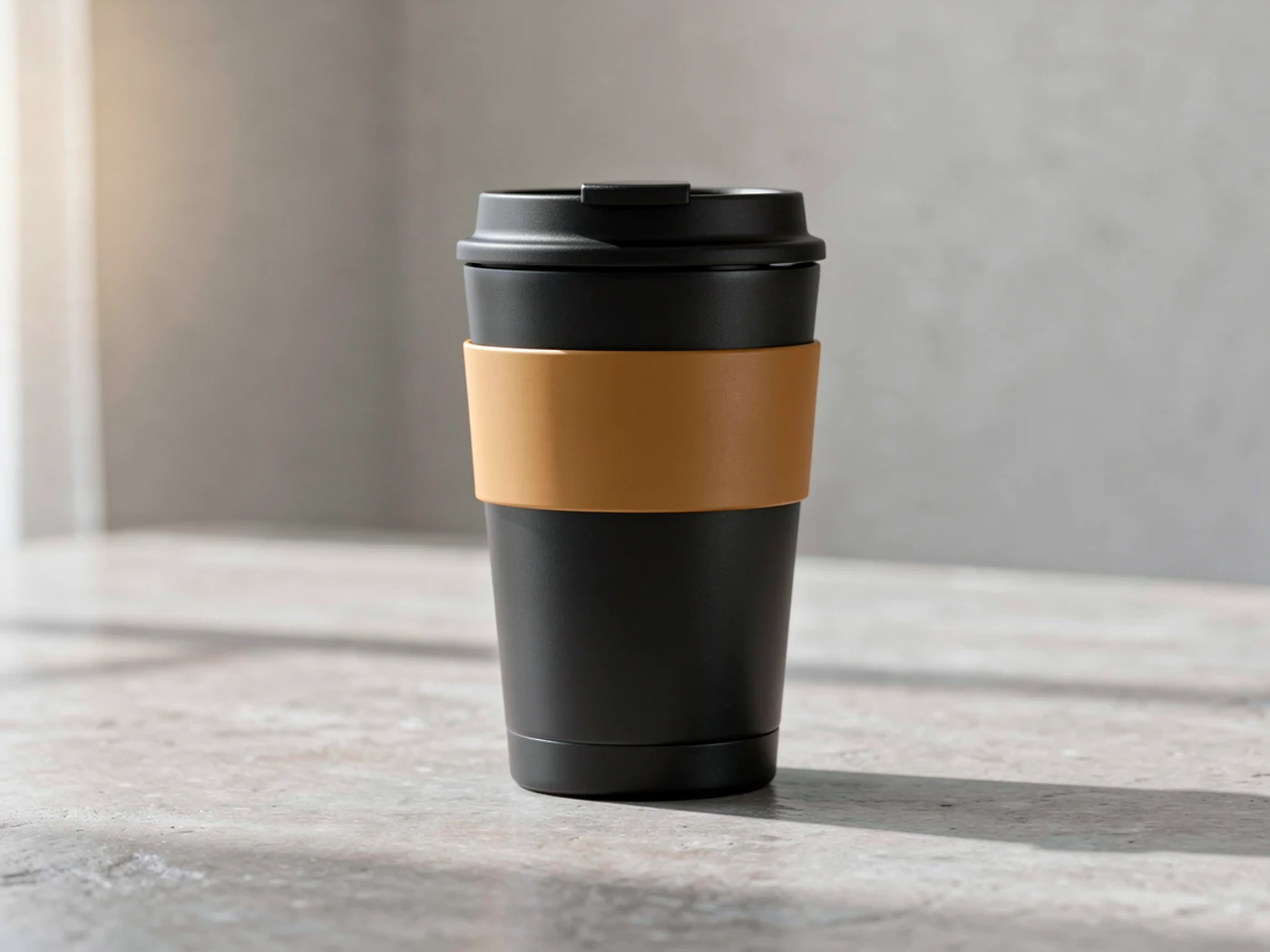
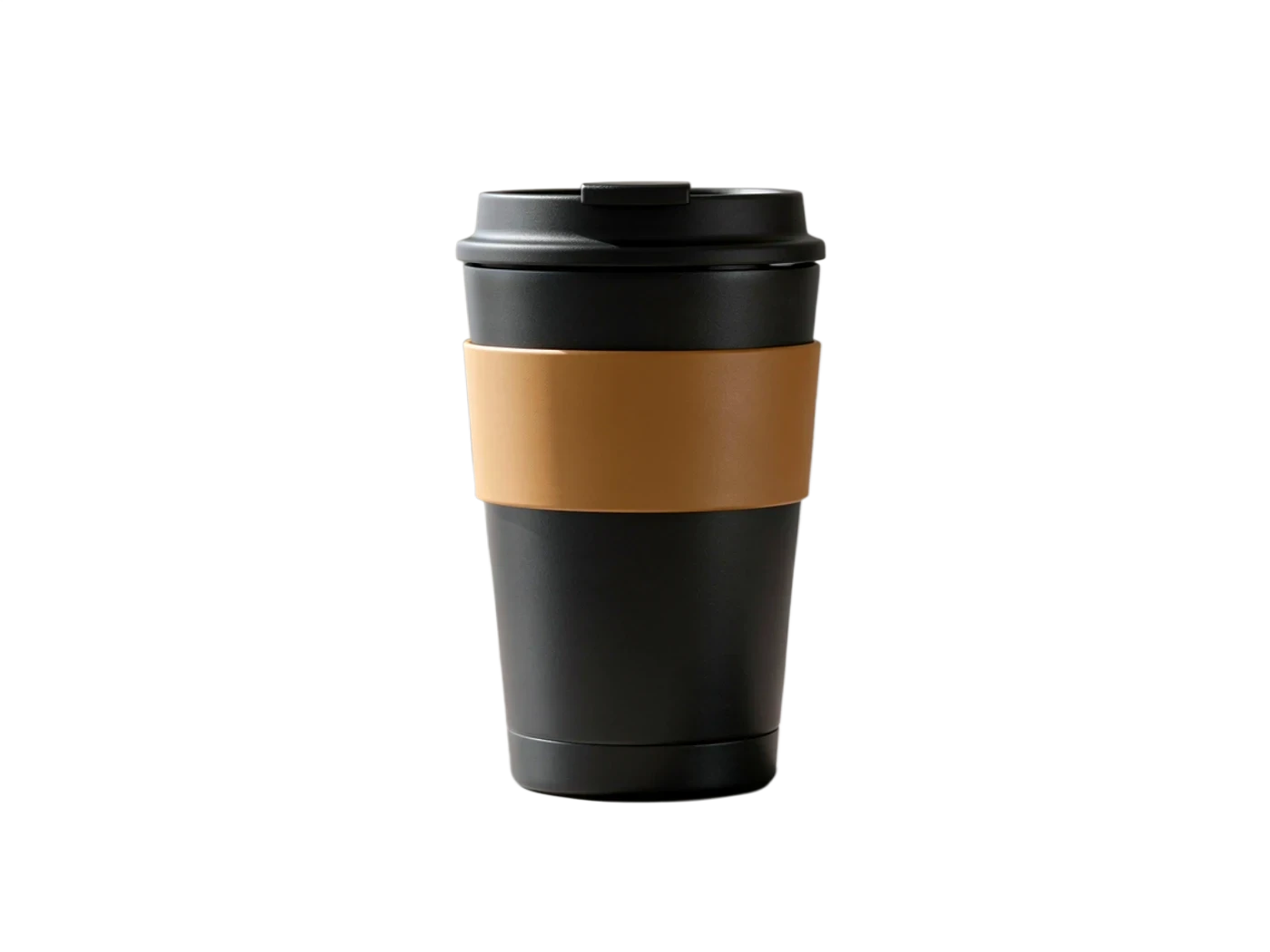
Product
Clean edges with no leftover background — ready to drop on white
AI Background Remover
Upload a product photo, portrait, or sticker and get a clean, transparent PNG in one click — no login, no watermark, free to start. Built for product photos, portraits, stickers, and ad assets.
No image? Try a scene
Pick a sample to preview the full flow
Real transparent result preview
Clean edge, no backdrop
Source image
Product cutout
Export-ready
Clean edge, no backdrop
Cutouts
The original on the left, the cut-out subject on transparency on the right — the checkerboard means a transparent PNG. Watch product edges, hair strands, and sticker outlines.
Product
Clean edges with no leftover background — ready to drop on white


Portrait
Hair strands and the body outline stay intact, not chopped off
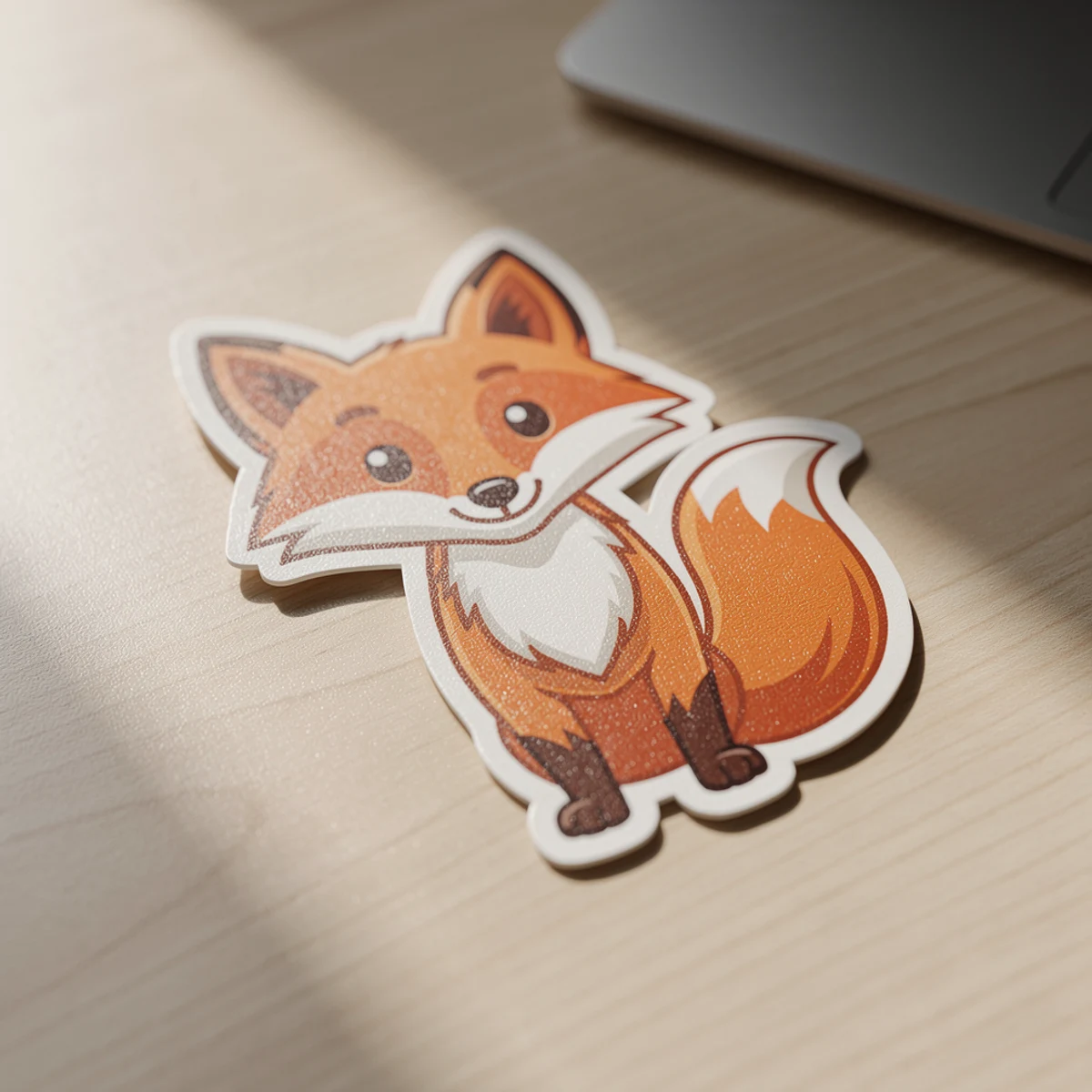
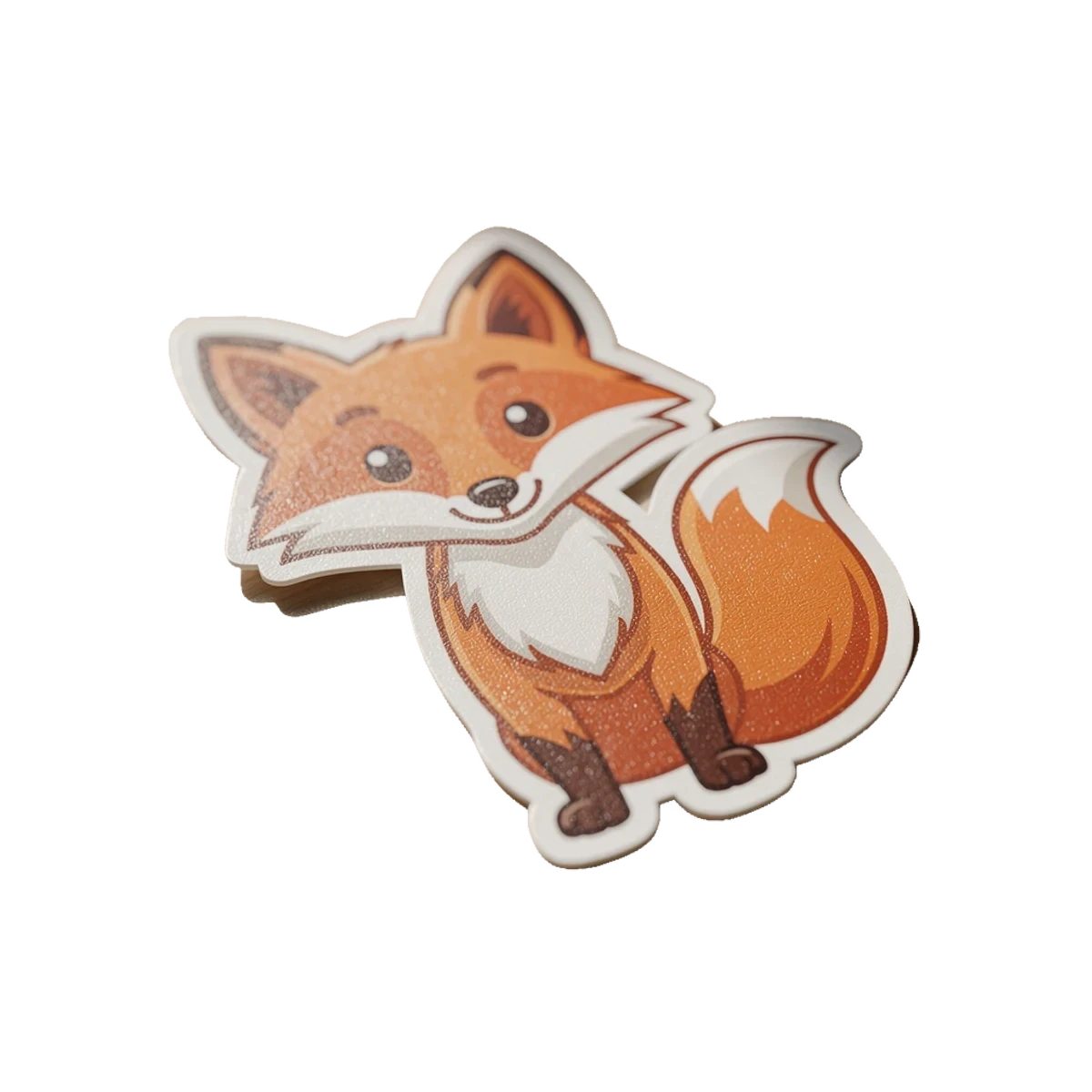
Sticker
Crisp subject on transparency — drop it straight into a sticker pack
After the cutout
A transparent PNG is not the finish line. Here are the four places a clean cutout usually ends up.
A clean cutout on a white background is what marketplaces want for the main listing image.
Move the subject onto a lifestyle or staged background so it looks shot in context.
Combine the cutout with other products, text, and references for covers and campaign visuals.
A transparent subject is ready to become a sticker, emoji, or chat-pack asset.
Steps
Three steps to turn a photo with a background into a clean, reusable transparent PNG.
Pick a photo where the subject is complete and separated from its background — clear contours give the cleanest cut.
One click lifts the subject off its background and turns the photo into a reusable, transparent asset.
Inspect hair, glass, and product edges where cutouts usually fail, then export a transparent PNG with no watermark.
Use cases
White-background mains, portraits, stickers, ad heroes, poster composites — anywhere a clean, transparent subject is the starting point.
Marketplaces want the hero product on clean white. Cut the background and drop it onto white in one pass.
Lift a person off a busy scene for a profile photo, team page, or speaker card with hair edges intact.
Turn a subject into a transparent sticker or emoji ready for chat packs and social posts.
Free the subject so it can sit on bold colors, gradients, or composite layouts for paid ads.
Combine multiple cutouts, text, and references into posters, covers, and campaign compositions.
Plans
Background removal is free with no login. Signing in saves your history and unlocks follow-up workflows; paid plans (Pro, Max, Unlimited) trade up for faster, priority processing built for batches.
FAQ
About product photos, hair edges, transparent PNGs, batches, free use, and what comes after the cutout.
Yes. It works for listing images, stickers, portraits, and ad visuals. After the cut, drop it on white to list, place it in a scene, composite it, or keep editing.
It preserves hair strands, contours, and transparent-material edges as much as possible. The clearer the subject is against its background, the cleaner the cut — inspect hair and glass before exporting.
Yes. The subject is cut out on transparency and exports as a transparent PNG, ready to drop onto white, a scene, or a composite layout.
You can cut images one at a time, and paid plans (Pro, Max, Unlimited) add a priority queue with no peak-hour waiting — better suited to a batch workflow.
Free to use, results have no watermark, and no login is required. Signing in only saves your cutouts to history and lets you continue into background swap or image-to-video.
Yes. The transparent subject can move onto a white or staged background, into a composite, or become a cleaner first frame for image-to-video — continue in one click when signed in.
Free, no watermark, no login. Upgrade to a paid plan for priority processing when you need to clear cutouts in batches or during peak hours.