
Social stories and reels
Turn a portrait, family snapshot, or pet photo into a scroll-stopping cartoon clip for TikTok, Reels, and Shorts.
AI Cartoon Video Generator
Upload a photo and turn it into a fun animated cartoon video in one click — the AI adds lively cartoon motion automatically, so there is no prompt to write.
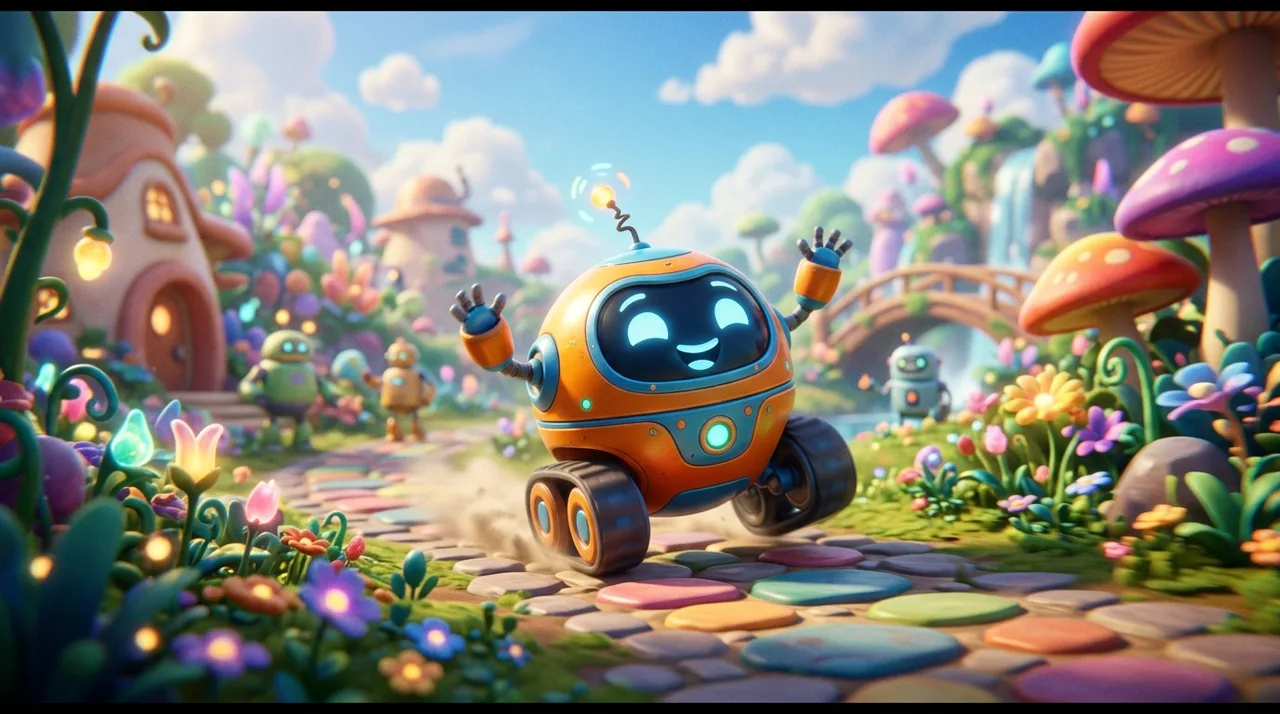
AI cartoon video generator
Playful bounce for profiles, warm gestures for family, cute wiggle for pets, and bold energy for adventure — the motion fits the subject without a prompt to write.
The preset adds cartoon motion and color while keeping the same face, expression, and framing — so it reads as the same person or pet, just animated.
Upload and click once — the AI automatically applies a tuned cartoon animation preset. No style picking needed.
Motion and cartoon effects stay on the subject so the scene behind them holds steady instead of warping or flickering.
Workflow
Upload, generate in one click, then save and share — no style picking, no prompt needed.
Add a clear photo where your subject — a person, pet, or group — is visible and well-lit.
The AI automatically applies a tuned cartoon animation preset. Open the custom prompt only if you want a specific motion or look.
Click once and the photo is animated into a short cartoon clip — no prompt writing required.
Sign in to save history and remove the export watermark, then post your cartoon video.
Use cases
Turn any photo into a cartoon — hover any clip to preview the motion, then share the animated clip people love to watch.
Turn a portrait, family snapshot, or pet photo into a scroll-stopping cartoon clip for TikTok, Reels, and Shorts.
Animate photos of loved ones or pets into playful cartoon videos to share in group chats or as a birthday surprise.
Give your profile a signature cartoon look — spin up animated takes and reaction clips without any design skills.
Add a lively cartoon moment to party invites, graduation posts, and holiday messages.
FAQ
Practical answers about photos, cartoon motion, and getting a believable animated clip.
Yes. Upload a photo and generate a short animated cartoon video with the free base model — the AI applies cartoon motion automatically. Sign in to keep results in history and remove the export watermark from your downloads.
This is a one-click tool: just upload your photo and click once — the AI automatically applies a tuned cartoon animation preset, then the photo is turned into a short cartoon video. No style picking, no prompt writing needed. Want a different look? Open the full workbench and describe it in a custom prompt.
Use a clear, well-lit photo where the subject — a person, family, or pet — is visible and not heavily cropped. Clean separation from the background gives the most vivid cartoon result.
Yes. The Pet style is optimized for animals, and the Family style works well with groups. For the most stable cartoon motion, one main subject in clear focus gives the best result.
It generates a short animated clip suited to social posts and stories. Generate a few styles and keep the take you like best.
Treat results as creative drafts. Only animate photos you have the rights to, and avoid using a real person's likeness in a misleading or harmful way.
Start with a prompt or reference, compare models, and save the best result to history. Upgrade when you need cleaner exports, stronger models, or more production volume.