
Family celebration clips
Create a birthday, first-step, or milestone dance clip from one meaningful baby photo.
AI Baby Dance Video Generator
Upload your own baby photo and create a short, family-safe contrast clip: a toddler performing adult dance choreography such as tap dance footwork, tiny tango steps, or street-dance arm pops while preserving identity, outfit, and proportions. Baby photo to dance video · Seedance 2.0 motion · social-ready framing
Baby dance showcase gallery
The page is tuned for the contrast you want: a tiny child doing recognizable adult dance language, not generic bouncing. Seedance 2.0 is the default because it handles short human-motion clips with clearer limb rhythm, while the prompts ask for tap dance, tango, and street-dance moves without changing identity or making the motion unsafe.
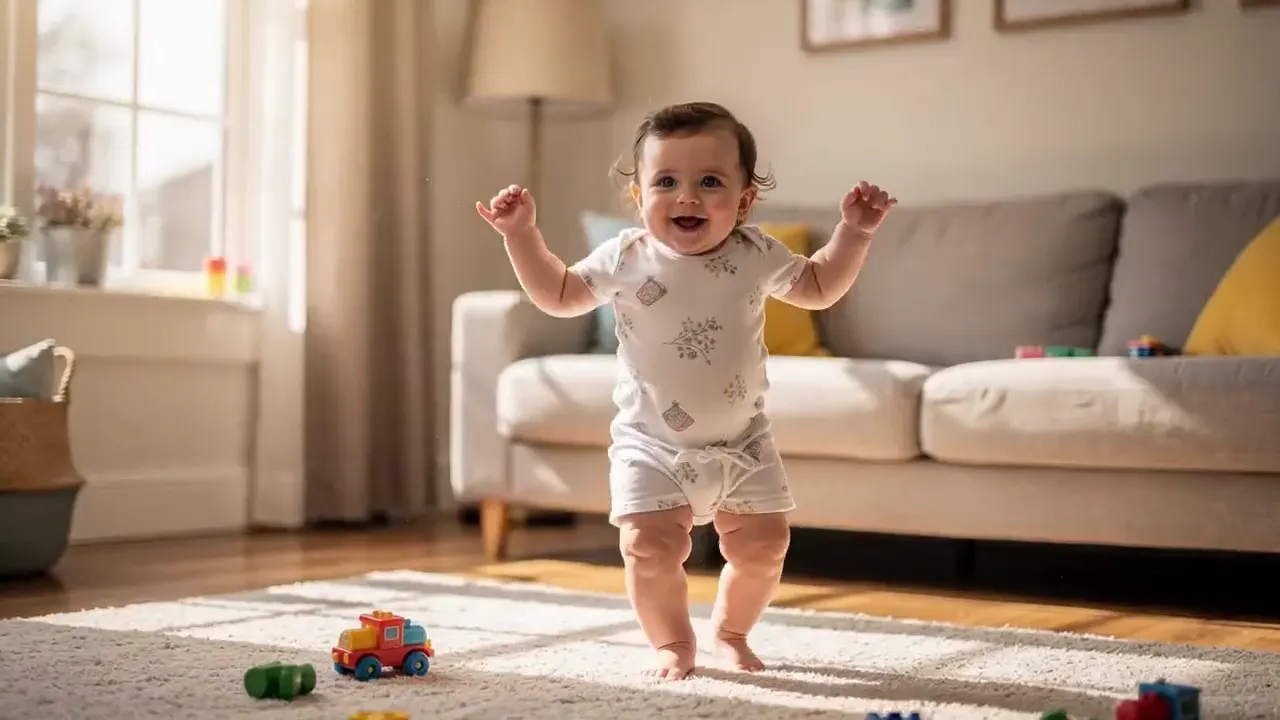
Source photo
AI video result
Workflow
Start with a clear photo, pick a recognizable adult dance style, then generate a short Seedance 2.0 clip with clear rhythm and stable identity.
Use your own baby photo or a family photo you have permission to edit and share.
Prompt tiny tap dance, tango footwork, street-dance arm pops, or hip-hop freezes. Avoid simple walking or nursery-rhyme bouncing.
Try two or three model outputs, keep the clip with the most stable face and natural movement.
Use cases
Make playful clips for family chats, birthday edits, baby albums, and short social reels from one clear photo.
Create a birthday, first-step, or milestone dance clip from one meaningful baby photo.
Make vertical baby dance clips for TikTok, Reels, Shorts, and private family groups.
Compare tap dance, tiny tango, street dance, and softer birthday-party versions from the same photo.
Settings guide
Use these choices to keep motion believable instead of asking the model to change the whole scene.
Keep identity, framing, and lighting stable first. Add one visible action, then regenerate only if the subject or background drifts.
Motion style
Avoid: Generic bouncing, walking, or one-size-fits-all dance filters
Best input
Avoid: Low-resolution screenshots or unapproved photos
Output goal
Avoid: Unstable face swaps or uncanny motion
Prompt ideas
Match the motion to the original frame. Strong prompts stay specific about the action and conservative about identity.
A family-safe toddler performs adult dance choreography: crisp tiny tap-dance footwork, toe-heel rhythm, playful hand accents, happy smile, stable face identity, realistic baby proportions, vertical social video.
A family-safe baby dance clip with a tiny tango routine, small side steps, dramatic but cute arm pose, quick turn, funny contrast, stable outfit, warm light, realistic child-safe movement.
A playful family-safe toddler street-dance reel, tiny hip-hop arm pops, small foot shuffle, one cute freeze pose, strong adult dance contrast, stable face and outfit, no exaggerated body distortion.
FAQ
Practical answers about baby photo suitability, gentle dance motion, family sharing, and avoiding unstable poses.
The result needs a clear contrast: a tiny child doing recognizable adult dance choreography such as tap dance, tango, or street dance, while the face, outfit, and body proportions remain stable.
Use a clear baby or toddler photo that you own or have permission to edit. Avoid uploading photos of children without guardian permission.
Use family-safe wording around choreography, rhythm, and footwork: tap dance, tango steps, street-dance arm pops, or hip-hop freezes. Avoid provocative wording, unsafe stunts, or identity-changing prompts.
Seedance 2.0 is the default for this page because it is a strong KIE image-to-video model for short human-motion clips. It supports first-frame image-to-video, dynamic camera control, and optional audio via the official KIE createTask API.
Start with a prompt or reference, compare models, and save the best result to history. Upgrade when you need cleaner exports, stronger models, or more production volume.