
01
Round
Try first
Angular wayfarer, sport wrap, or slightly squared aviators
Be careful with
Tiny round lenses or narrow frames with soft edges
Why it works
Straighter top lines and wider lenses add structure without making the face read rounder.
AI Virtual Try On Sunglasses
Use AI Virtual Try On Sunglasses to upload a front-facing portrait, choose a real sunglasses reference, and preview how different frame shapes, lens tints, shadows, and reflections sit on your face without changing identity, eye direction, skin texture, or lighting.
Face-shape guide
Use this guide to shortlist sunglasses shapes before comparing the final lens tint, frame width, and shadows on your own portrait.
Try first
Angular wayfarer, sport wrap, or slightly squared aviators
Be careful with
Tiny round lenses or narrow frames with soft edges
Why it works
Straighter top lines and wider lenses add structure without making the face read rounder.
Try first
Round, oval, thin aviator, or softer gradient lenses
Be careful with
Heavy boxy wayfarers with very dark, flat lenses
Why it works
Curved lenses and lighter bridges soften the jawline while keeping sunglasses balanced.
Try first
Most styles work; start with aviator, cat-eye, or oversized
Be careful with
Frames much wider than the cheekbones or lenses that sit too low
Why it works
Oval faces can carry many sunglasses shapes; lens height and frame width matter most.
Try first
Aviator, round, rim-light wayfarer, or softly oversized frames
Be careful with
Very sharp cat-eye corners or thick top-heavy brows
Why it works
Frames with a lighter top edge keep attention from crowding the forehead area.
Try first
Cat-eye, oval, aviator, or lifted oversized lenses
Be careful with
Small narrow lenses that pinch around the cheekbones
Why it works
Lift and lens height open the eye area while softening prominent cheekbones.
Try-on examples
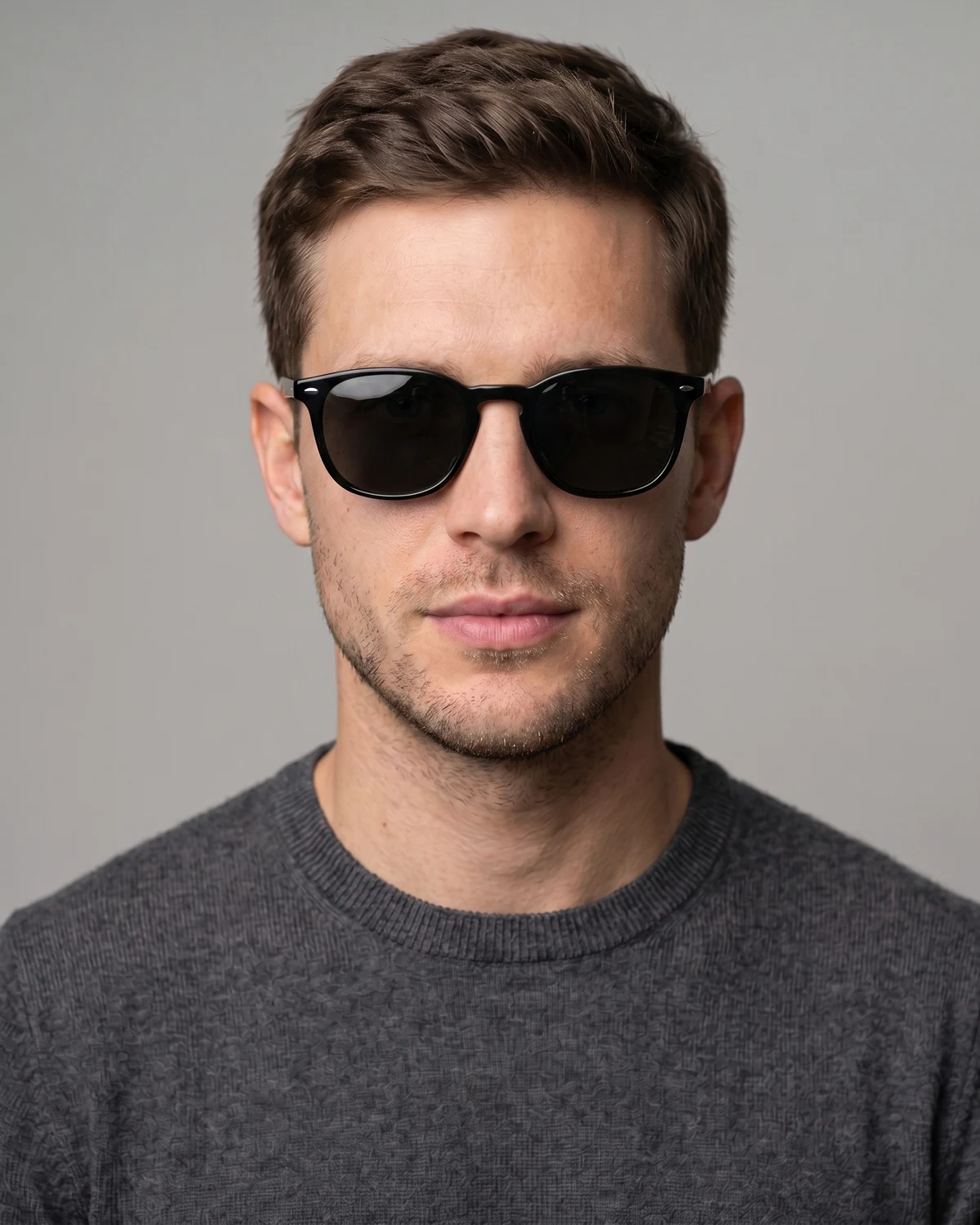
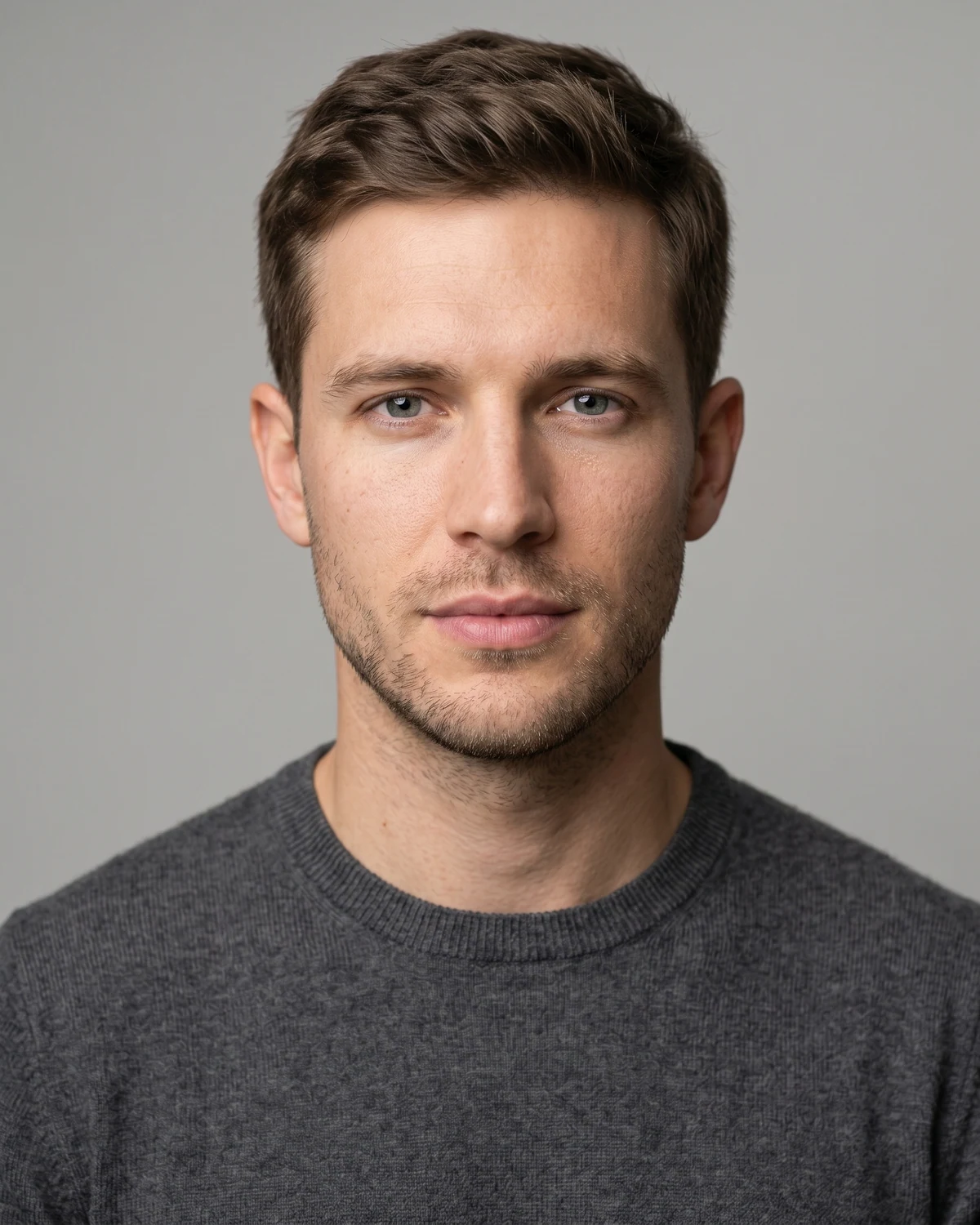
Start with one upload-to-result comparison, then scan the same portrait wearing all six sunglasses styles.
Upload to result
Check lens tint, bridge contact, temple direction, shadows, and whether the face still reads as the same person.
Same face, every sunglasses style
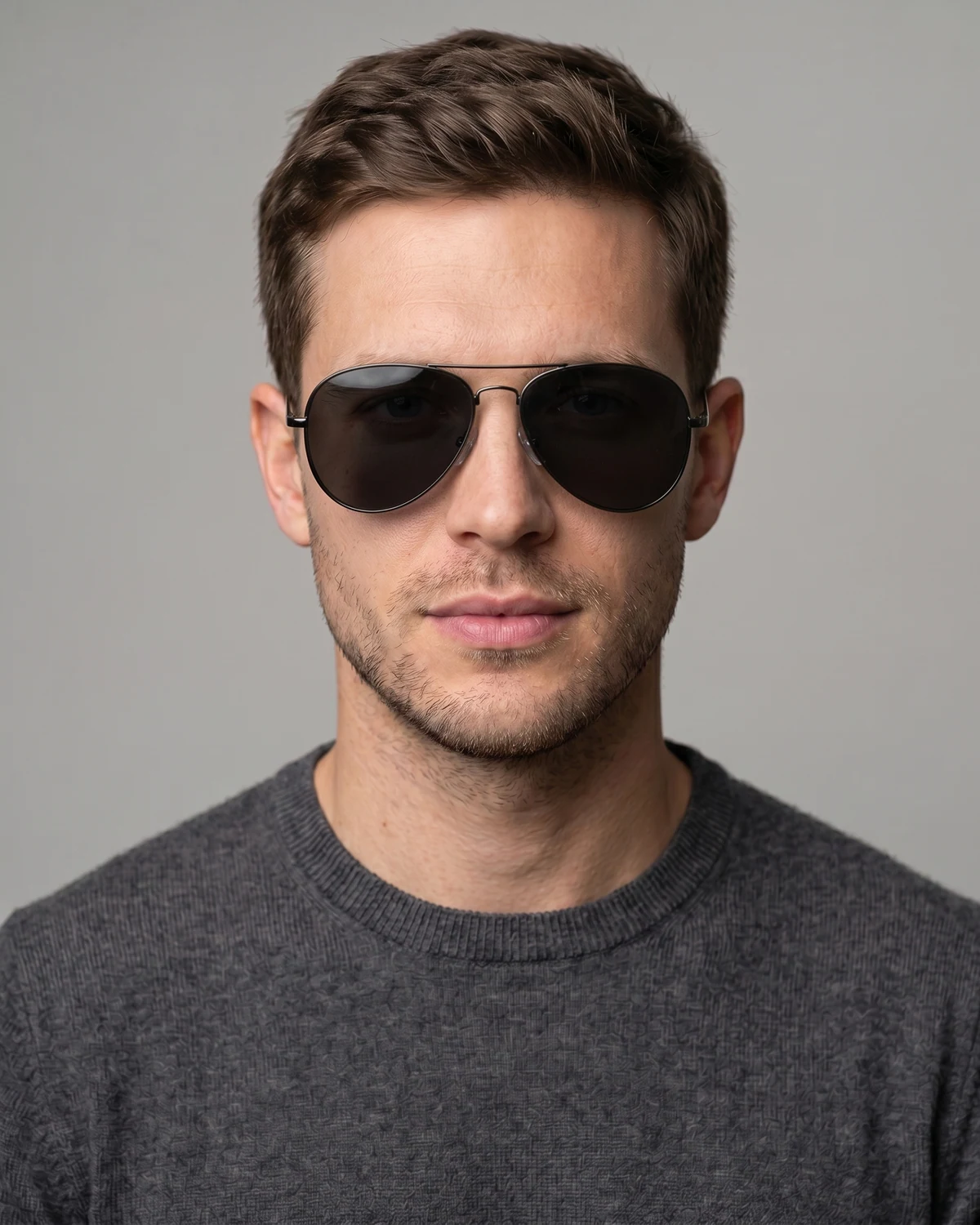
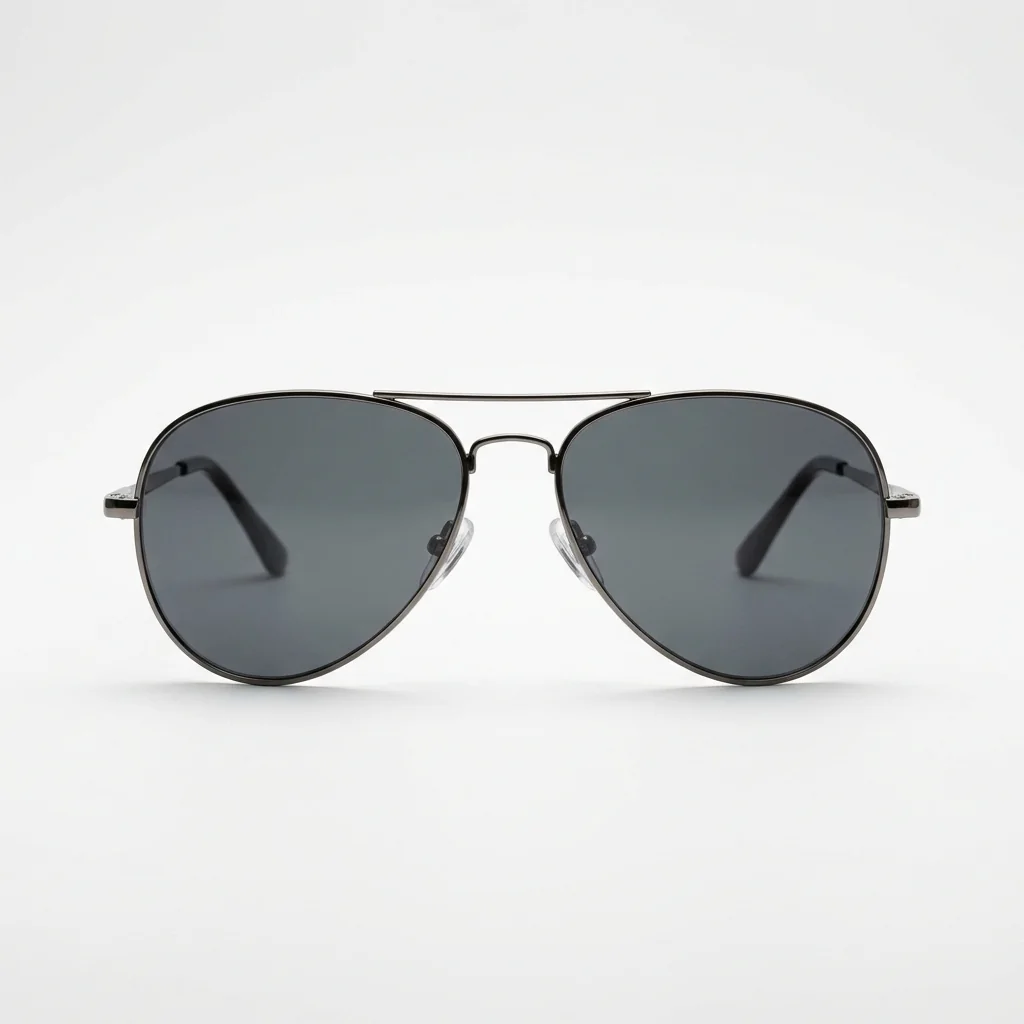
A slim metal bridge and teardrop lens shape for classic travel and outdoor portraits.
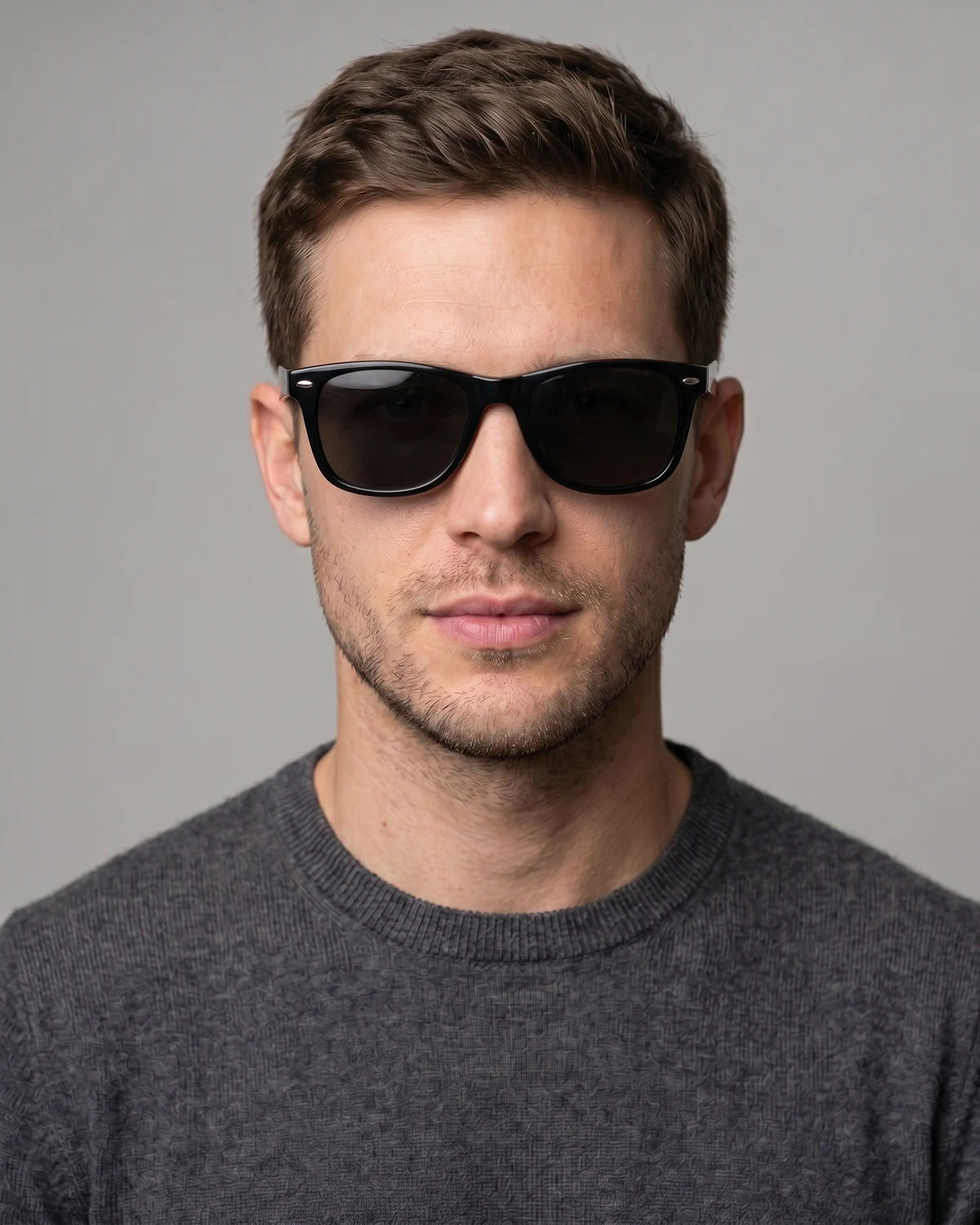
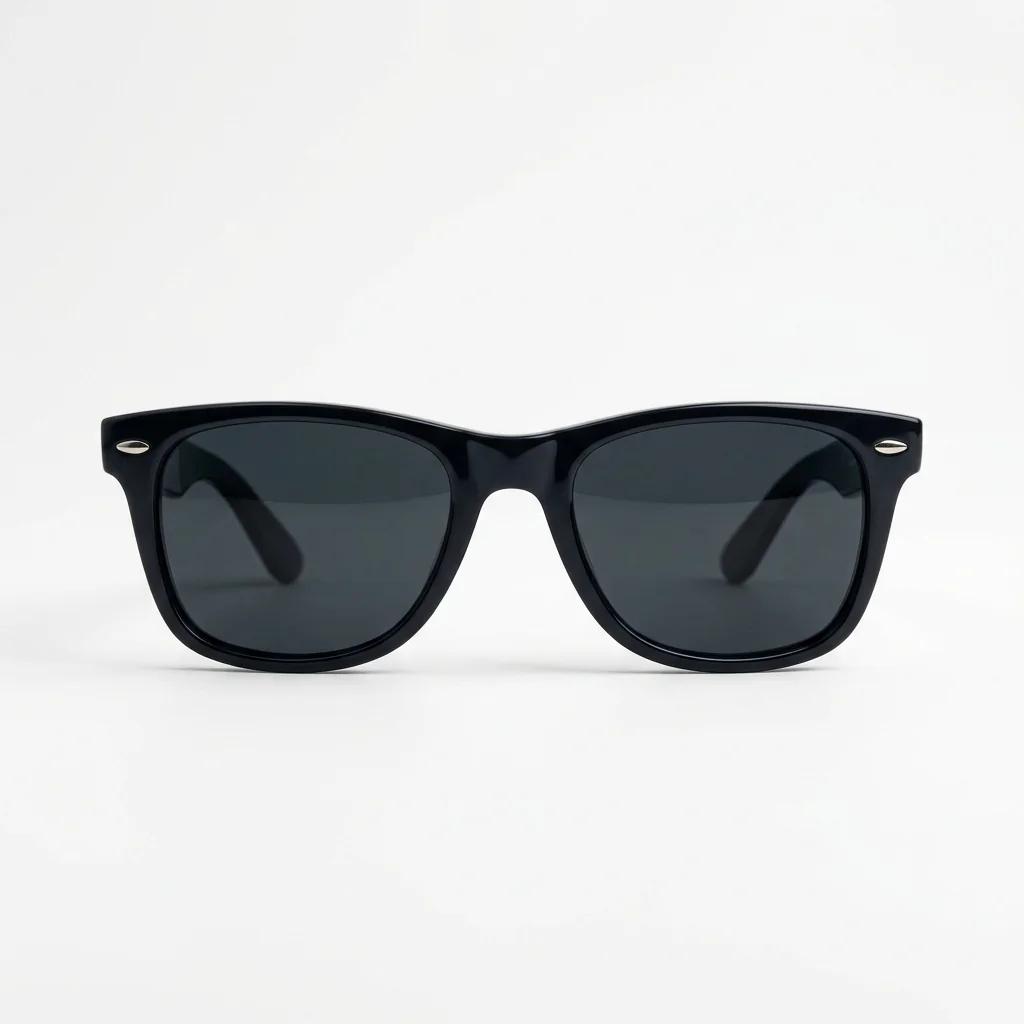
A structured everyday frame that makes it easy to judge width, brow line, and lens darkness.
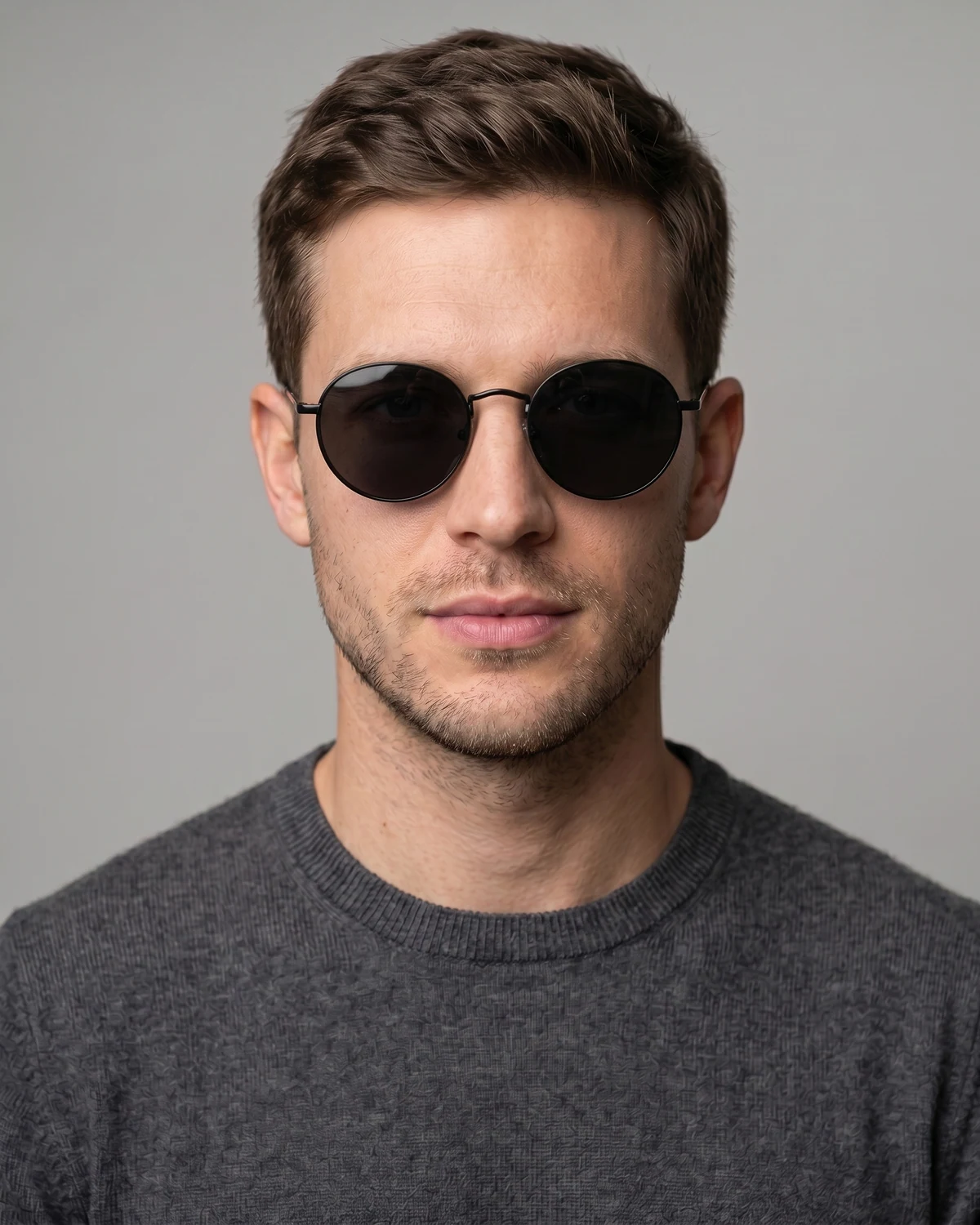
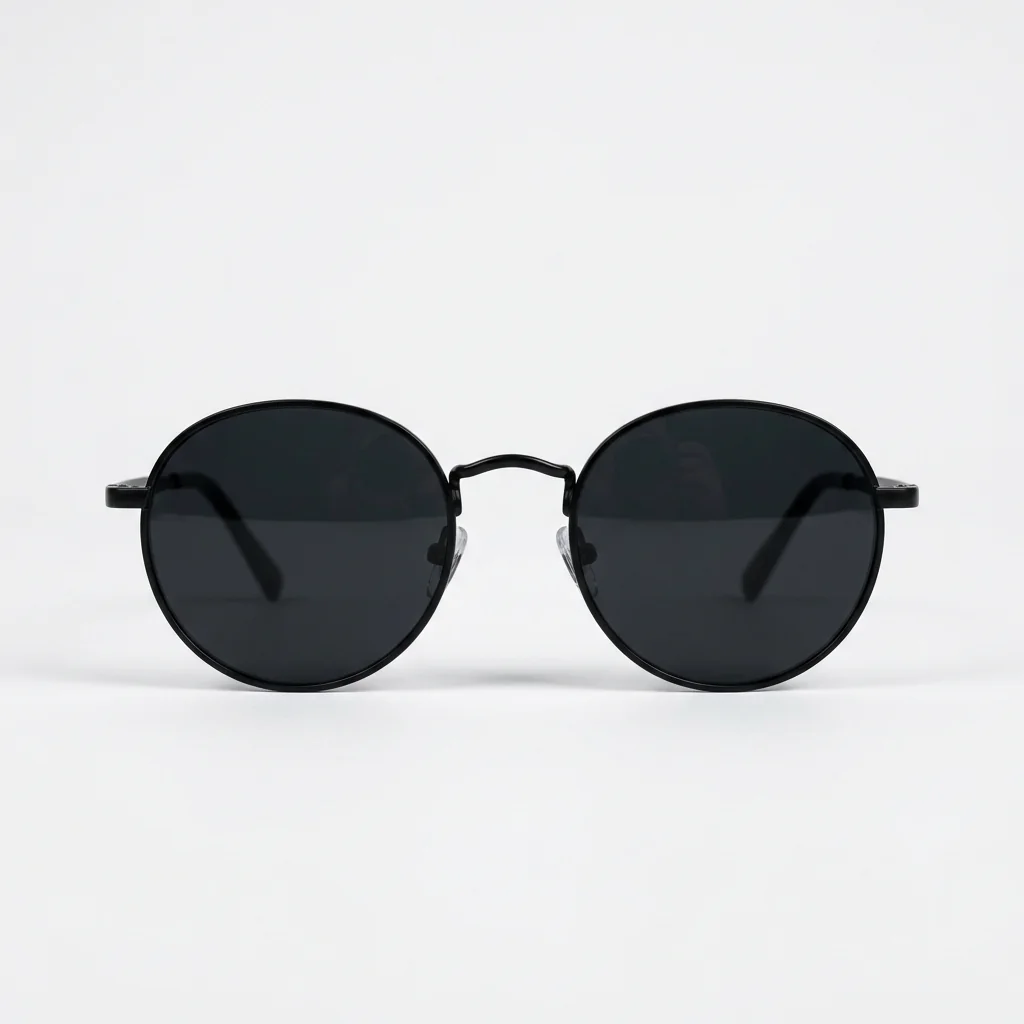
Softer lenses for vintage styling; inspect cheek shadows and whether the eyes stay readable.
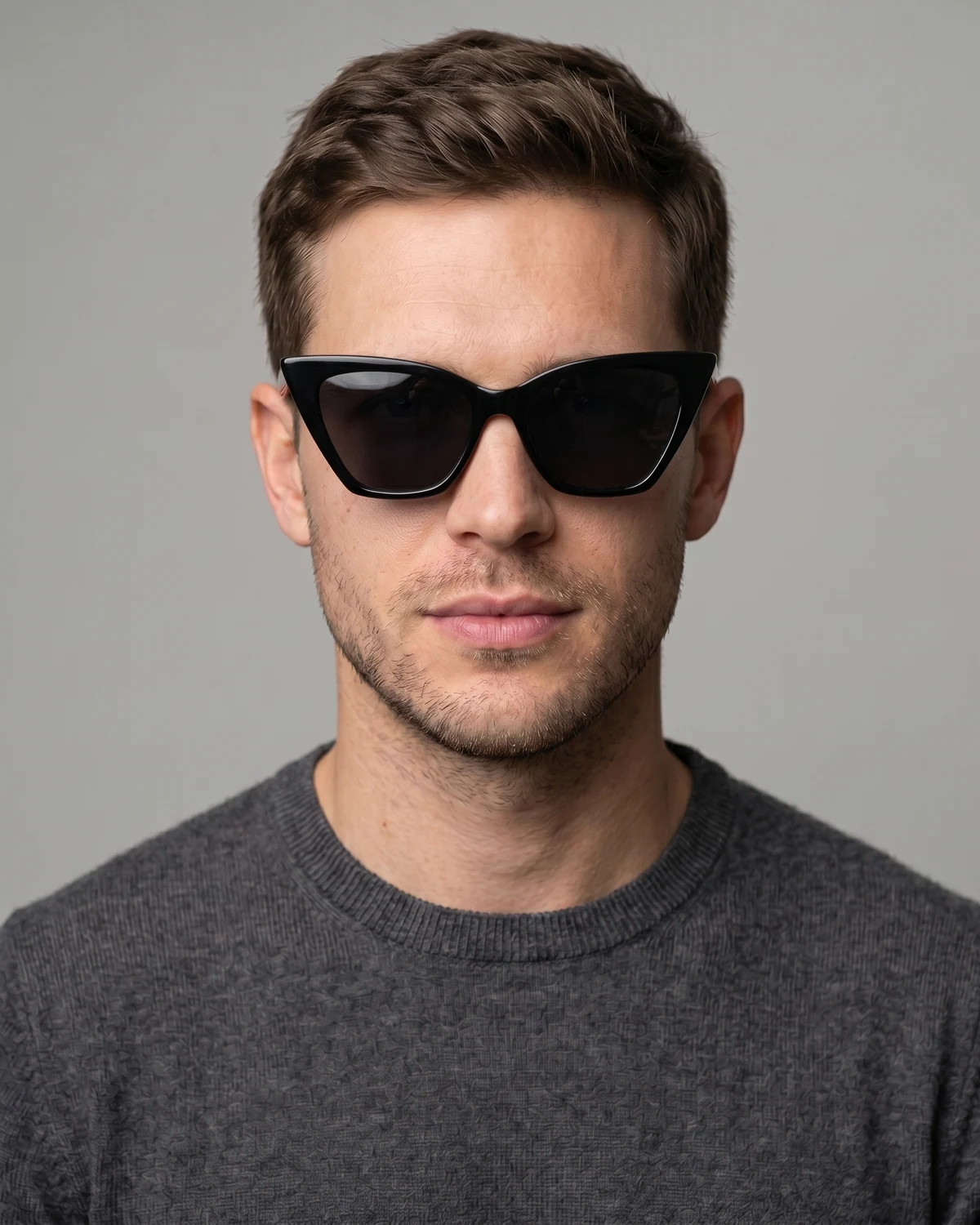
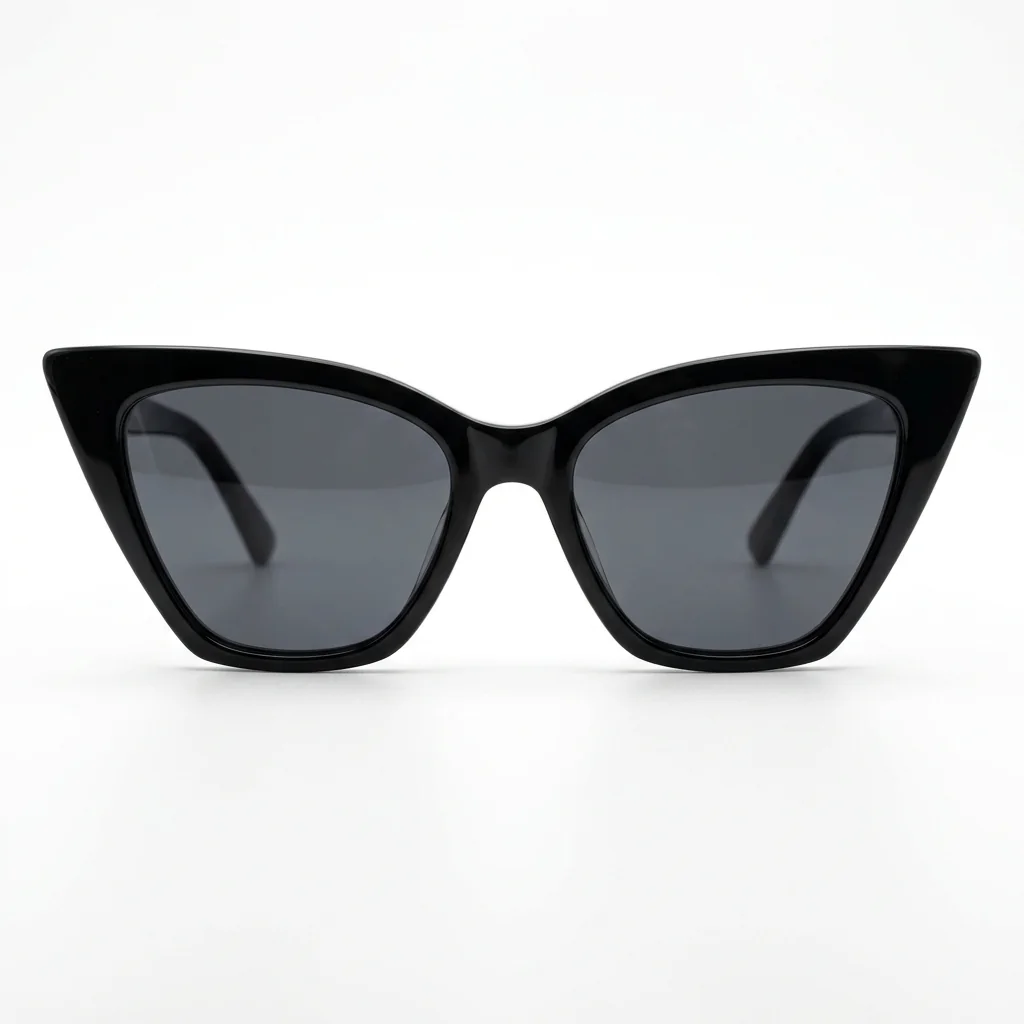
Lifted outer corners add a styled look; check whether the tilt follows the brows naturally.
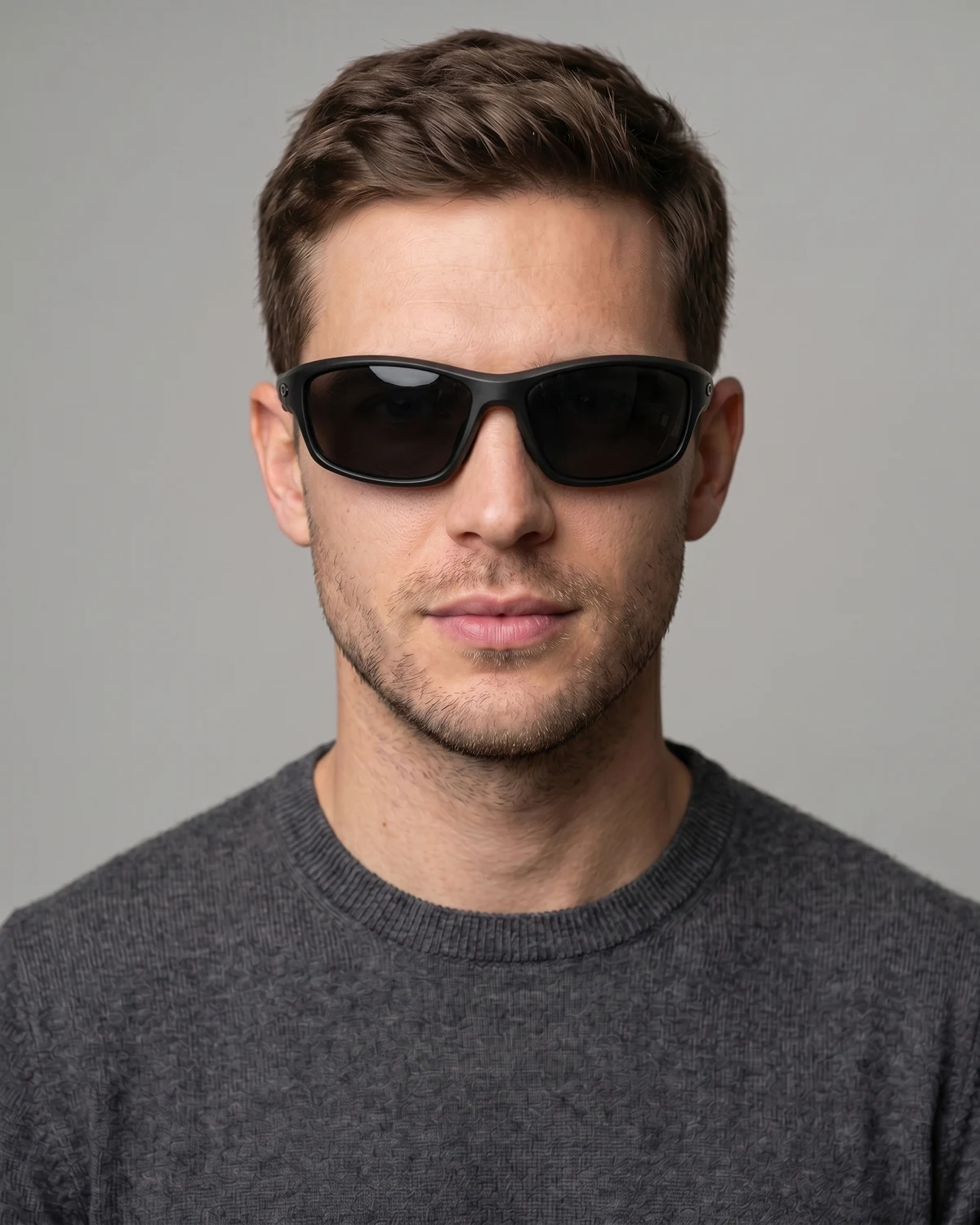
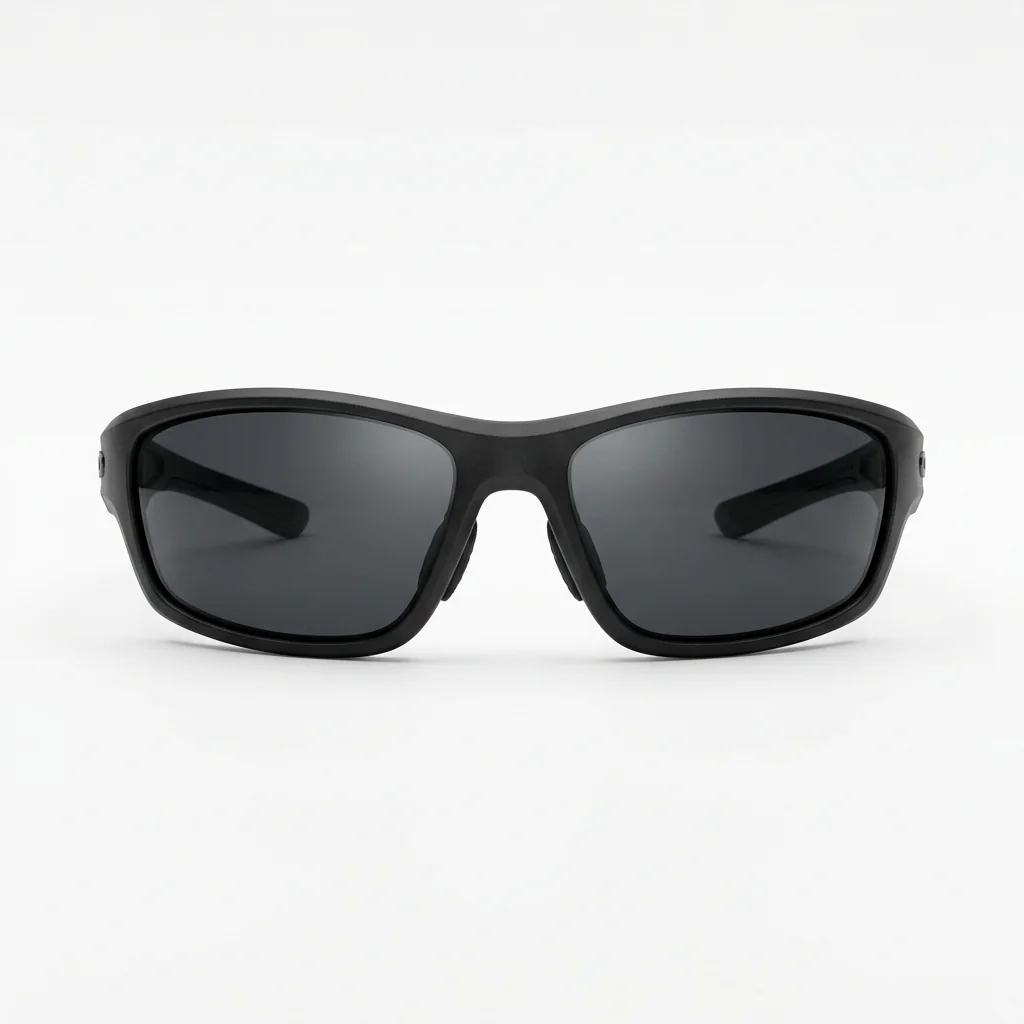
A curved active frame for outdoor looks; inspect lens curvature, temples, and side shadows.
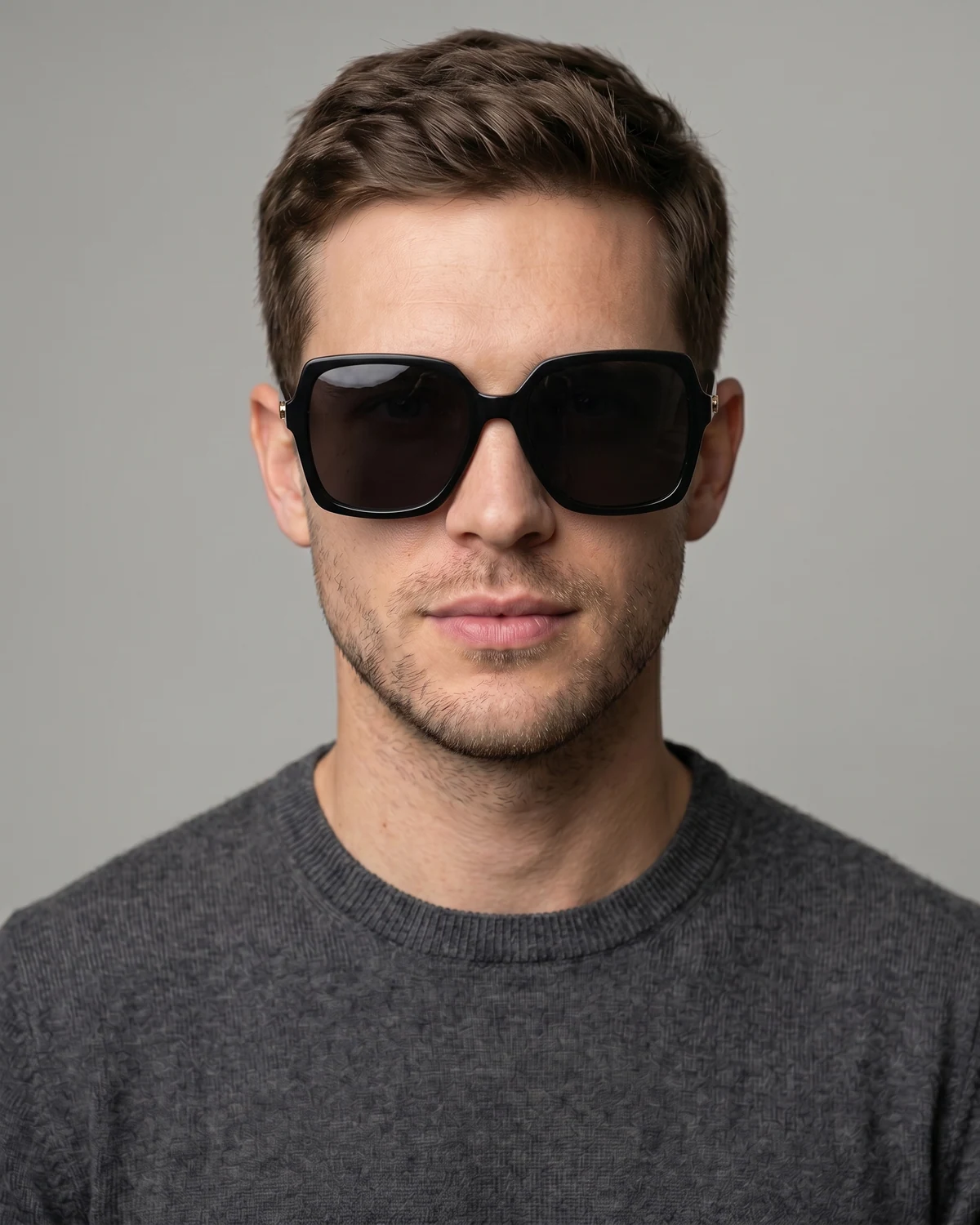
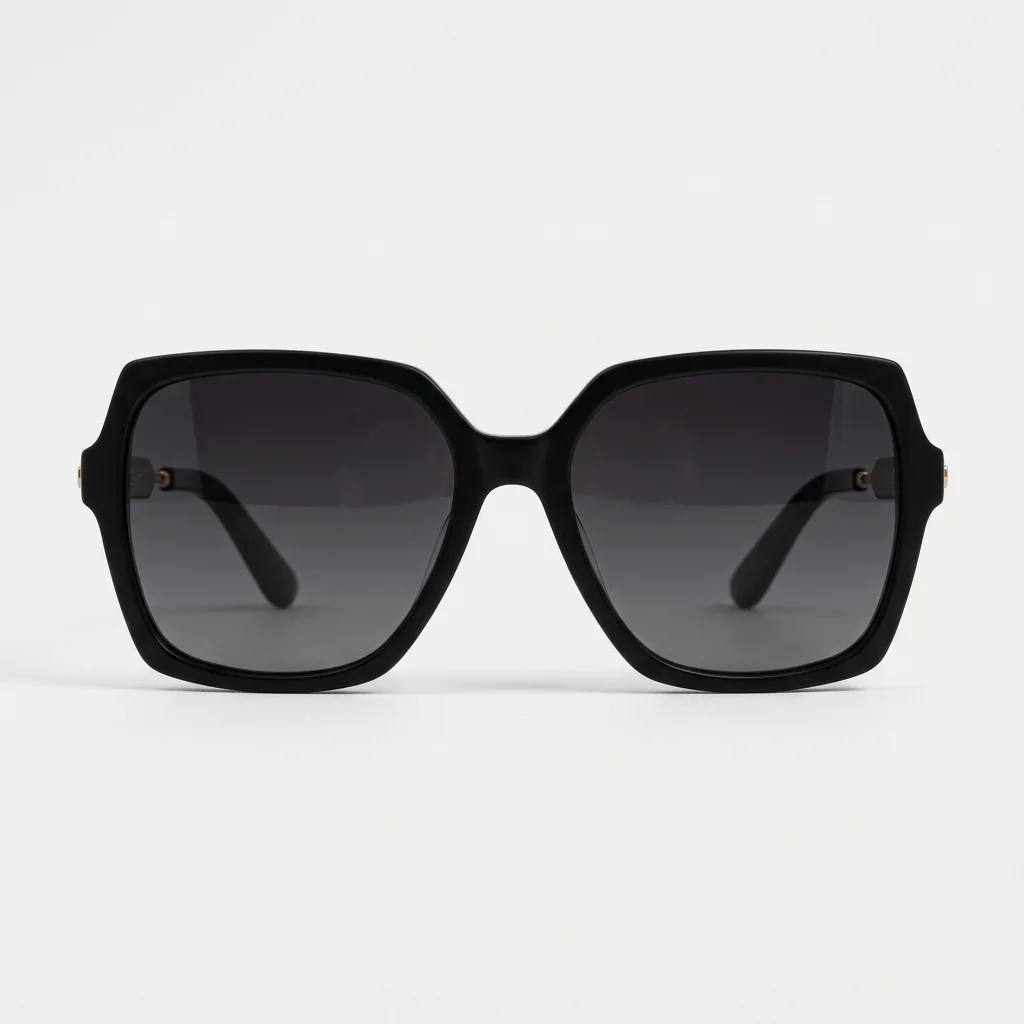
A larger fashion frame for stronger coverage; compare cheek overlap and lens height carefully.
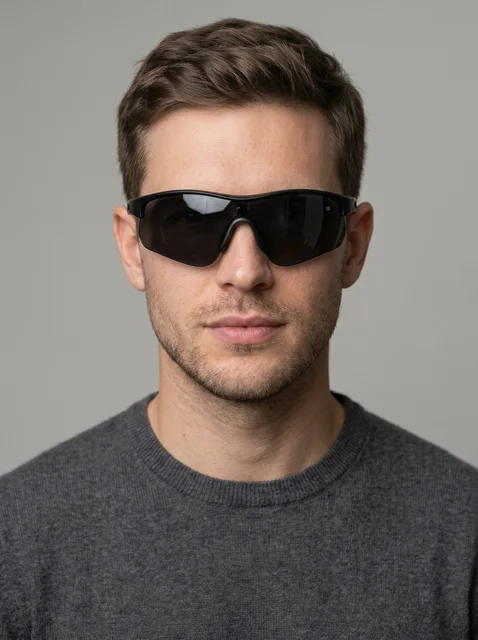
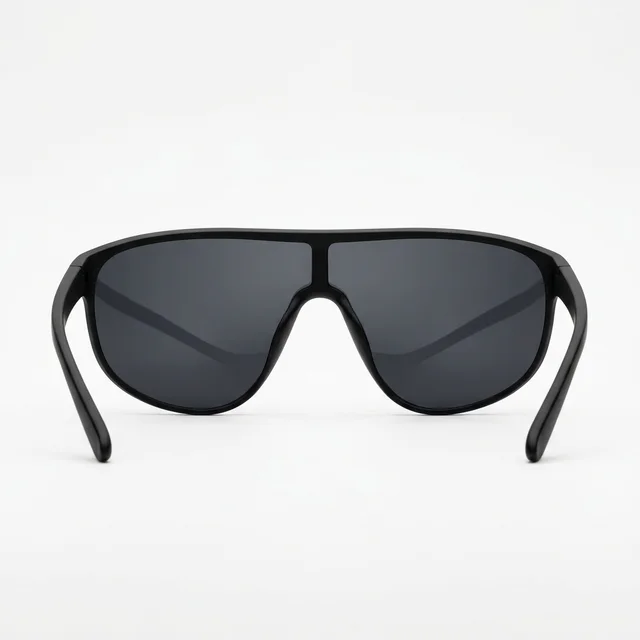
A wraparound one-piece lens for a bold sporty look; check how the single lens sits across both eyes.
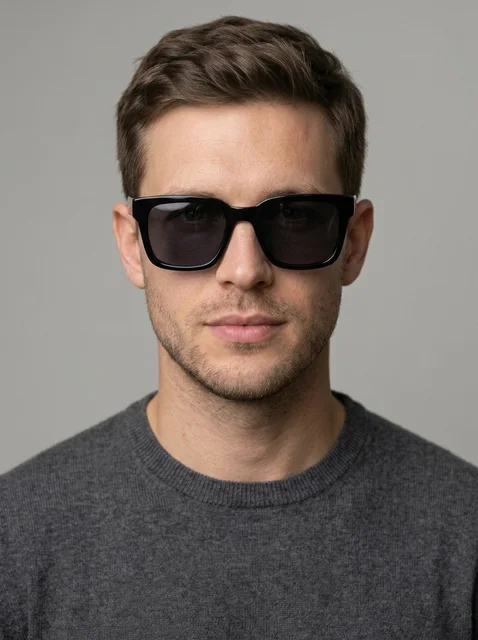
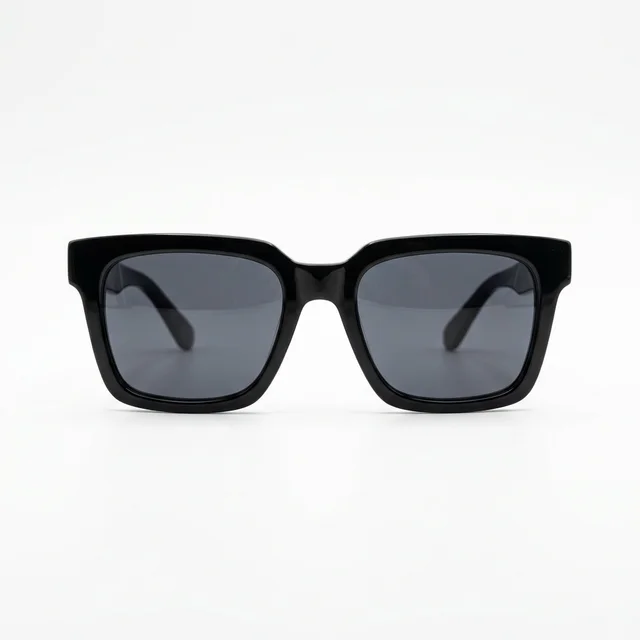
A thick squared acetate frame with a strong outline; compare width against the jaw and brows.
Method comparison
AI Virtual Try On Sunglasses is strongest for style, tint, scale, and portrait presentation. Use physical fitting for UV category, polarization, and exact sizing.
| Factor | AI virtual try-on | In-store fitting | Webcam AR |
|---|---|---|---|
| Speed | Upload, pick a frame, generate; fast for comparing lens shape and tint | Requires travel, fitting, mirror checks, and product availability | Instant camera preview, but usually limited to the retailer catalog |
| Style range | Can compare aviator, wayfarer, round, cat-eye, sport wrap, oversized, or custom references | Limited by store inventory, sizes, and lens colors in stock | Depends on whether the brand has prepared 3D or AR sunglass assets |
| Lens realism | Useful for judging tint, reflections, eye visibility, and portrait mood | Best for real opacity, UV category, polarization, and physical glare checks | Alignment is stable, but reflections and lighting are often simplified |
| Fit accuracy | Good for style, scale, lens height, and visual weight; not real sizing | Physical fitting is closest for bridge width, temple pressure, and coverage | Strong for face tracking, weaker for material, tint, and exact measurements |
Photo prep
Most weak sunglasses results come from blocked eyes, unclear bridge detail, harsh side light, or close selfie distortion.
Both eyes, the nose bridge, cheeks, and face outline should be visible so the sunglass frame can sit naturally.
Even light helps AI Virtual Try On Sunglasses keep lens tint, reflections, and shadows believable.
Existing glasses or sunglasses hide the eyes and bridge, which can cause double frames or muddy lens tint.
Close wide-angle selfies distort the nose and forehead. A little distance makes frame width and lens height easier to judge.
Workflow
Use AI Virtual Try On Sunglasses for visual shortlisting, then confirm real measurements, lens category, prescription needs, and retailer policies before buying.
Start with an adult, front-facing photo where both eyes, the nose bridge, cheekbones, and face outline are visible.
Pick aviator, wayfarer, round, cat-eye, sport wrap, oversized, shield, or square so the model follows a concrete frame and lens shape.
The hidden prompt asks the model to keep identity, eye direction, skin texture, lighting, and expression stable while adding sunglasses.
Zoom in on bridge height, frame width, lens tint, reflections, temple direction, and cheek shadows before saving the result.
FAQ
Practical details for AI Virtual Try On Sunglasses, including portraits, lens tint, fit limits, privacy, ecommerce use, and retrying weak results.
It is designed as an identity-preserving edit. Use a clear adult portrait and review the result for any face-shape, eye, skin texture, or expression changes before using it.
Yes. Use the presets for a quick comparison, or describe dark, brown, mirrored, gradient, or lightly transparent lenses when you generate a custom result.
No. It is a visual preview for style, scale, tint, and portrait presentation. Confirm UV protection, lens category, bridge width, temple length, and return policies with the eyewear seller.
Use a front-facing adult portrait with eyes open, even lighting, and no existing glasses or sunglasses blocking the eye area. Side profiles and heavy shadows make frame alignment less reliable.
Use them as draft concepts or marketing mockups only when you have rights to the portrait and frame design. For final commerce assets, verify product accuracy, model releases, and brand permissions.
No. The prompt asks the model to add sunglasses while preserving the uploaded person. Do not use it for impersonation, deception, official IDs, or edits without consent.
Start with a prompt or reference, compare models, and save the best result to history. Upgrade when you need cleaner exports, stronger models, or more production volume.