
Upload your photo
Add a JPG, PNG, or WebP that is blurry, soft-focused, or lacks sharpness.
AI Unblur Image
Upload a blurry or soft photo and sharpen it into crisp, clear detail in one click — great for faces, pets, and old pictures.
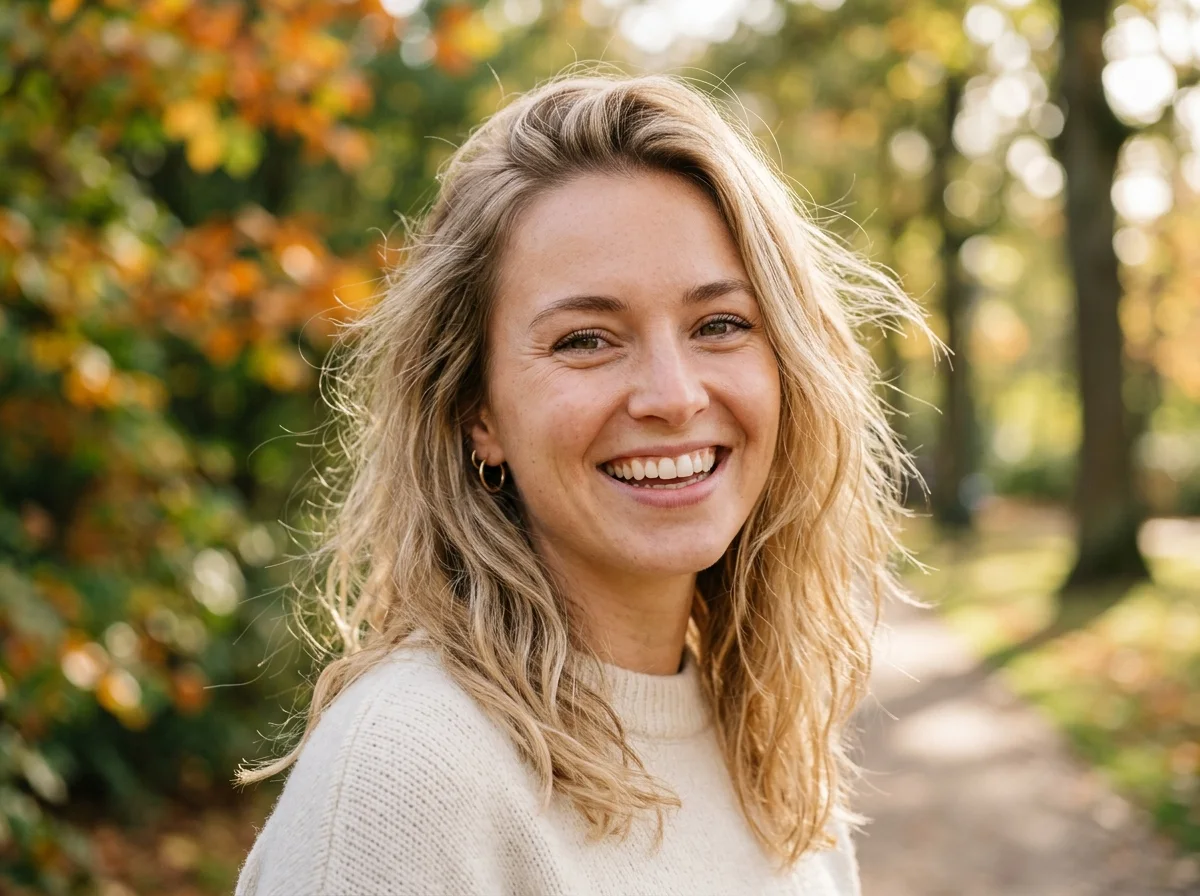
Examples
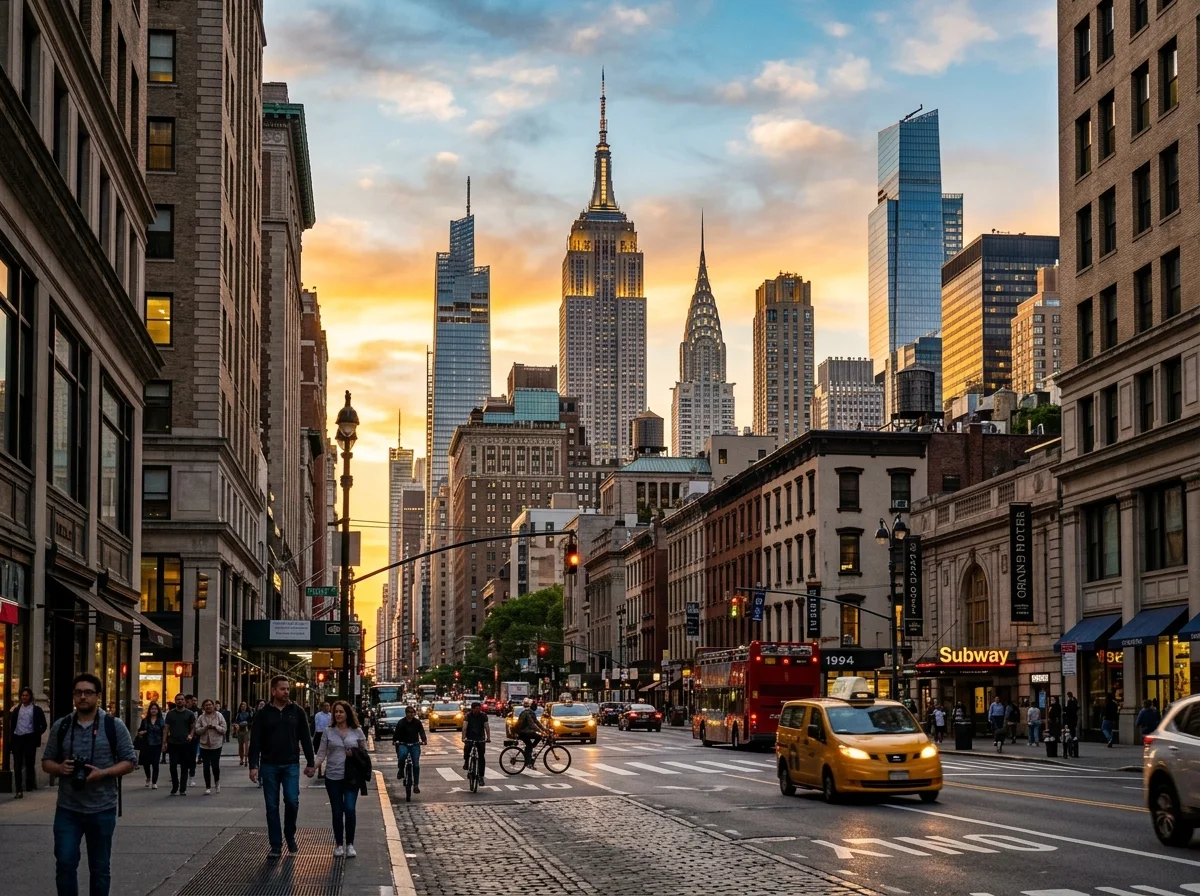
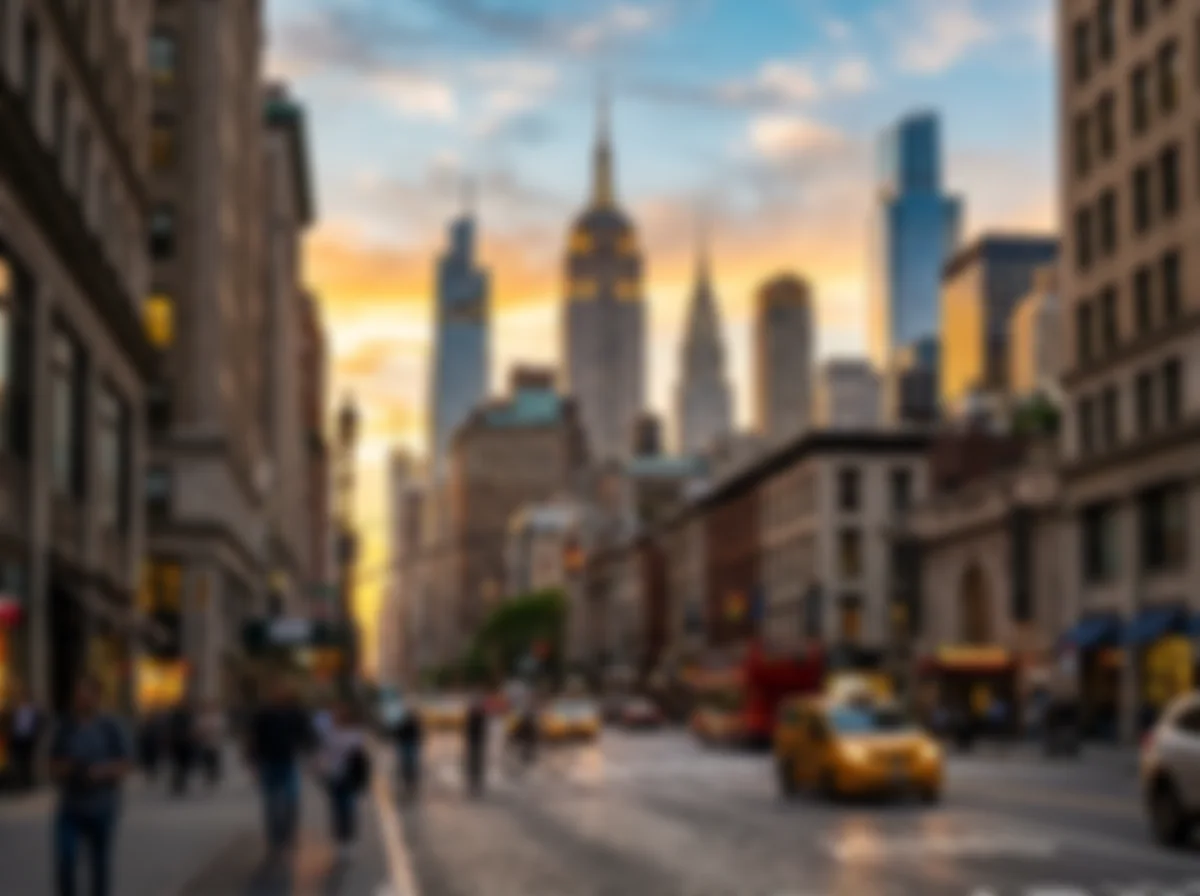
Portraits, pets, and street scenes — drag each slider to see a blurry original become a sharp, detailed photo. Same subject, recovered clarity.
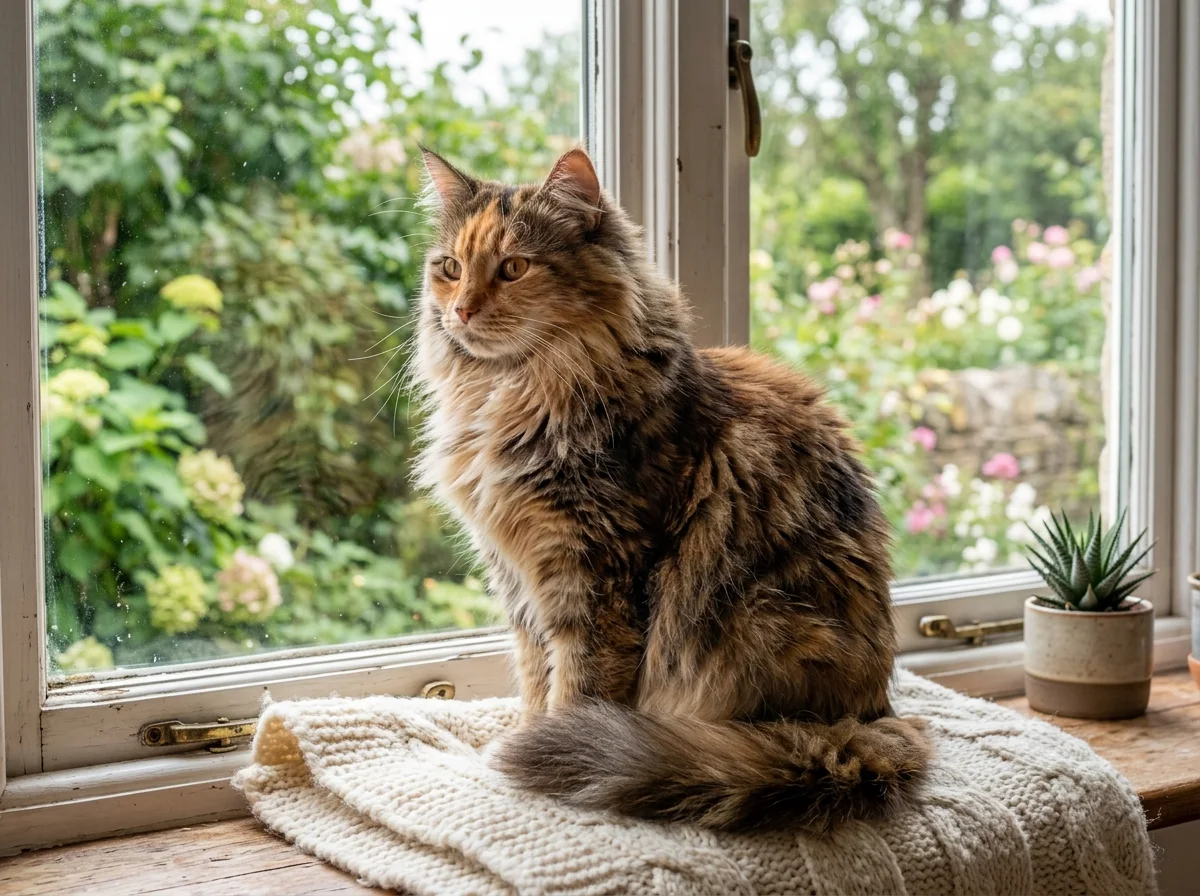
Why it looks real
Unblurring only works if the subject still looks like itself afterward. The model recovers detail and edge clarity while leaving the subject, colors, and framing exactly as shot.
The model restores texture and edge sharpness in faces, fur, fabric, and text — detail that was soft or lost to camera shake.
Only sharpness changes. The subject, pose, framing, and color balance stay exactly as they were in the original photo.
The result looks like a well-focused photo, not an over-processed image with halo artifacts or crunchy edges.
Workflow
Upload, sharpen, and review — then download a crisp result.
Add a JPG, PNG, or WebP that is blurry, soft-focused, or lacks sharpness.
The model analyzes the image and recovers crisp detail in a single pass — no settings to adjust.
Zoom in to check faces, edges, and fine textures. Run a second pass if any area still looks soft.
Sign in to save history and remove the export watermark from your final sharpened image.
Use cases
Recover soft or blurry photos in one click — then verify the result before you publish.
Bring back detail in aged prints and scanned family photos that have softened over time.
Rescue slightly out-of-focus pet and action photos where the moment matters more than perfect focus.
Sharpen blurry screenshots, document scans, or ID photos so text and details read clearly.
Fix soft or compressed photos before posting so they look sharp on any screen or feed.
FAQ
Practical answers about supported blur types, what changes, and how to get the sharpest result.
Yes. Upload a blurry photo and sharpen it with the free base model. Sign in to keep results in history and remove the export watermark from your downloads.
It handles soft focus, slight camera shake, and the natural softness of older or compressed photos. Severe motion blur — where the subject streaks across the frame — is much harder to recover and results may be limited.
No. The model recovers sharpness while keeping the subject, pose, colors, and framing identical. Always review the result before using it.
Photos where the subject is recognizable but soft or slightly out of focus respond best. Portraits, pet photos, old scanned prints, and screenshots all work well.
Upload a JPG, PNG, or WebP up to 10 MB. Starting from the highest-quality version of the file gives the clearest result.
Run it through a second pass, or check that the source file is the highest-resolution version you have. Heavily compressed or very low-resolution images have less recoverable detail.
Start with a prompt or reference, compare models, and save the best result to history. Upgrade when you need cleaner exports, stronger models, or more production volume.