
Private remembrance
Create a gentle moving keepsake from one photo to share with close family or keep for yourself.
AI Memorial Video Generator
Upload a cherished photo and create a gentle memorial video in one click — the AI applies soft motion, warm light, and a calm atmosphere that honors the person you love.
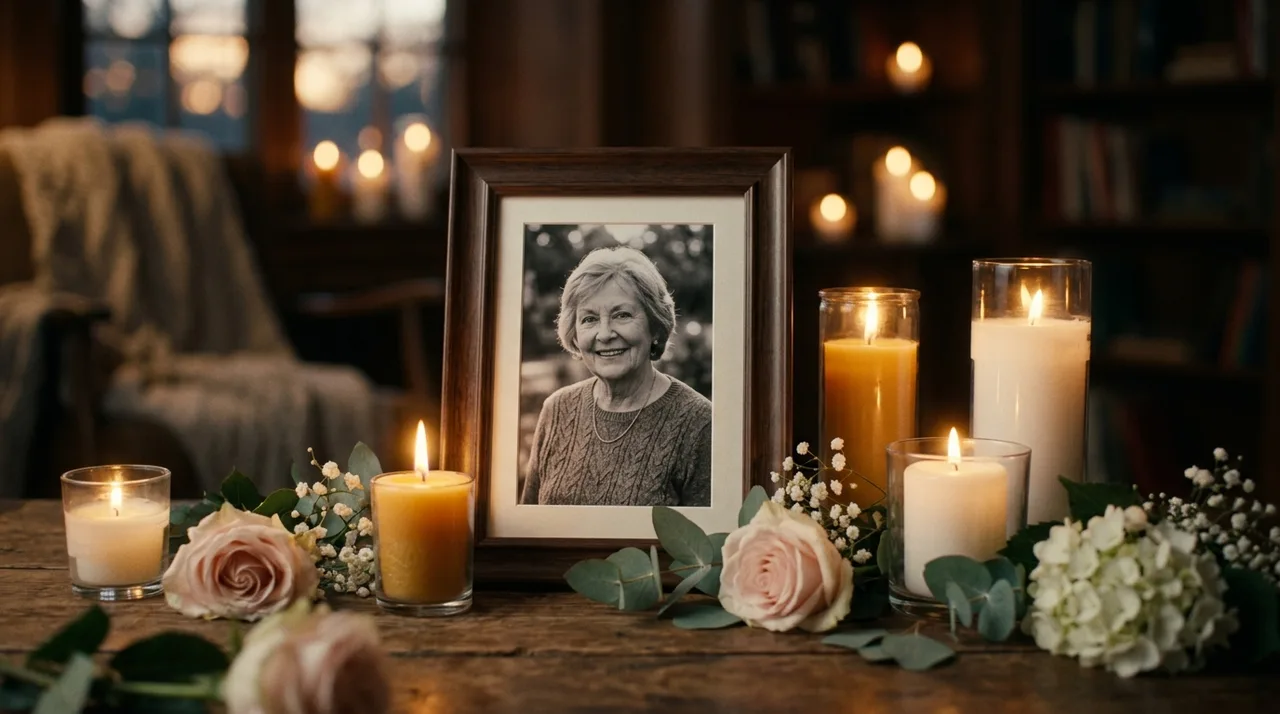
AI memorial video generator
A tribute video should feel calm, faithful, and dignified. The AI applies soft motion to light and atmosphere — gentle drift, warm candlelight, or a peaceful breeze — while the person's face and expression remain exactly as you remember them.
The gentle motion is applied to the scene and light around the person — their face, expression, and presence remain exactly as you remember them.
Upload and click once — the AI automatically applies a tuned soft-motion tribute preset. No style picking needed.
Every preset is designed to feel peaceful and respectful — slow movement, warm light, and a quiet atmosphere that honors the memory.
Tribute workflow
Upload, generate in one click, and share — a heartfelt tribute with no prompt needed.
Add a clear photo of the person or a scene that holds meaning — a portrait, a favorite place, or a quiet moment.
The AI automatically applies a tuned soft-motion tribute preset. Open the custom prompt only if you want a specific atmosphere.
Click once and the photo is gently animated into a short, respectful video — no prompt writing required.
Sign in to save to history and remove the export watermark, then share the video with family and friends.
Use cases
Turn a still photo into a moving tribute — something gentle to hold, share, and keep.
Create a gentle moving keepsake from one photo to share with close family or keep for yourself.
Use a slow, dignified clip as part of a slideshow or celebration of life video.
A favorite place, garden, beach, or outdoor portrait can become a quiet tribute with soft natural motion.
Create a short, respectful clip for a birthday, anniversary, or remembrance day message.
FAQ
Thoughtful answers about creating respectful, heartfelt tribute videos from a photo.
Yes. Upload a photo and generate a gentle memorial video with the free base model — the AI applies soft tribute motion automatically. Sign in to save your results to history and remove the export watermark from your downloads.
This is a one-click tool: just upload your photo and click once — the AI automatically applies a tuned soft-motion tribute preset, then the photo is gently animated into a short tribute video. No style picking, no prompt writing needed. Want to fine-tune? Open the full workbench and describe the motion in a custom prompt.
A clear, well-lit portrait or scene photo works best. It does not need to be a close-up — a photo that captures the person in a setting they loved works beautifully too.
Every preset is designed to keep the subject stable and true to the original photo. The motion is applied to light, atmosphere, and camera — not to the person's face or expression.
Yes. Both work well. For a group photo, the gentle motion will apply to the whole scene. A solo portrait gives the clearest, most focused tribute.
Absolutely. The videos are well-suited for sharing privately with family and friends, displaying at a service, or posting as a tribute. Use only photos you have the right to use.
Start with a prompt or reference, compare models, and save the best result to history. Upgrade when you need cleaner exports, stronger models, or more production volume.