
Pick a style
Choose from floral, minimal type, watercolor, rustic, geometric, and more to set the visual tone of your card.
AI Save the Date Generator
Pick a save-the-date style, describe your event, and generate elegant, print-ready card designs — florals, minimal, rustic, watercolor, and more — then download your favorite.
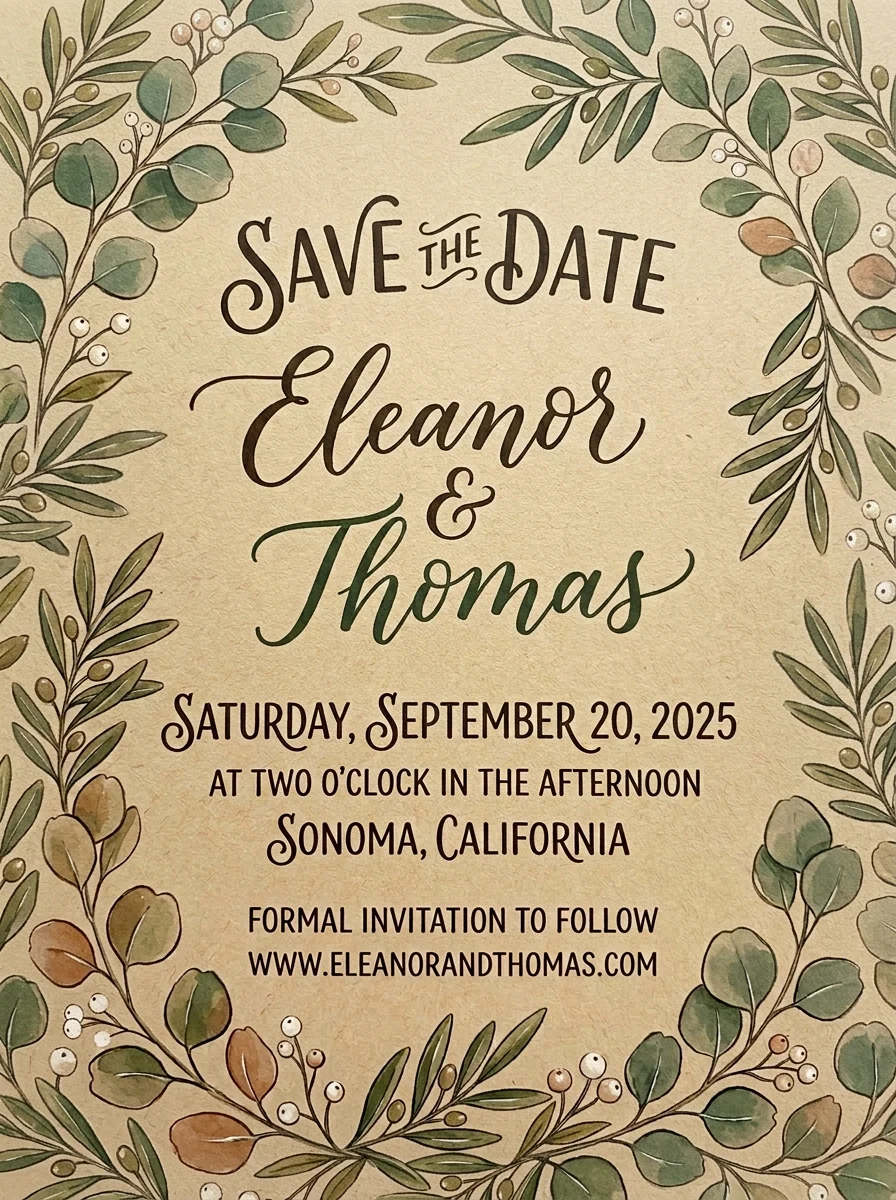
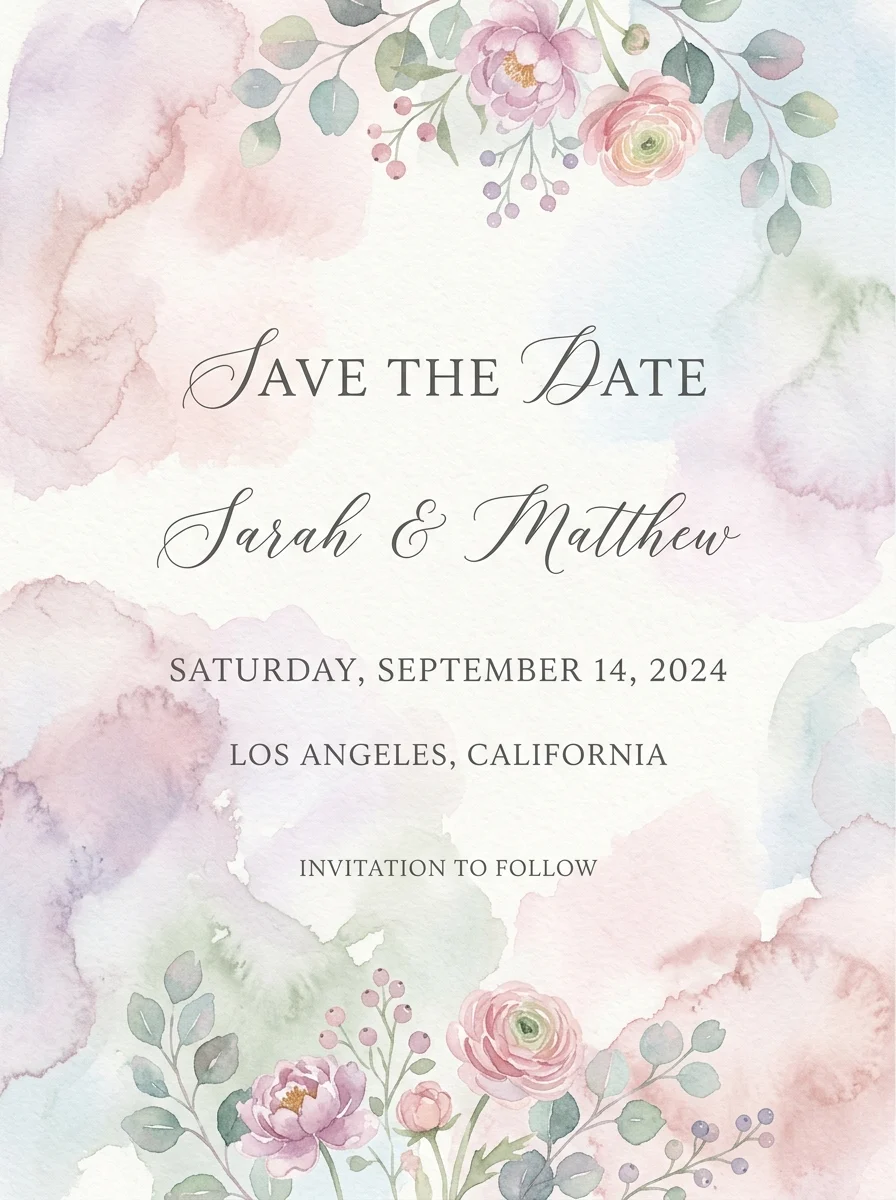
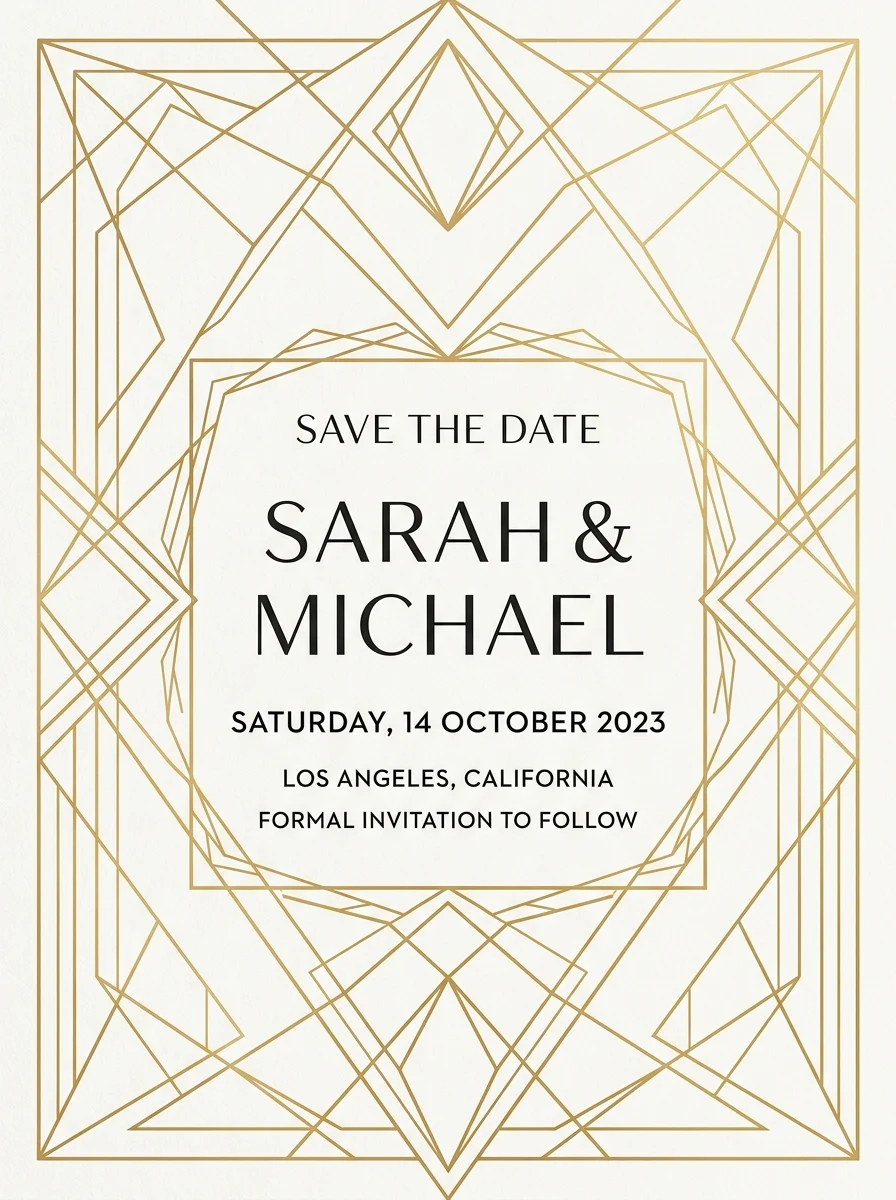
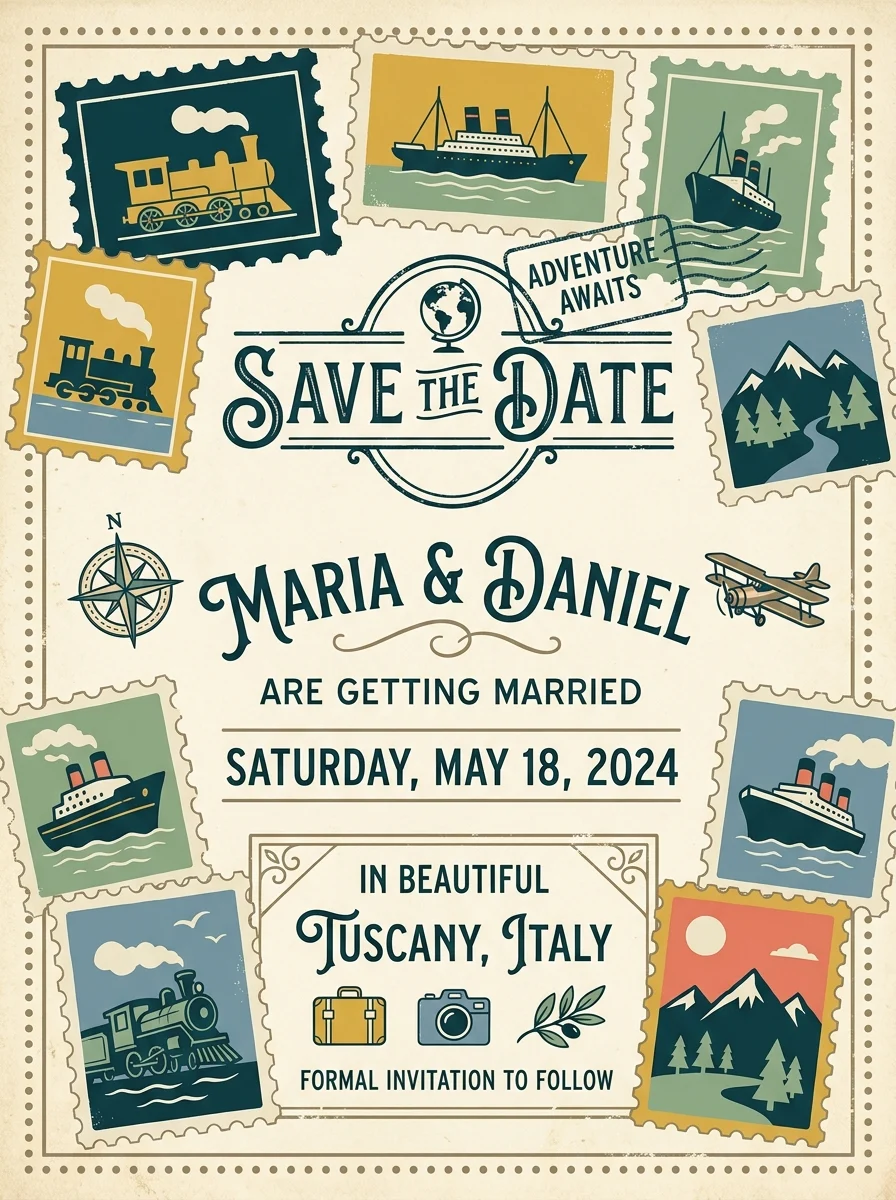
Inspiration
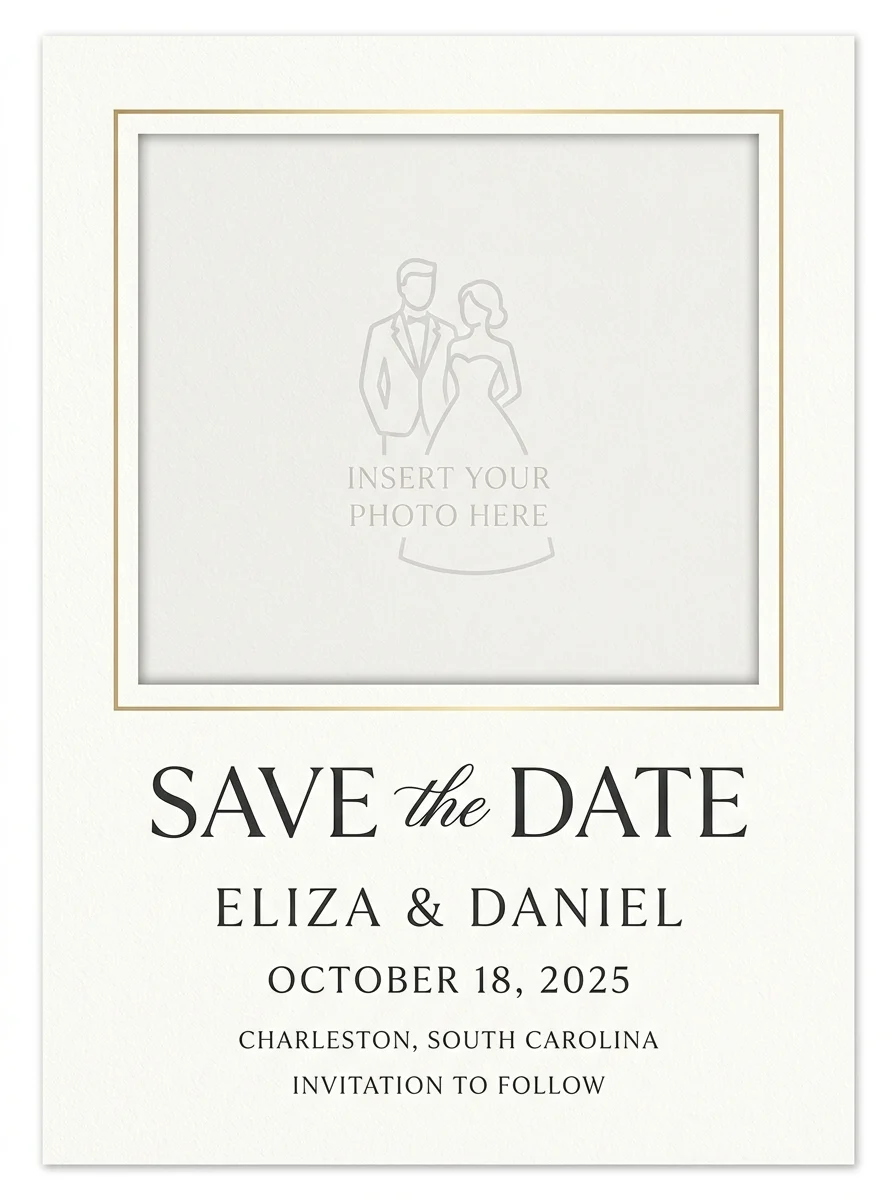
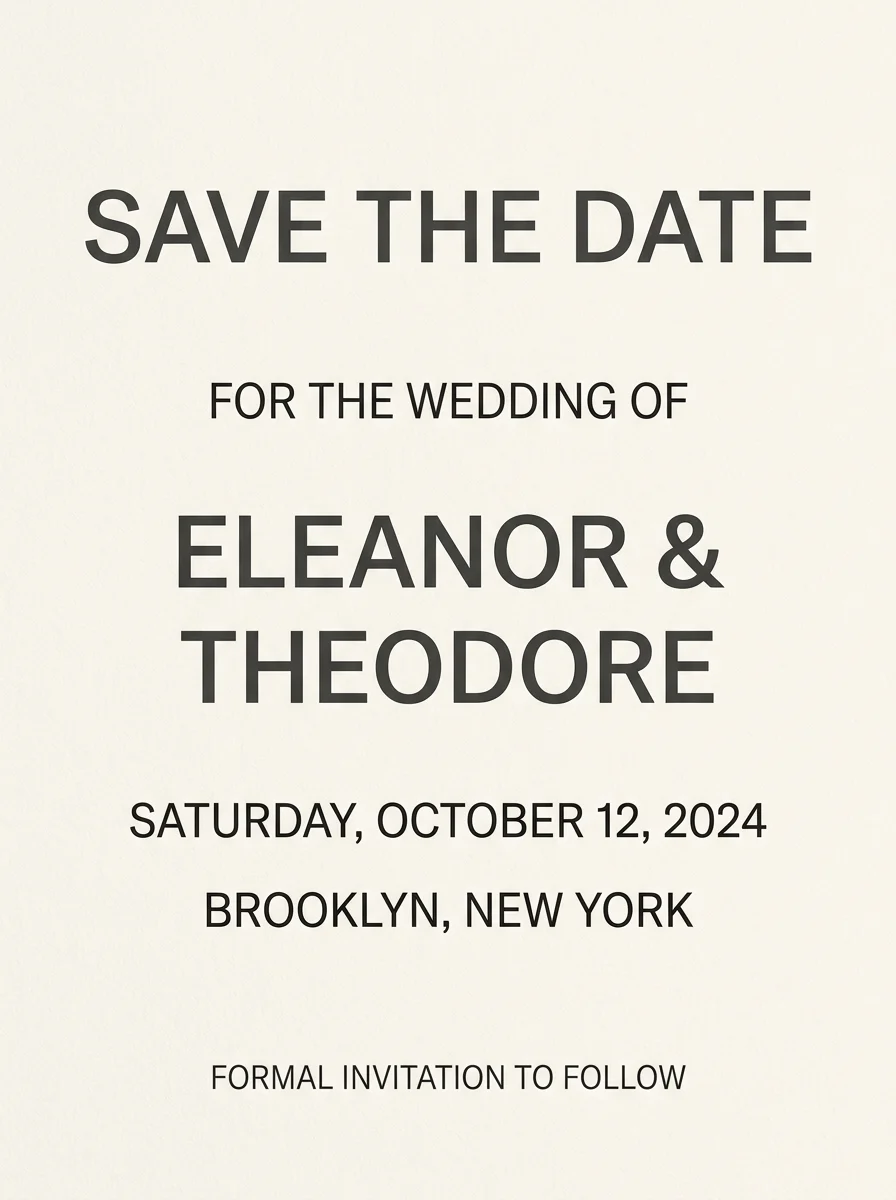
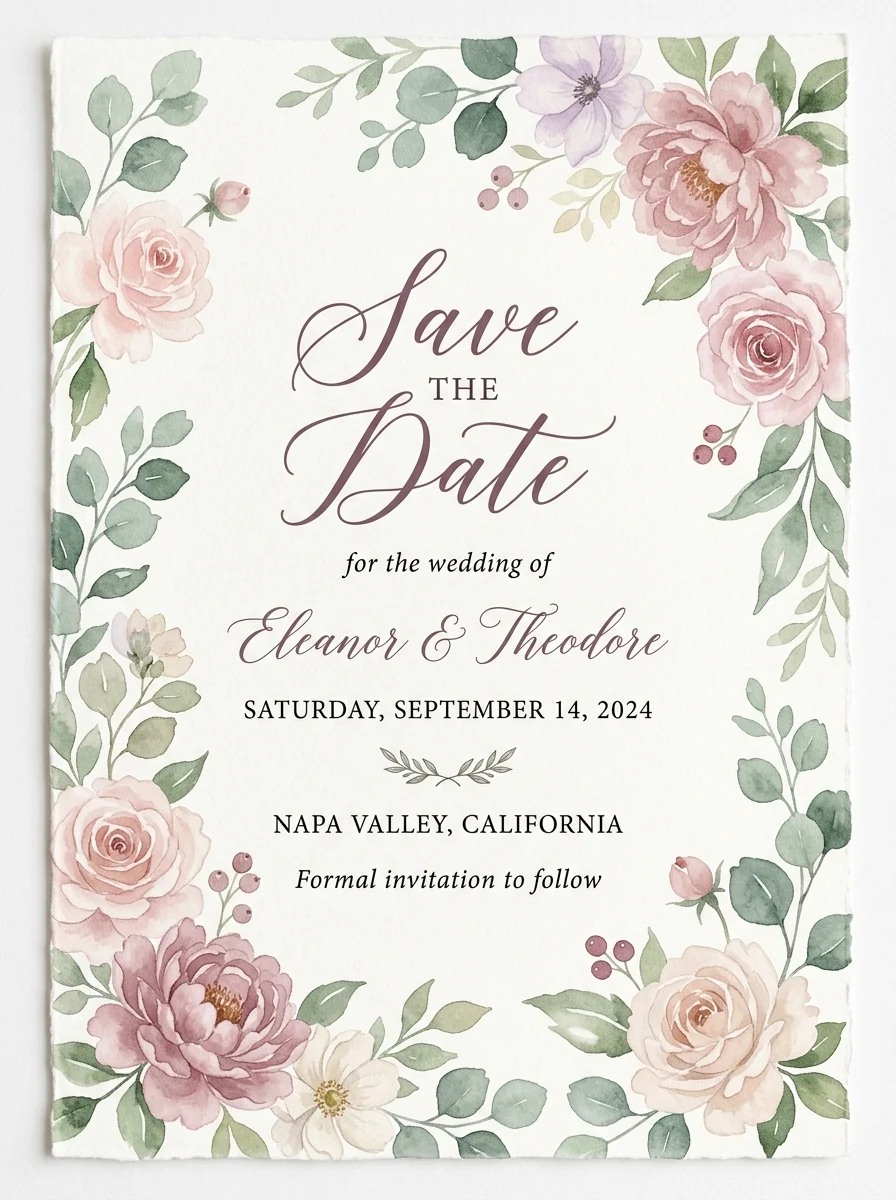
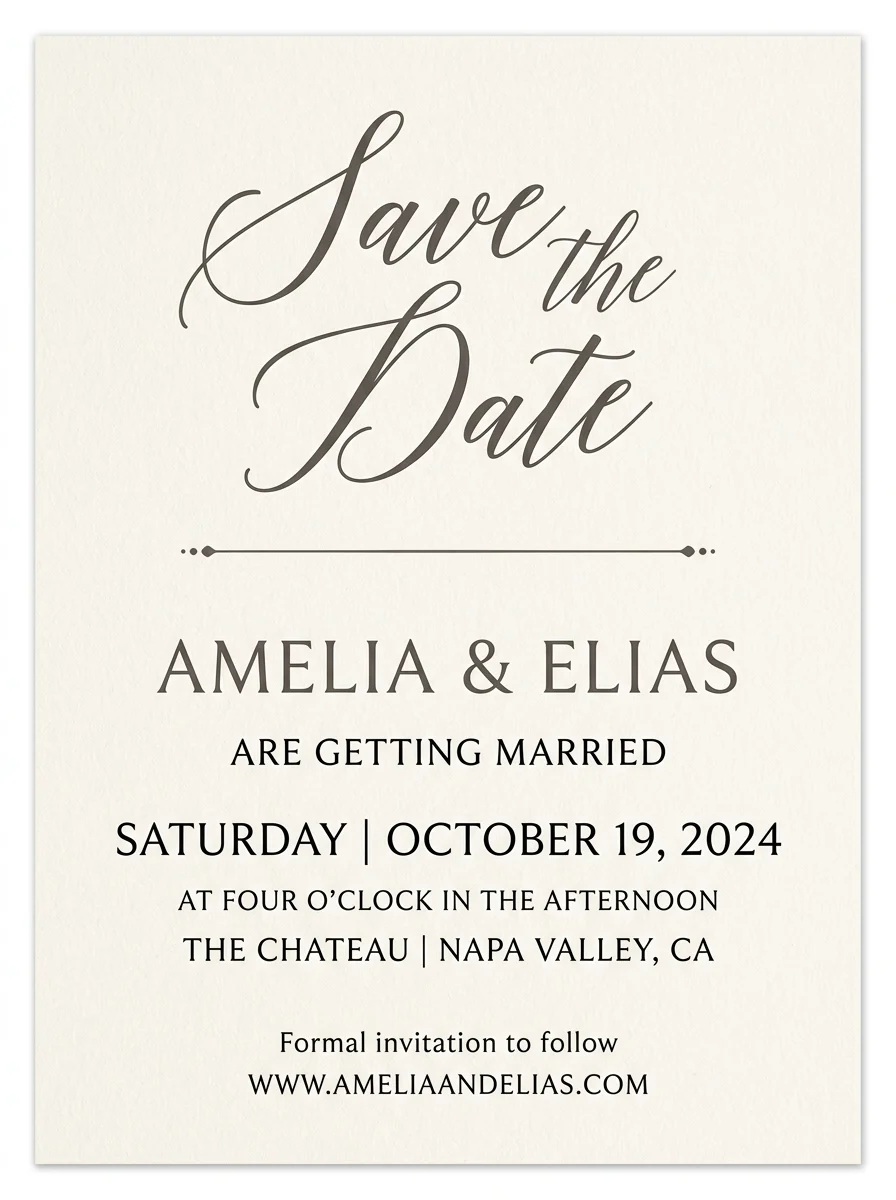
No blank canvas. Tap any card to load its description and style into the generator, swap in your own names and date, and create a fresh version in seconds — across floral, watercolor, minimal, and vintage-stamp designs.
Prompt recipes
A good save-the-date prompt follows a simple pattern: style, couple names, date, and one location or mood word. Tap a recipe to load a working example, then swap in your own details.
Write a better brief
The model is only as good as the brief. A clear, specific sentence beats a vague one every time — here is what to include.
Give the couple names, the month and year, and the city or venue — "Olivia & Liam, Fall 2026, Napa" sets up every detail the card needs.
Add a single adjective — romantic, adventurous, coastal, moody — and the model will match palette and texture to that feeling.
If guests are traveling, mention it: "destination beach wedding, Tulum" lets the design echo the location they are saving the date for.
Workflow
Pick a style, describe your event, generate, and download.
Choose from floral, minimal type, watercolor, rustic, geometric, and more to set the visual tone of your card.
Add the couple names, wedding date or season, and location — "Olivia & Liam, Fall 2026, Napa" is all you need.
Create several options and compare them side by side. Adjust the description and regenerate until one feels right.
Download your favorite for digital sharing, print-at-home, or upload to an online print vendor for mailed cards.
Use cases
Explore card directions fast — then refine the strongest design for print or digital delivery.
Generate elegant save-the-date card concepts across floral, minimal, script, and vintage styles to match any wedding aesthetic.
Design save-the-date announcements for engagement parties, milestone birthdays, and destination celebrations.
Use the photo-frame style to create a layout built around your engagement photo — drop in the real image after generating.
Export save-the-date designs for Instagram Stories, email announcements, and wedding website headers.
FAQ
Practical answers about what to include, photo cards, print sizes, and matching your full invitation suite.
Yes. Pick a style, describe your event, and generate save-the-date card designs with the free base model. Sign in to keep results in your history and remove the export watermark from downloads.
A save the date needs the couple's names, the wedding date (or approximate season and year), and the city or venue. Some couples also add a wedding website URL. Everything else — photos, quotes, themes — is optional.
The model can render short text, but AI-generated lettering is not always perfectly spelled. Use the generator to set the overall look, then overlay the final names, dates, and venue in a design tool or with your stationer for precise typography.
Select the "Photo frame" style to generate a card layout with a large placeholder for your engagement photo. Drop your actual photo into the frame in any image editor — the AI sets the surrounding design so your photo becomes the centerpiece.
The most common sizes are 4×6 in (postcard format) and 5×7 in. The generator produces a 3:4 portrait layout that matches both proportions — export and print at whichever size your print vendor supports.
Yes. Note the style you used — floral, geometric, watercolor — and use the same style with the same color keywords when you generate wedding invitations on Inkfox. Consistent style descriptions keep the suite cohesive.
Results download as high-resolution images ready for digital sharing, print-at-home, or uploading to an online print vendor. For a full vector layout with live editable text, recreate the design in a tool like Canva or Adobe InDesign using the AI card as a reference.
Generate as many versions as you need with the free base model — most couples try several styles and phrasings before settling on a direction. Sign in to save your favorites to your account history.
Start with a prompt or reference, compare models, and save the best result to history. Upgrade when you need cleaner exports, stronger models, or more production volume.