
Restaurant Reels
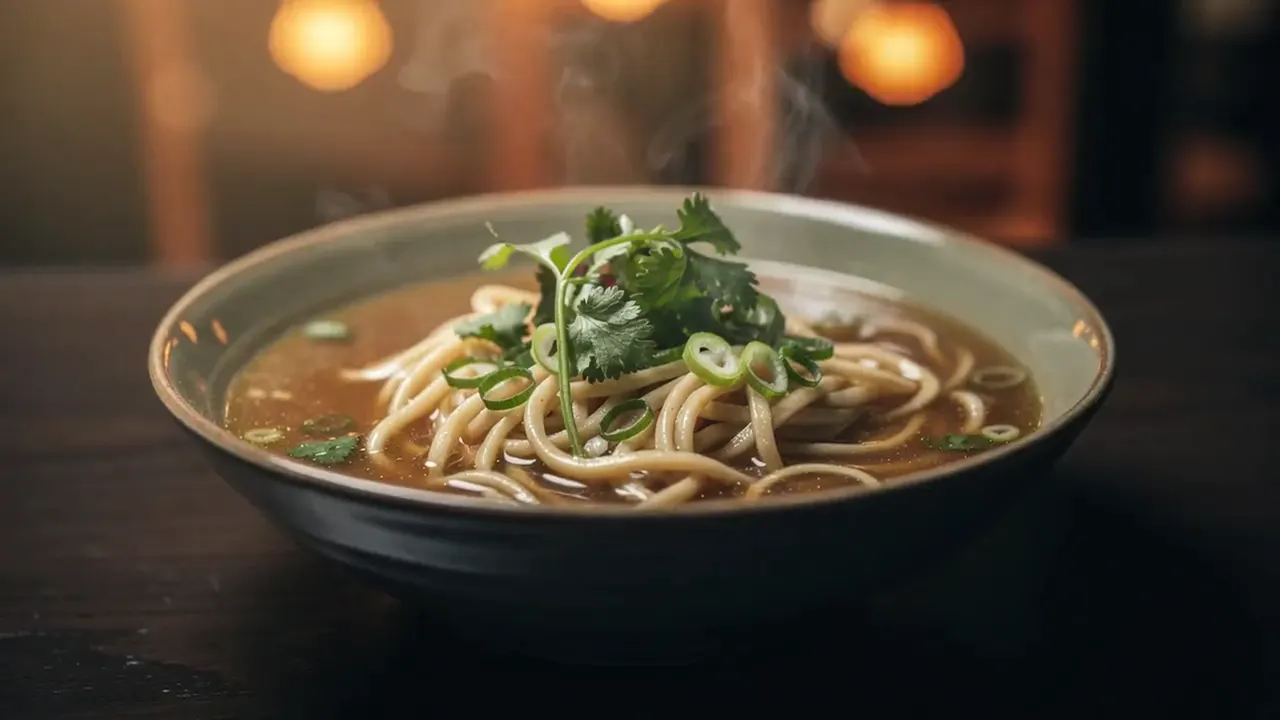
Create a short dish reveal with steam and table ambience for Instagram, TikTok, and Shorts.
AI Food Video Generator
Upload a dish, drink, dessert, or restaurant photo. Create appetizing short videos with steam, sauce pours, fork lifts, glossy macro motion, and table ambience. Food image to video · restaurant promos · Reels-ready clips
Food video showcase gallery
Food motion should make texture more appetizing without deforming the dish. Use steam, sauce, sparkle, fork motion, and subtle macro camera movement to create short restaurant ads from one image.
Source photo
AI video result
Workflow
Upload a clean dish photo, describe appetite-building motion, then generate vertical or square clips for menus and social ads.
Use clear dishes, drinks, desserts, cafe scenes, or restaurant hero photos.
Prompt steam, sauce pour, sparkle, fork lift, bubbles, or macro camera motion.
Use vertical clips for Reels, TikTok, Shorts, and restaurant story posts.
Use cases
Match the clip to the channel: a hot dish needs steam, a dessert needs pour motion, and a drink needs sparkle.
Create a short dish reveal with steam and table ambience for Instagram, TikTok, and Shorts.
Add bubbles, pour motion, melting chocolate, sparkle, or macro highlights to hero images.
Turn new dish photography into quick launch clips for local ads and delivery platforms.
Settings guide
Use these choices to keep motion believable instead of asking the model to change the whole scene.
Keep identity, framing, and lighting stable first. Add one visible action, then regenerate only if the subject or background drifts.
Appetite cue
Avoid: Flat dish image
Use case
Avoid: Menu browsing only
Prompt focus
Avoid: Generic cinematic movement
FAQ
Practical answers about food photos, restaurant ads, deformation control, and when AI motion helps.
Clear dishes with visible texture, drinks, desserts, and table scenes work best. Avoid messy backgrounds and tiny food subjects.
Yes. Generate vertical clips for Reels, TikTok, Shorts, local ads, delivery pages, and menu launches.
Keep prompts focused on small texture cues: steam, shine, pour, bubbles, and slow camera movement. Avoid asking for complex object transformations.
No. Start with a strong food photo. The AI food video generator adds motion for promotion and social distribution.
Start with a prompt or reference, compare models, and save the best result to history. Upgrade when you need cleaner exports, stronger models, or more production volume.