
Dynamic profile avatars
Create subtle profile loops for personal brands, communities, and social accounts.
AI Portrait Video Generator
Upload a portrait, headshot, selfie, or studio photo. Add natural eyes, subtle smile, hair movement, breathing, and tiny head motion while preserving identity and stable framing. Portrait photo to video · AI avatar animation · no talking-avatar setup
Portrait input to output
Portrait animation is strongest when the subject moves subtly while the photo framing stays stable. Keep identity, skin texture, and styling stable while adding eyes, breath, hair, expression, and tiny head movement.
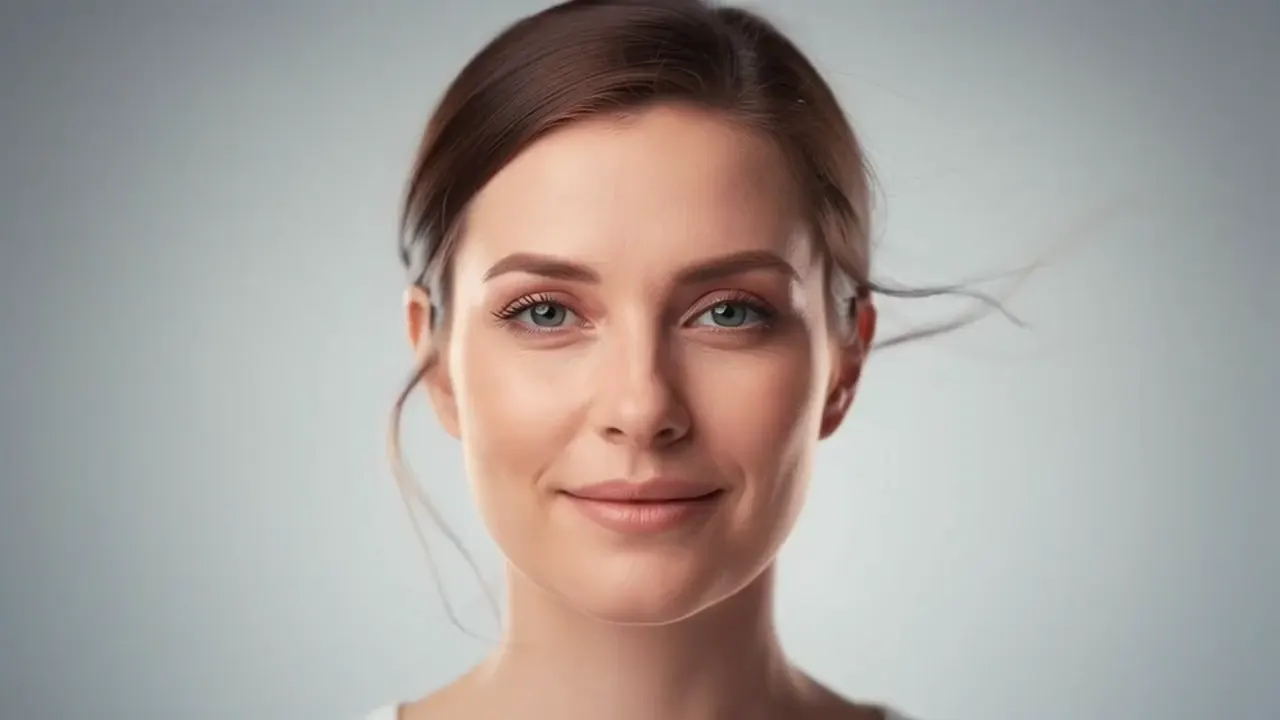
Portrait photo
Animated portrait
Workflow
Upload a clear portrait, choose subtle motion, and export a dynamic avatar or portrait clip.
Use a clear face, visible eyes, and simple background for stable identity.
Prompt eye movement, soft smile, breathing, hair movement, and tiny head motion while keeping the frame locked.
Use square for profile loops and vertical for social portrait posts.
Use cases
Create subtle portrait motion for profile videos, creator intros, editorial loops, and personal avatars.
Create subtle profile loops for personal brands, communities, and social accounts.
Animate studio portraits with hair movement, expression, and natural subject micro-motion.
Create polished motion for LinkedIn, portfolios, founder pages, and profile videos.
Prompt ideas
Match the motion to the original frame. Strong prompts stay specific about the action and conservative about identity.
Locked camera framing, natural eye movement, subtle smile, gentle breathing, slight hair motion, tiny head movement, soft studio light.
A clean profile avatar loop, small expression change, stable identity, no talking, soft background motion.
Editorial portrait motion, confident gaze, hair moving softly, cinematic close-up, preserve face and styling.
FAQ
Practical answers about portrait framing, face stability, avatar loops, editorial motion, and prompt control.
No. This page focuses on subtle subject motion such as eyes, smile, hair, breath, and tiny head movement. It does not create lip-sync presenter videos.
Clear faces, visible eyes, simple backgrounds, and medium close-up portraits work best.
Yes. Use subtle motion and square or vertical ratios for professional profile loops.
Use a clear single-person portrait and avoid prompts that change age, hairstyle, outfit, or face shape.
Start with a prompt or reference, compare models, and save the best result to history. Upgrade when you need cleaner exports, stronger models, or more production volume.