
Property listing walkthroughs
Add slow camera movement to interior and exterior photos without changing the property layout.
AI Real Estate Video Generator
Upload a real estate, interior design, hotel, or rental photo. Create premium walkthrough motion with stable walls, windows, furniture, and room geometry. Real estate listing videos · interior design reels · no editing timeline
Input to output
Real estate video needs restraint. The goal is not to redesign the room, but to add camera motion while keeping geometry, windows, furniture, and lines believable for buyers, renters, and design clients.
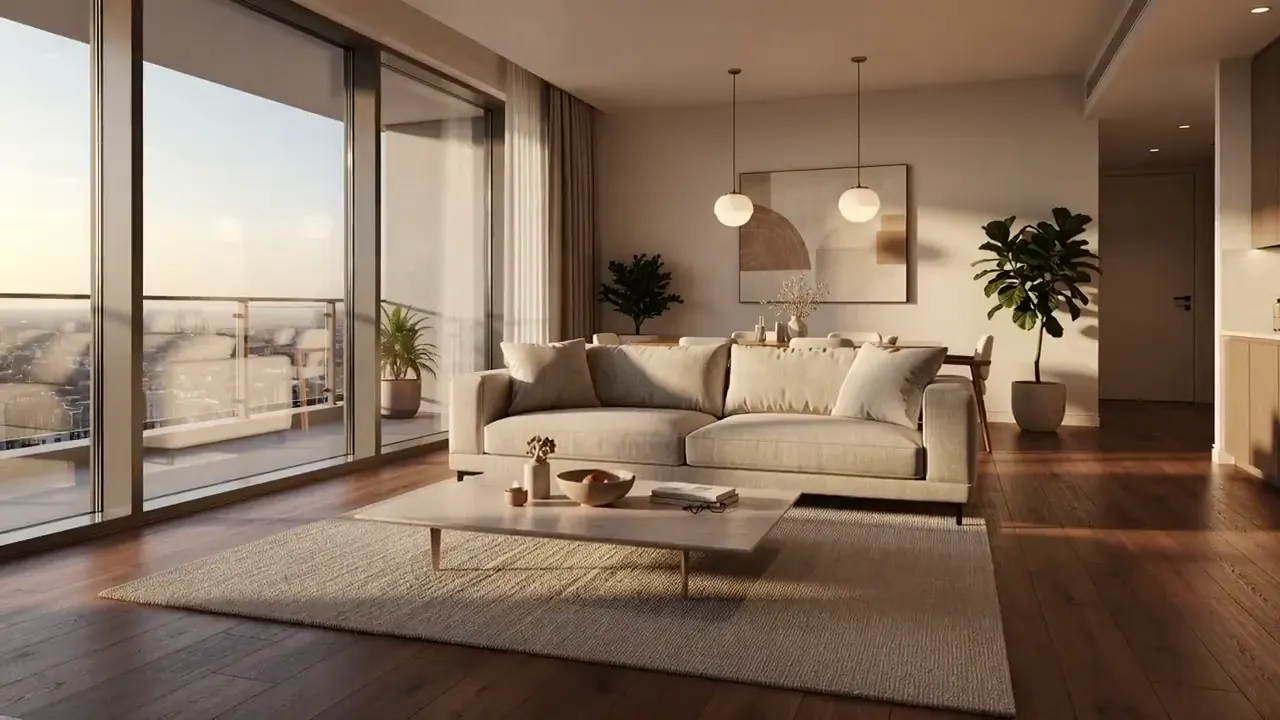
Listing photo
Interior walkthrough clip
Workflow
Use one clean room or exterior photo, choose a walkthrough style, then generate a clip for listings, ads, or design presentations.
Use straight interior, exterior, hotel, rental, or design render images.
Prompt for slow dolly, window light, and stable furniture instead of heavy transformation.
Use landscape for listing pages and vertical for social ads.
Use cases
Use the AI real estate video generator for listing previews, room-detail pans, exterior teasers, and agent social posts.
Add slow camera movement to interior and exterior photos without changing the property layout.
Animate design renders with light movement and room reveal pacing for client presentations.
Create short room preview clips for hotel, Airbnb, and rental social campaigns.
Settings guide
Use these choices to keep motion believable instead of asking the model to change the whole scene.
Keep identity, framing, and lighting stable first. Add one visible action, then regenerate only if the subject or background drifts.
Buyer attention
Avoid: One flat image in the gallery
Risk control
Avoid: Over-stylized room changes
Best channel
Avoid: Only gallery browsing
FAQ
Practical answers about listing photos, interior walkthrough motion, room stability, and social-ready exports.
The prompt should ask for stable geometry, walls, windows, and furniture. AI can still drift, so compare candidates before using the clip in a listing.
Paid plans include commercial usage rights. Make sure your source property photos are authorized for marketing use.
Straight-on interior photos, exterior shots, hotel rooms, rentals, and design renders with clear lines work best.
No. This page focuses on animating an existing image into a video walkthrough, not replacing furniture or redesigning the room.
Start with a prompt or reference, compare models, and save the best result to history. Upgrade when you need cleaner exports, stronger models, or more production volume.