
Free idea testing
Test many compositions and styles with zero pressure before spending credits.
Official free Basic model
Use Inkfox AI Basic for fast, free text-to-image drafts, concept exploration, prompt testing, and thumbnails. The workbench below opens on Inkfox AI Basic, so you can lock a direction first and keep iterating with free monthly credits.
Image-first use case map
Use Inkfox AI Basic for fast free text-to-image drafts, concept exploration, prompt testing, and thumbnails before moving to Pro or Max. Treat each Basic output as a visible draft you can judge, compare, and upgrade.
Test many compositions and styles with zero pressure before spending credits.
Validate prompt structure quickly, then move it to a premium model.
Produce thumbnail drafts for videos, articles, and social fast.
Create first images you can upgrade later in Pro or Max.
Draft gallery
Image is the decision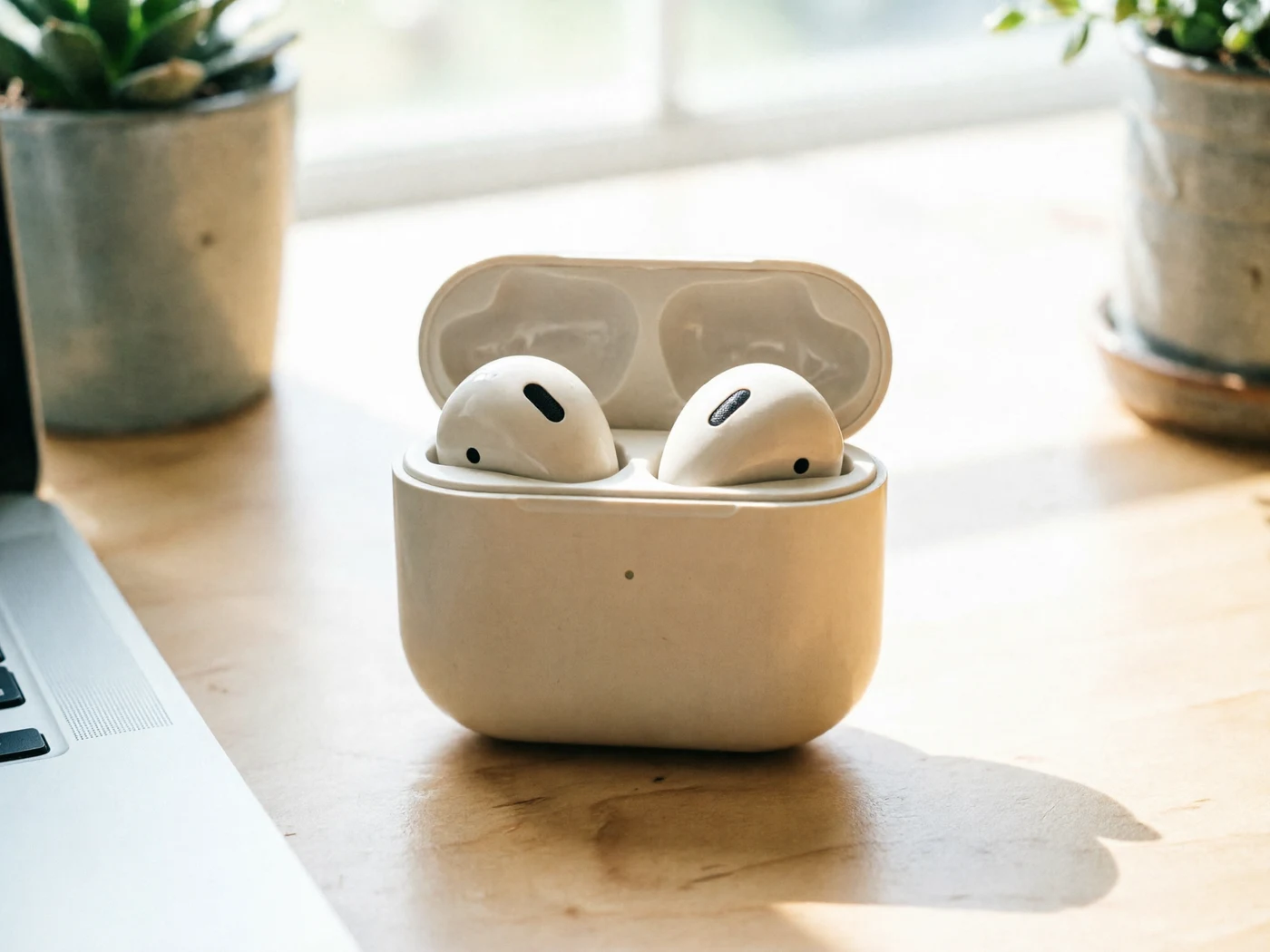
Keep or upgrade
Use the first clear image to decide whether the prompt direction is worth premium rendering.

Draft 2
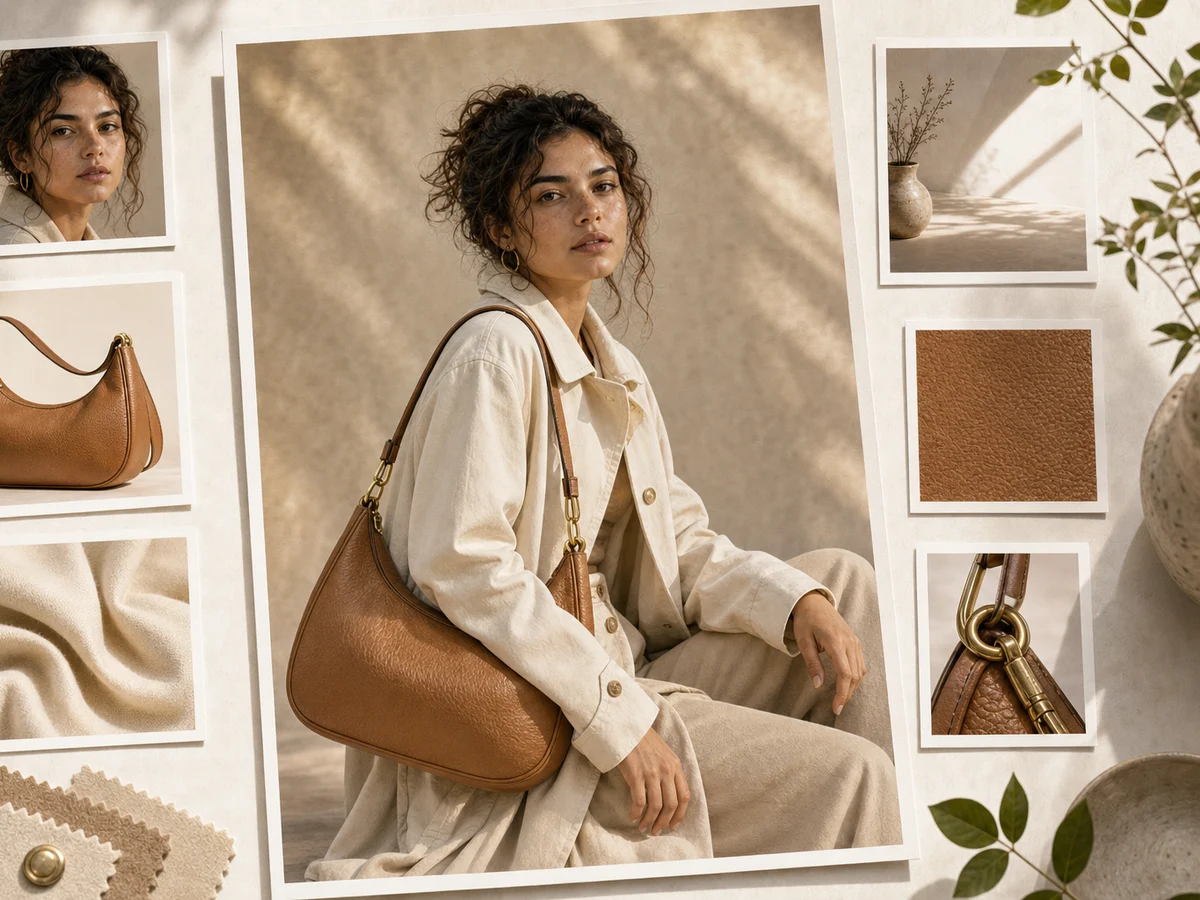
Draft 3
Creation steps
The fastest path is not a longer prompt. It is a clear subject, controlled lighting and references, and the model that fits the brief.
Create several free draft options quickly.
Change one variable at a time: subject, style, or composition.
Keep the prompt that gives the most useful result.
Switch to Pro or Max for the final high-quality render.
Prompt examples
Before spending 0+ credits on a larger batch, make sure the subject, use case, and output requirements are clear.
State the main subject and scene in one line.
Pick one clear style direction without stacking words.
Define aspect ratio, angle, and subject position.
Note whether this is a draft or a source frame to upgrade.
Model comparison
Use Inkfox AI Basic for free exploration, upgrade to Pro for final quality, Seedream for high-res variants.
| Dimension | Inkfox AI Basic | Inkfox AI Pro | GPT Image 2.0 |
|---|---|---|---|
| Cost | Free / very low | Medium | Medium |
| Speed | Fast | Medium | Medium |
| Final quality | Draft-grade | Commercial | Layout-strong |
| Text & layout | Weak | Medium | Strong |
| Best stage | Idea testing | Final export | Poster text |
Prompt examples
These examples show how to describe the subject, scene, camera, and final use so you can adapt them to your own image or video.
Futuristic city skyline at dusk, warm light, cyberpunk style, widescreen composition, quick concept draft.
Bold video thumbnail, single centered subject, high-contrast palette, leave space for a title.
Portrait of a shiba inu, test three styles: watercolor, flat illustration, and realistic, consistent composition.
Decision guide
Choose it when the job matches use inkfox ai basic for fast free text-to-image drafts, concept exploration, prompt testing, and thumbnails before moving to pro or max.
Compare with GPT Image 2.0, Nano Banana 2.0, Flux, or Seedream when the brief depends on a different strength, cost, or output format.
Quick answer
Inkfox AI Basic Image Generator is best for use inkfox ai basic for fast free text-to-image drafts, concept exploration, prompt testing, and thumbnails before moving to pro or max.. Use it when that matches your goal, check the credit cost before generating, and compare another model when you need a different strength.
Return to the workbenchFAQ
Model behavior, cost labels, and when to use this workbench.
Inkfox AI Basic is best for fast text-to-image drafts, creative exploration, thumbnails, simple social visuals, and prompt testing before moving to Inkfox AI Pro or Max.
Inkfox AI Basic is the official Inkfox entry model built for fast drafts, prompt testing, and thumbnails at free or very low credit cost.
Use it to test image ideas first. For final product ads, compare the best prompt in Inkfox AI Pro, Inkfox AI Max, GPT Image 2.0, or Seedream before exporting.
Yes, Basic starts free or at very low credits for high-volume, low-pressure iteration. The cost label shows before each generation.
Keep the prompt, switch to Pro, Max, or another model, and regenerate the stronger version without starting over.
It fits thumbnails, cover drafts, illustration concepts, and quick layout tests. Upgrade to a premium model before exporting final public assets.
Use the Inkfox AI workbench for a quick generation, then compare real examples from other creator workflows.