
Multi-reference tests
Feed several references at once to compare style and composition fast.
Lower-cost reference generation
Use Google Nano Banana on Inkfox AI for multi-image references, character consistency, fast edits, and product mockups. The workbench below defaults to Nano Banana so you can lock character, product, and reference direction with free monthly credits.
Prompt remix strip
Use Google Nano Banana on Inkfox AI for multi-image references, character consistency, fast edits, and product mockups. Free monthly credits to start. Use this model as a fast strip of creative alternates: one prompt, several readable directions, then upgrade only the winner.
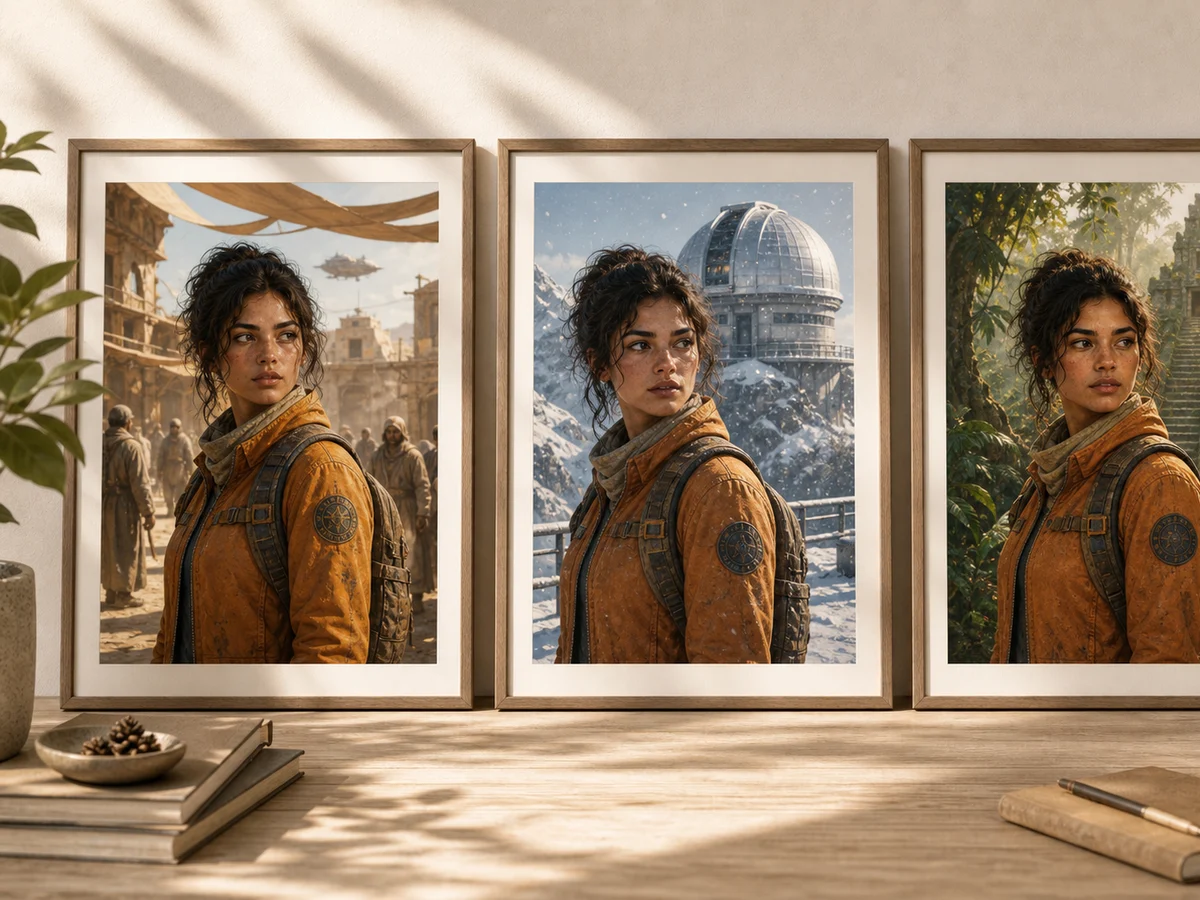
Remix 1
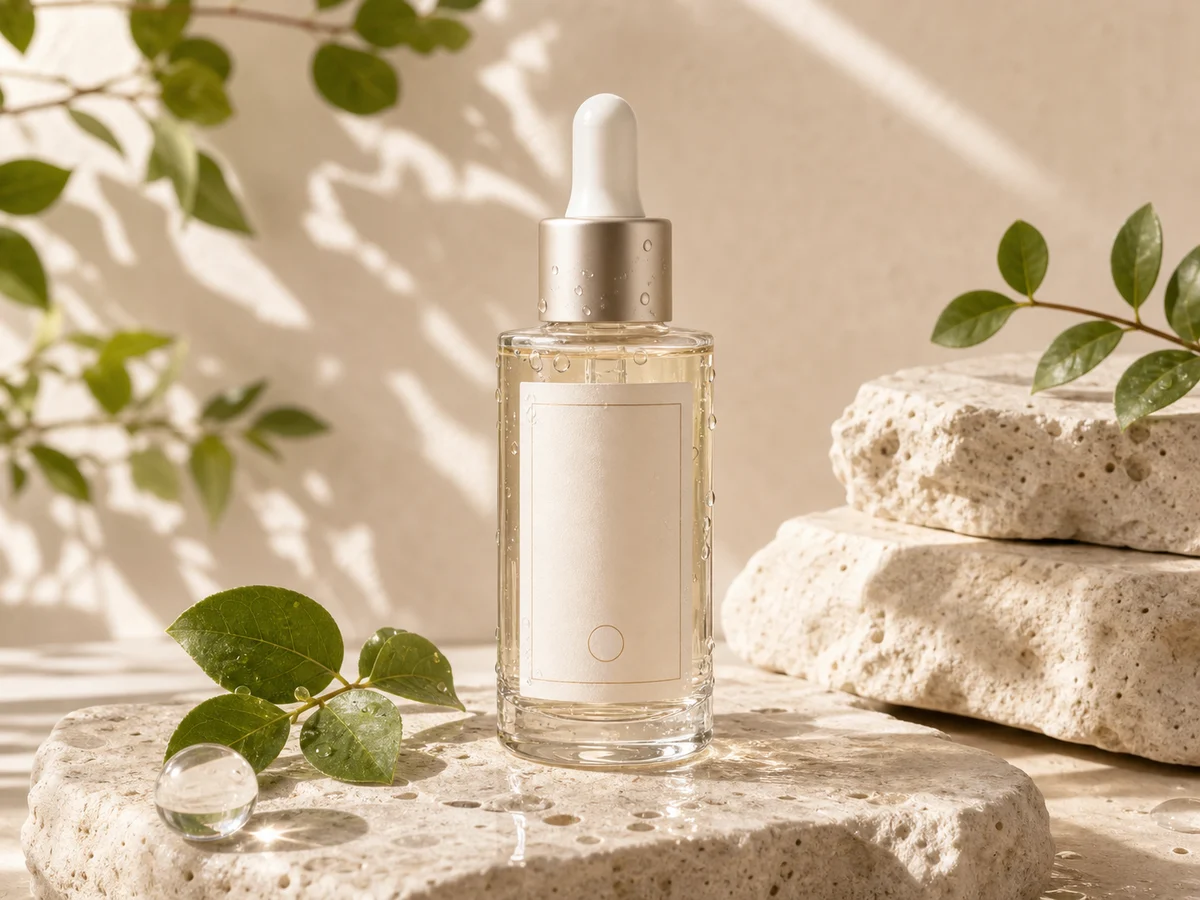
Remix 2
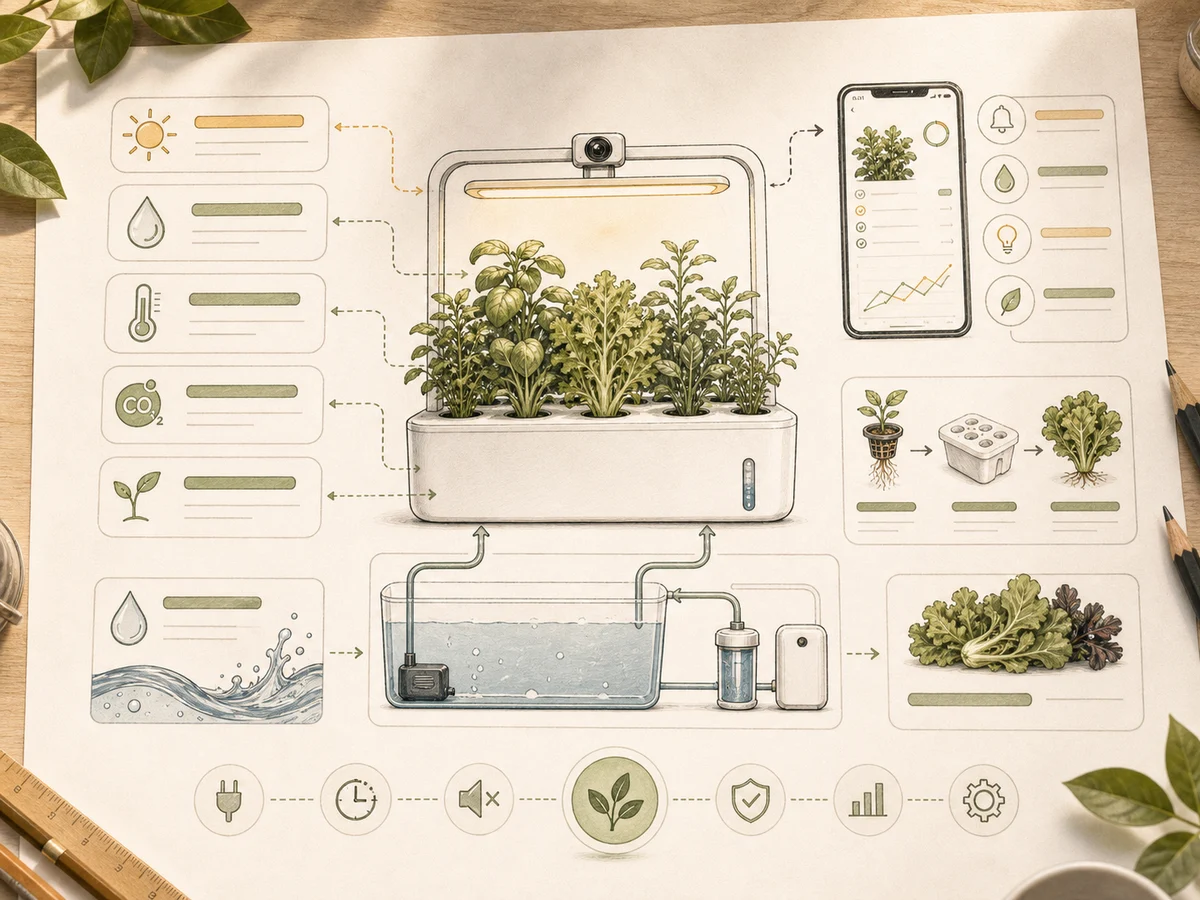
Remix 3
Feed several references at once to compare style and composition fast.
Keep one character consistent across many scenes for a series.
Explore placement, background, and mood cheaply before refining.
Make small changes and variants of an existing image with short prompts.
Creation steps
The fastest path is not a longer prompt. It is a clear subject, controlled lighting and references, and the model that fits the brief.
Decide what to test first: character, product, or style.
Upload one or more references as the single controlled input.
Iterate cheaply with short prompts and pick the most stable direction.
Upgrade the best prompt to Nano Banana 2.0 or Pro for the final.
Prompt examples
Before spending 4+ credits on a larger batch, make sure the subject, use case, and output requirements are clear.
Name the character or product and the traits to preserve.
Say whether references drive consistency, style, or composition.
Describe one clear change: scene, pose, or palette.
State the use and whether it needs upgrading later.
Model comparison
Use Nano Banana for cheap iteration and references; upgrade to Nano Banana 2.0 for final fidelity.
| Dimension | Nano Banana | Nano Banana 2.0 | GPT Image 2.0 |
|---|---|---|---|
| Cost | Lower | Higher | Medium |
| Multi-reference | Strong | Strong | Medium |
| Character consistency | Good | Better | Medium |
| Final fidelity | Medium | Strong | Strong |
| Best stage | Early tests | Final polish | Layout text |
Prompt examples
These examples show how to describe the subject, scene, camera, and final use so you can adapt them to your own image or video.
Same cartoon character in three scenes: park, classroom, kitchen, consistent hair and outfit, flat illustration style.
Insulated bottle on a wood desk, three backgrounds: solid color, cafe, outdoor, soft light, quick composition compare.
From the reference image, change only the background from white to a light blue gradient, keep subject and lighting unchanged.
Decision guide
Choose it when the job matches use google nano banana on inkfox ai for multi-image references, character consistency, fast edits, and product mockups. free monthly credits to start.
Compare with GPT Image 2.0, Nano Banana 2.0, Flux, or Seedream when the brief depends on a different strength, cost, or output format.
Quick answer
Nano Banana is best for use google nano banana on inkfox ai for multi-image references, character consistency, fast edits, and product mockups. free monthly credits to start.. Use it when that matches your goal, check the credit cost before generating, and compare another model when you need a different strength.
Return to the workbenchFAQ
Model behavior, cost labels, and when to use this workbench.
Nano Banana is best for lower-cost image generation, multi-image reference tests, character consistency drafts, product mockups, and quick creative edits.
Use Nano Banana for cheaper iteration and broad reference tests. Move to Nano Banana 2.0 when the image needs stronger fidelity, more control, or final campaign quality.
Yes. Inkfox AI maps the Nano Banana workbench to the matching edit model when you upload reference images.
Upload one or more references of the same character, then change scene or pose with short prompts. The model keeps facial and style traits, which suits series drafts.
This workbench defaults to Google Nano Banana from about 4 credits, which suits high-volume low-cost iteration. The cost label shows before you generate.
Use it to lock direction and references first, then upgrade the best prompt to Nano Banana 2.0, Inkfox AI Pro, or GPT Image 2.0 for the final render.
Use the Inkfox AI workbench for a quick generation, then compare real examples from other creator workflows.