
Anniversary reels
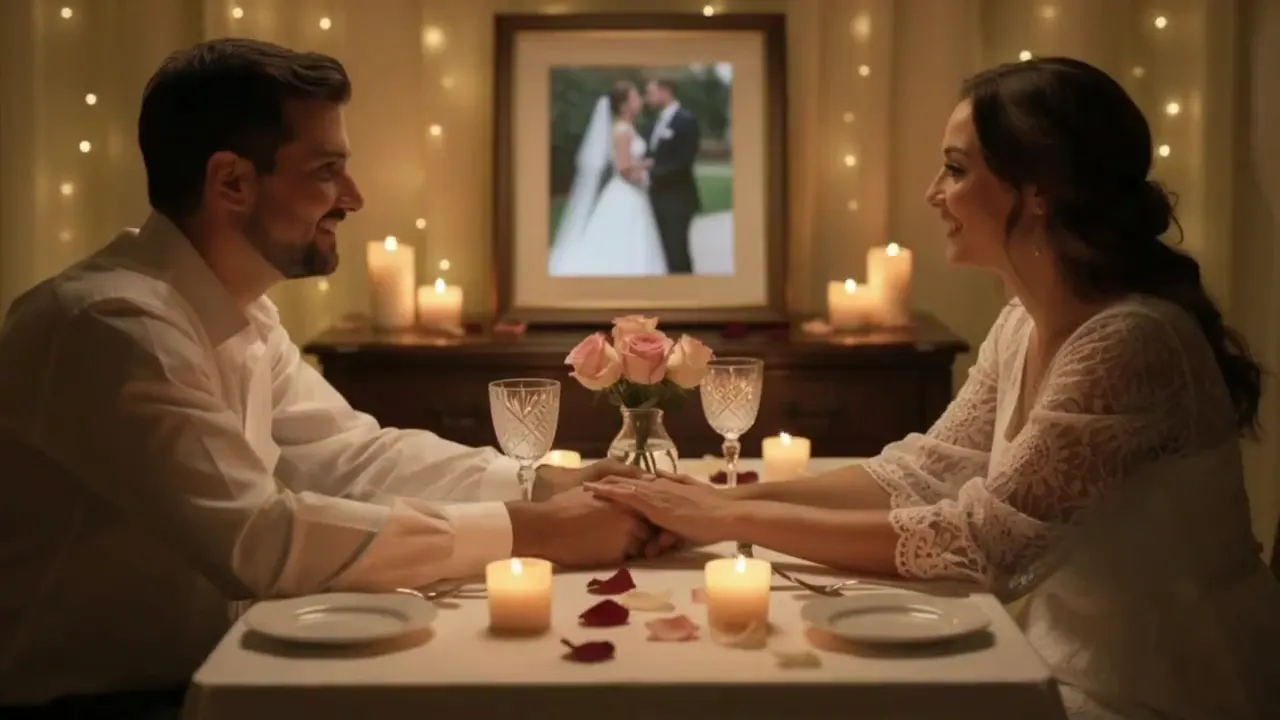
Turn one favorite wedding photo into a warm anniversary video with gentle smiles and slow camera motion.
AI Wedding Video Generator
Upload a wedding photo and create a cinematic AI wedding video with flowing veils, first dance motion, falling petals, and soft camera movement. Wedding photo to video · anniversary reels · watermark-free export
Wedding use-case map
Wedding images already carry strong composition, clothing, and emotion. This page keeps that memory stable while adding restrained motion: veil flow, bouquet movement, petal fall, first dance pacing, and a slow cinematic push.
Source photo
AI video result
Workflow
Start with one strong wedding frame, describe the motion, then generate a short clip for social posts, anniversary screens, or highlight reels.
Use a photo where faces, clothing, bouquet, and background are readable.
Ask for veil flow, falling petals, first dance movement, or a slow anniversary push-in.
Preview the clip, compare candidates, and download the best wedding reel.
Use cases
Choose the wedding-video direction that fits the photo: intimate anniversary, first-dance movement, or a vertical social reveal.
Turn one favorite wedding photo into a warm anniversary video with gentle smiles and slow camera motion.
Create a soft first-dance motion from a couple portrait, with dress and bouquet movement.
Create vertical clips for Reels, TikTok, Shorts, and wedding announcement posts.
Settings guide
Use these choices to keep motion believable instead of asking the model to change the whole scene.
Keep identity, framing, and lighting stable first. Add one visible action, then regenerate only if the subject or background drifts.
Motion
Avoid: Static photo transitions
Best input
Avoid: A full video timeline
Output
Avoid: Generic album montage
FAQ
Practical answers about wedding photo quality, first-dance motion, anniversary clips, and stable faces.
Clear wedding portraits, engagement photos, first-dance frames, and outdoor ceremony shots work best. Avoid heavy blur, blocked faces, or very crowded group photos.
Yes. Scan or photograph the print clearly first. If the image is very soft, upscale or restore it before making a wedding photo animation.
Yes. This page focuses on wedding memory motion such as veils, petals, first dance, and camera movement, not intimate face interaction.
Yes. Paid plans support watermark-free export. Choose a landscape or vertical ratio based on the screen or social channel.
Start with a prompt or reference, compare models, and save the best result to history. Upgrade when you need cleaner exports, stronger models, or more production volume.