
Image-to-video stability tests
Hover to preview motion
Batch motion test
Real estate dolly
Creator short clip
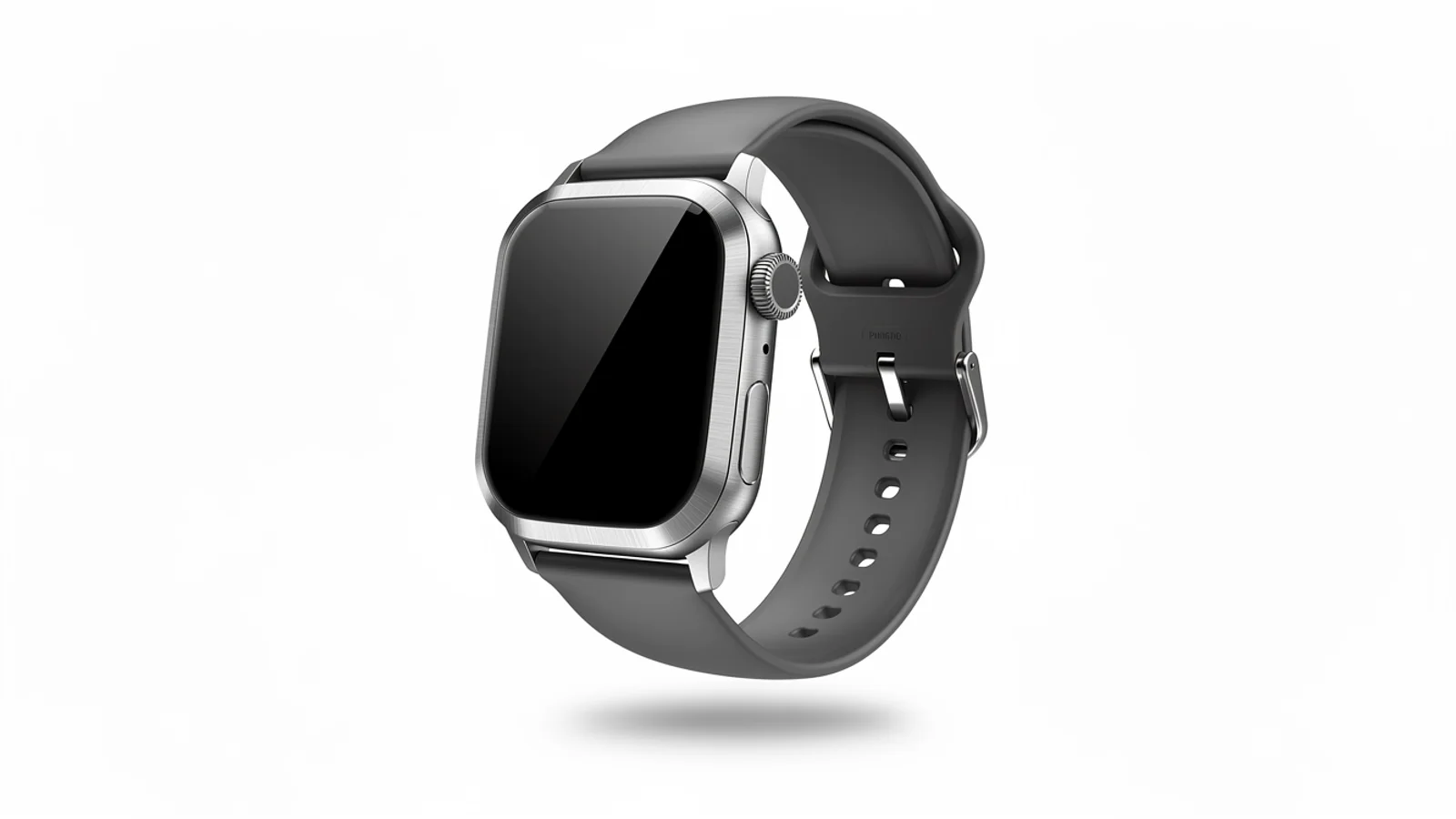
Watch orbit
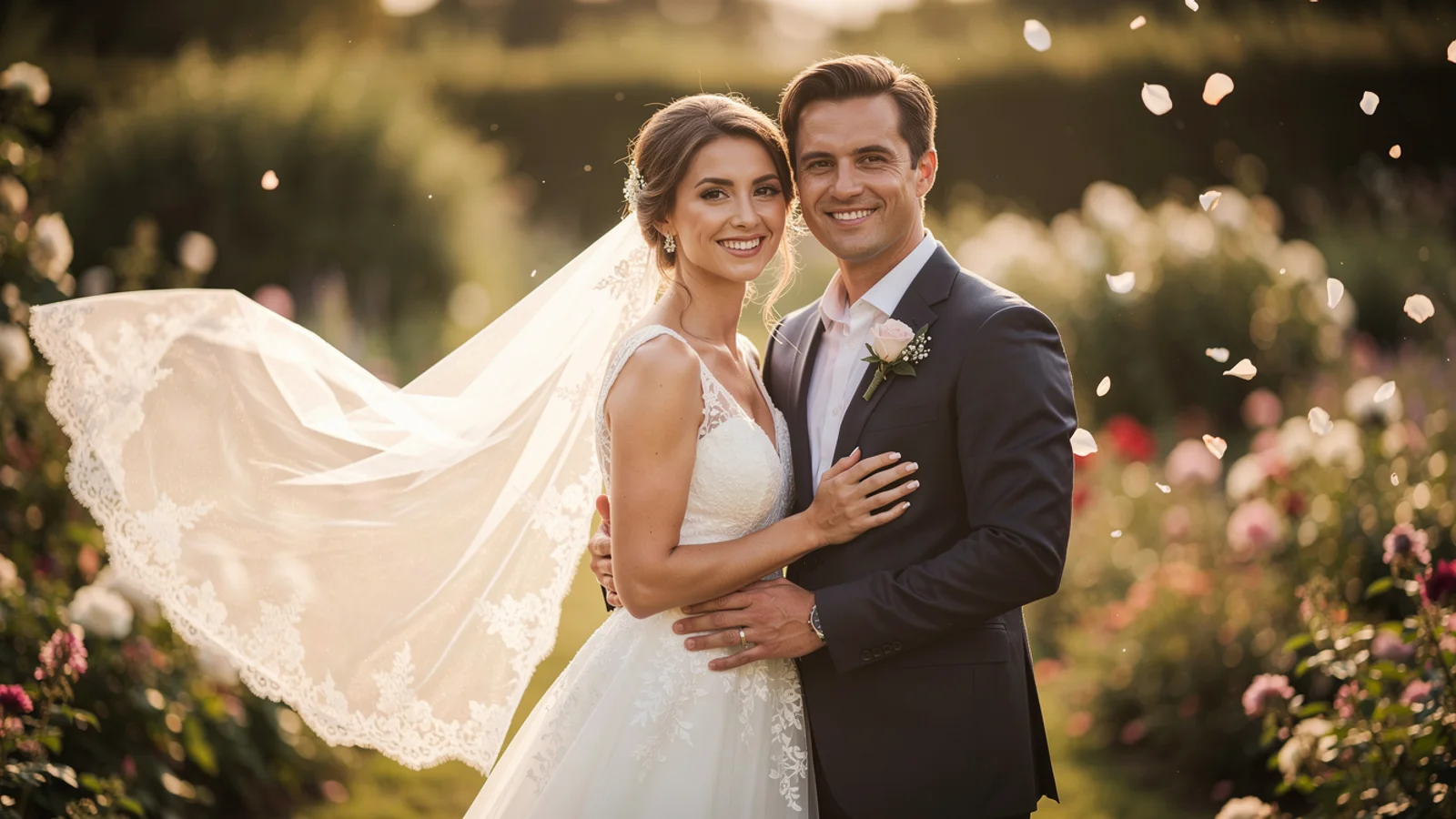
Video reuse check
Balanced Kling video model
Use Kling 2.6 on Inkfox AI for image-to-video, text-to-video, stable motion, audio-aware clips, and creator videos. The workbench below opens on Kling 2.6, so you can validate motion on a short clip with free monthly credits to start.
Kling 2.6 baseline evidence
Low-cost baselineUse Kling 2.6 on Inkfox AI for image-to-video, text-to-video, stable motion, audio-aware clips, and creator videos. Free monthly credits to start. Kling 2.6 is the dependable generation before Kling 3.0: natural motion and a controllable subject, but lower cost per clip. It is the model for running volume on motion directions, then promoting the one that works to Kling 3.0 for the final.
Input
Upload a first frame, or supply text or video to drive it.
Motion
Describe one clear, readable subject action.
Pace
State how fast the motion runs to match a short-form cut.
Intent
Mark whether this is a test or a direction to promote.
Image-to-video stability tests
Hover to preview motionBatch motion test
Creator short clip
Video reuse check
Run several motion directions on one image cheaply and cut the versions that warp.
Generate natural, stable few-second motion for social and reels.
Use video input for light rewrites that keep the source pace and framing.
Give a product frame a basic push-in or orbit without paying for top-tier quality.
Creation steps
The fastest path is not a longer prompt. It is one readable frame, one motion goal, and one camera choice.
Prepare a first frame, text, or video input in the workspace.
Test one motion direction per clip so versions compare cleanly.
Filter drift and warping cheaply on 5-second clips.
Promote the most stable version to Kling 3.0 for final quality.
Prompt examples
Before spending 55+ credits on a larger batch, make sure the subject, use case, and output requirements are clear.
Upload a first frame, or supply text or video to drive it.
Describe one clear, readable subject action.
State how fast the motion runs to match a short-form cut.
Mark whether this is a test or a direction to promote.
Model comparison
Pick Kling 2.6 to run volume and creator clips cheaply, upgrade to Kling 3.0 for top consistency and final quality, and look at Runway for stylized camera work.
| Dimension | Kling 2.6 | Kling 3.0 | Runway |
|---|---|---|---|
| Motion consistency | Medium–strong | Strong | Medium |
| Camera control | Medium | Strong | Strong |
| Input types | Image/text/video | Image/text | Image/text |
| Resolution | 720p–1080p | 720p–1080p | 720p–1080p |
| Speed | Faster | Medium | Medium |
| Credit cost | 55+ credits | 140+ credits | High |
Prompt examples
These examples show how to describe the subject, scene, camera, and final use so you can adapt them to your own image or video.
From a character first frame, natural subtle movement with a light push-in, vertical short-form pace, subject stays stable, 5-second clip.
From the product first frame, slow half-turn orbit, even light, subject shape does not warp, clean background.
From the source video, keep the existing pace and framing, change only style and light, keep motion coherent.
Decision guide
Choose it when the job matches use kling 2.6 on inkfox ai for image-to-video, text-to-video, stable motion, audio-aware clips, and creator videos. free monthly credits to start.
Compare with Kling, Runway, Veo, Hailuo, or Grok Imagine when the brief depends on a different strength, cost, or output format.
Quick answer
Kling 2.6 is best for use kling 2.6 on inkfox ai for image-to-video, text-to-video, stable motion, audio-aware clips, and creator videos. free monthly credits to start.. Use it when that matches your goal, check the credit cost before generating, and compare another model when you need a different strength.
Return to the workbenchFAQ
Model behavior, cost labels, and when to use this workbench.
Kling 2.6 is best for stable motion, product reels, creator videos, and balanced video generation when Kling 3.0 quality is not required.
Kling 3.0 is the stronger high-consistency model. Kling 2.6 is a practical balanced option for shorter clips, product motion, and cost-aware testing.
Yes. The model supports image, text, and video inputs in the Inkfox AI model configuration.
Use the Inkfox AI workbench for a quick generation, then compare real examples from other creator workflows.