
Upload your product photo
Add a JPG, PNG, or WebP of your product. Any angle works — the model reads the existing lighting and perspective.
AI Amazon Product Photo
Upload an amateur product shot and turn it into a clean, white-background studio photo that meets Amazon listing standards in one click — the product, label, and colors stay exactly as shot.
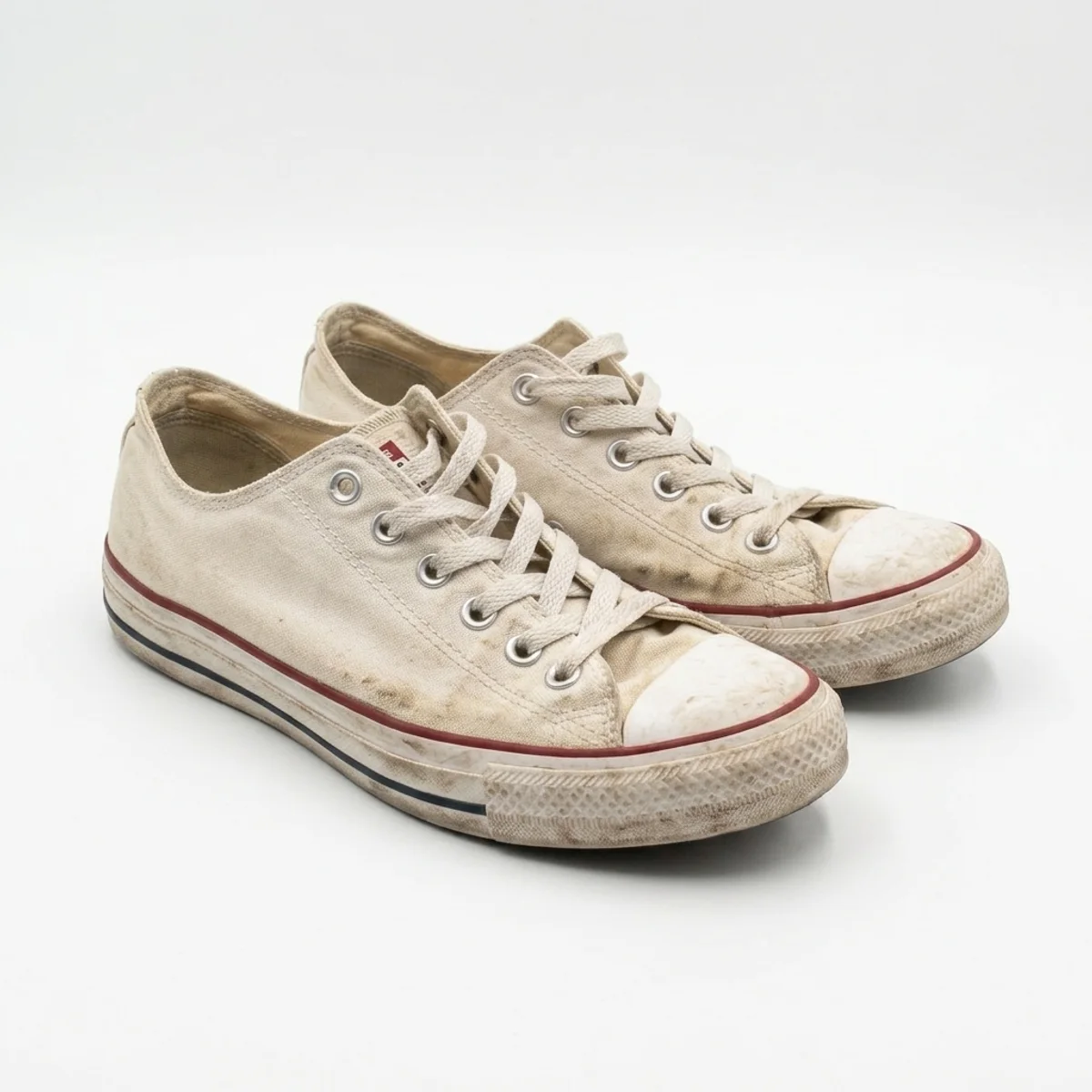
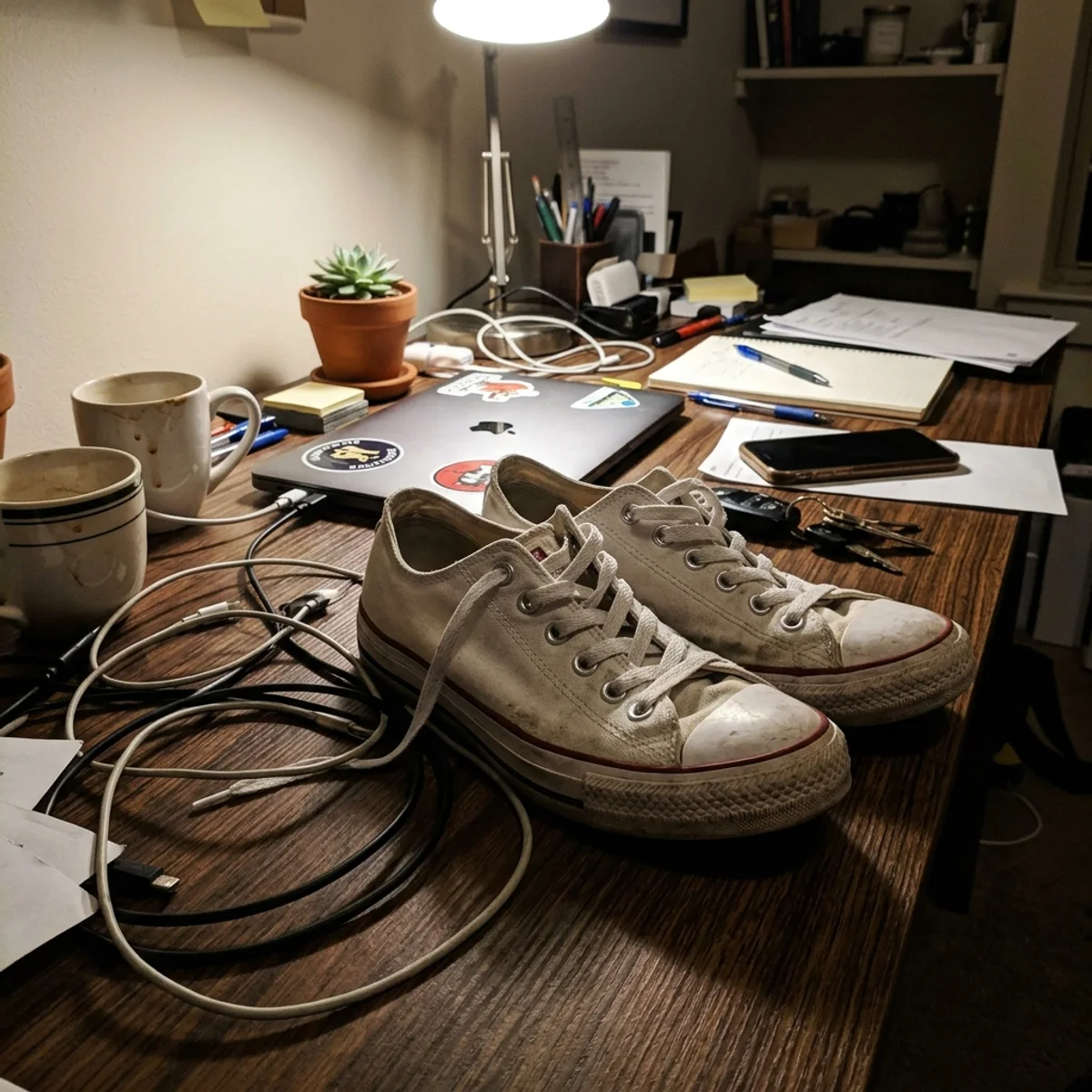
Examples
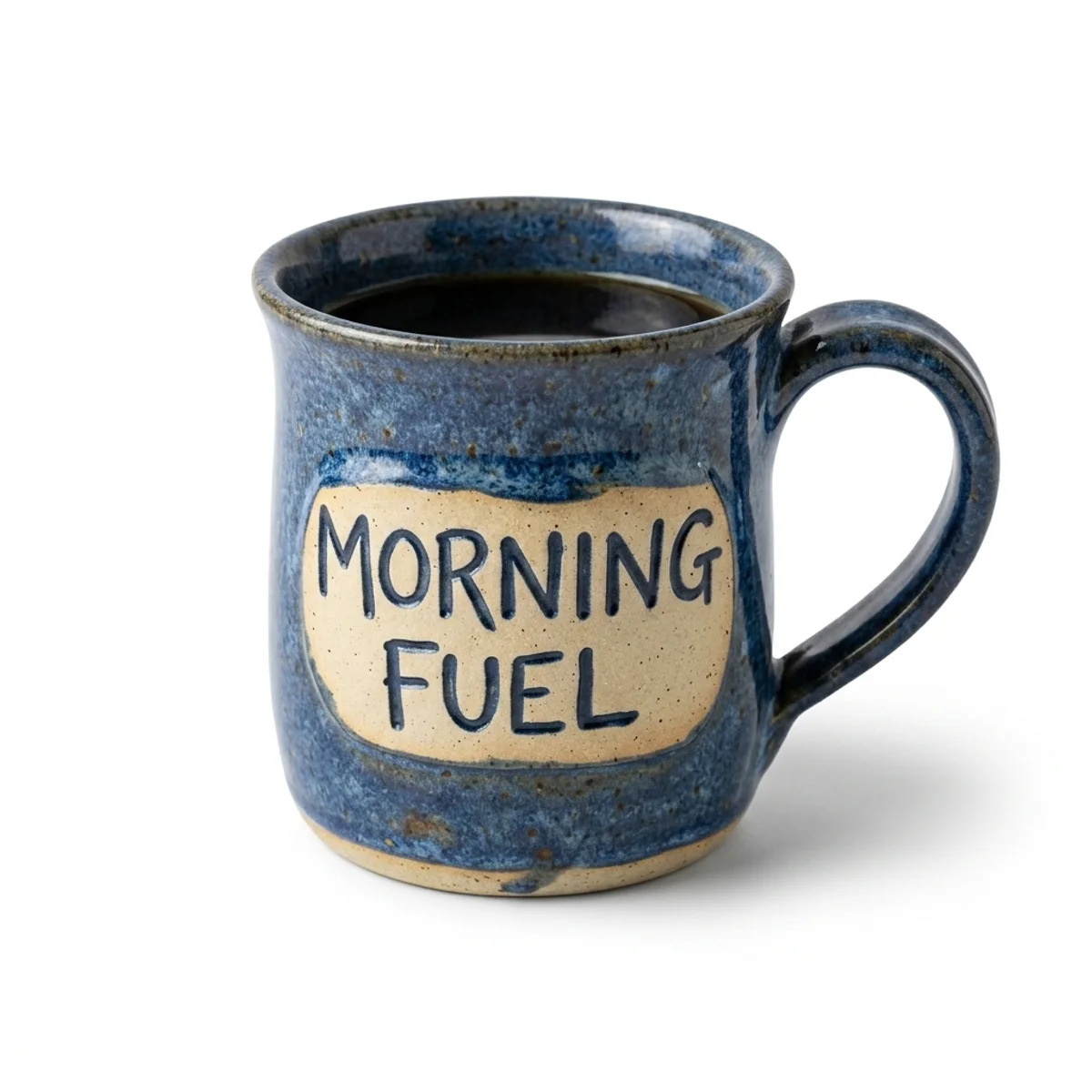
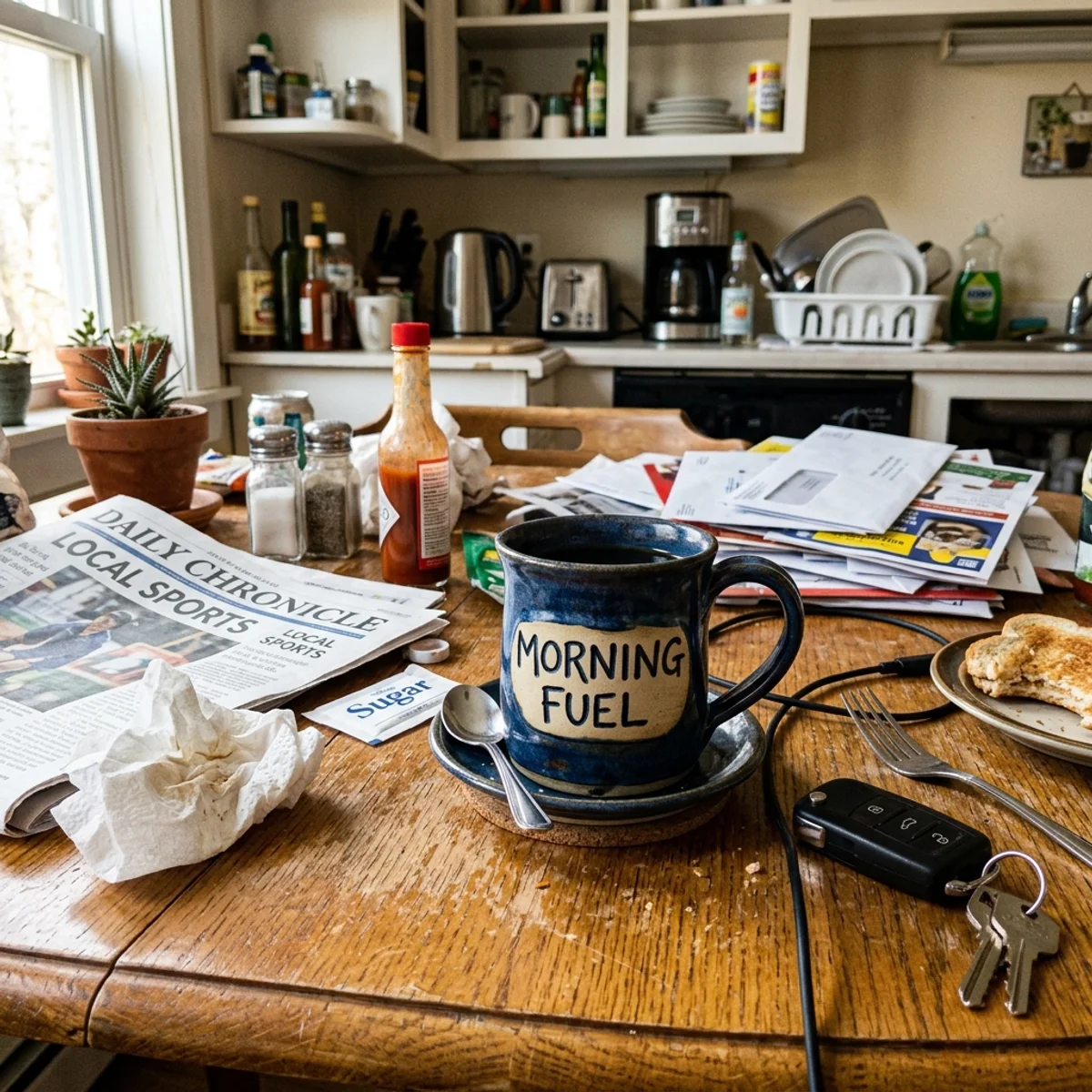
Sneakers, bottles, and mugs — drag each slider to watch the cluttered original become a clean white studio shot. Same product, same label, brand-new background.
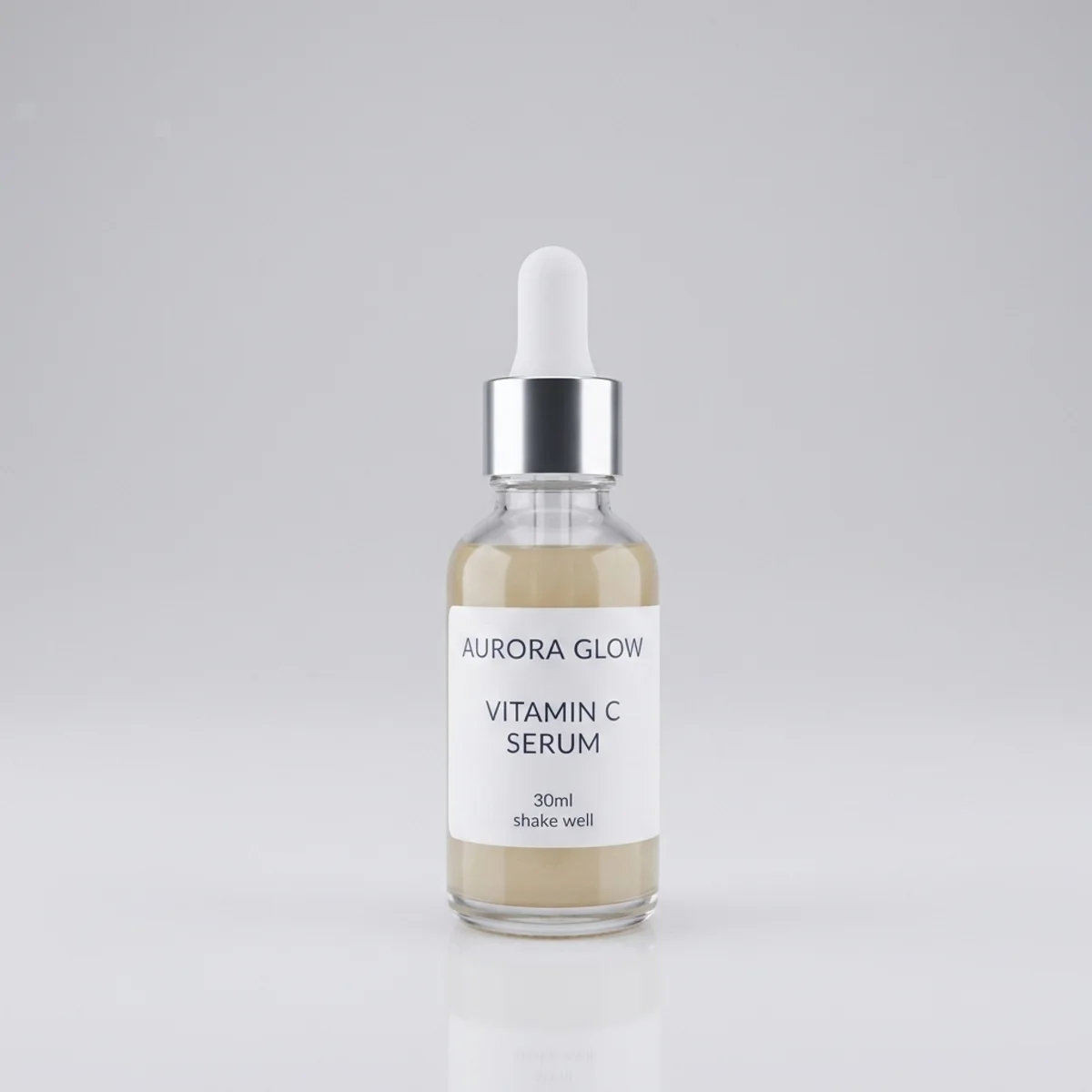
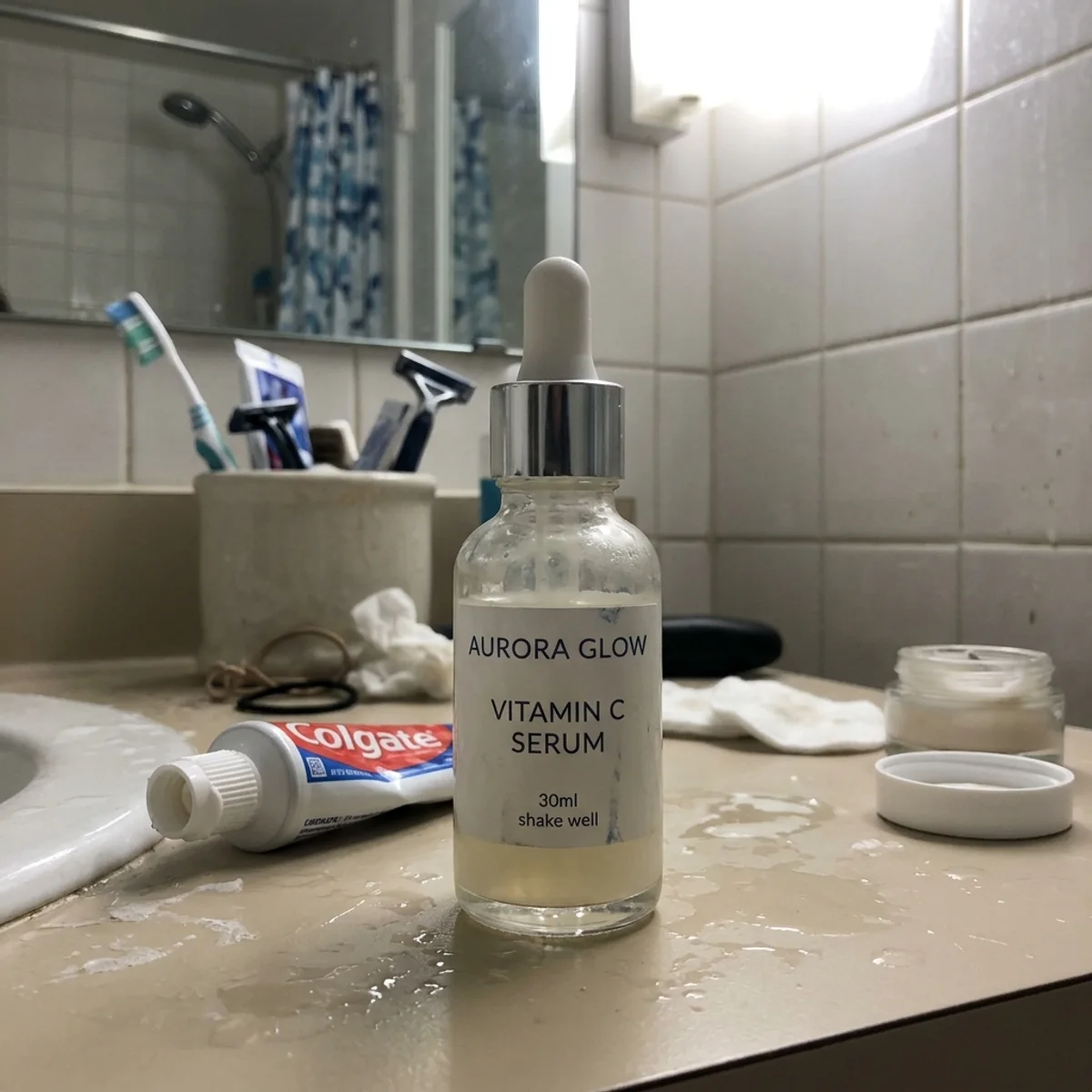
Why it looks real
A product photo swap only works if buyers can trust what they see. The model rebuilds the space behind your product while leaving the product itself — label, colors, and texture — completely untouched.
The model rebuilds only the space behind your product — the shape, label, color, and texture are left exactly as shot, with no distortion or repainting.
Text, logos, barcodes, and packaging details are preserved so your listing photo matches the item customers will actually receive.
A natural ground shadow is added under the product so it sits convincingly on the white background instead of looking like a floating cutout.
Workflow
Upload, generate, and review — then download a studio-quality result.
Add a JPG, PNG, or WebP of your product. Any angle works — the model reads the existing lighting and perspective.
The model isolates the product, drops in a pure white seamless background, and adds soft even studio lighting in one pass.
Zoom into edges, label text, and fine details. Run a second pass or start from a higher-contrast source if any edge looks rough.
Sign in to save history and remove the watermark from your final image before uploading to Amazon Seller Central.
Use cases
Turn any product shot into a compliant listing photo — then verify the edges before you publish.
Meet the pure-white background requirement for Amazon, Walmart, and other marketplace main images without a photography studio.
Quickly polish supplier photos or unboxing shots into clean listing images that convert better and pass image quality checks.
Get consistent white-background product photos for print catalogs, Google Shopping ads, and brand asset libraries in seconds.
Create clean, distraction-free product images for Instagram, Pinterest, and Facebook shops directly from your phone photos.
FAQ
Practical answers about Amazon compliance, product fidelity, and getting a clean white-background result.
Yes. Upload a product shot and get a clean white-background studio photo with the free base model. Sign in to keep your results in history and remove the watermark from exports.
The model targets a seamless pure-white (#FFFFFF) background with even studio lighting — the same look Amazon requires for main listing images. Always verify the result meets your category guidelines before publishing.
Yes. The model replaces only the background while preserving the product, its angle, label text, colors, and fine details. Always zoom in to check edges and small text before publishing.
Well-lit shots with a clear outline between the product and the background give the cleanest result. Avoid heavily reflective products photographed against similarly colored backgrounds, as the edge detection is harder.
Upload a JPG, PNG, or WebP up to 10 MB. Use the highest-resolution version you have — Amazon recommends at least 1000 pixels on the longest side for zoom to work.
Run the result through again, or start from a photo with stronger contrast between the product and its original background. High-contrast edges cut more cleanly and produce a more natural shadow.
Start with a prompt or reference, compare models, and save the best result to history. Upgrade when you need cleaner exports, stronger models, or more production volume.