
Profile intros
Use a friendly headshot and a presenter or avatar preset for website bios, creator profiles, and welcome clips.
AI Talking Photo Generator
Upload a portrait and animate it into an expressive speaking video in one click — the AI adds natural mouth movement, head nods, and blinks automatically, so there is no prompt to write.
Use cases
Each clip is the animated visual layer for a portrait — hover any card to preview the speaking motion, then add your voiceover, captions, or release text in an editor.
Use a friendly headshot and a presenter or avatar preset for website bios, creator profiles, and welcome clips.
Pair a talking-photo clip with your own voiceover or captions when you need a lightweight spokesperson asset.
Choose measured narrator motion for historical portraits, family stories, education clips, and documentary-style posts.
Use brighter creator motion when the clip needs stronger eye contact, brow movement, and social-feed energy.
Workflow
Upload, generate in one click, then share — no style picking, no prompt needed.
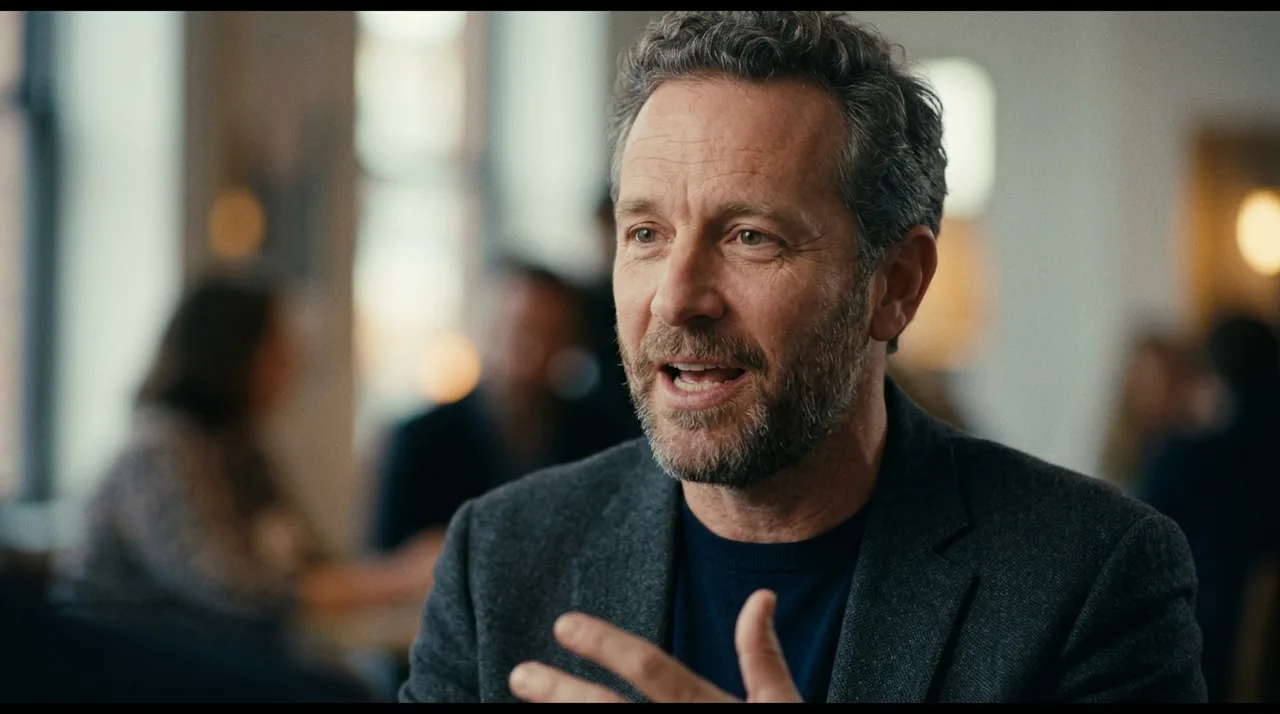
Add a clear, well-lit headshot or bust photo where the face is fully visible and centered — frontal or slight-angle shots give the most believable speaking motion.
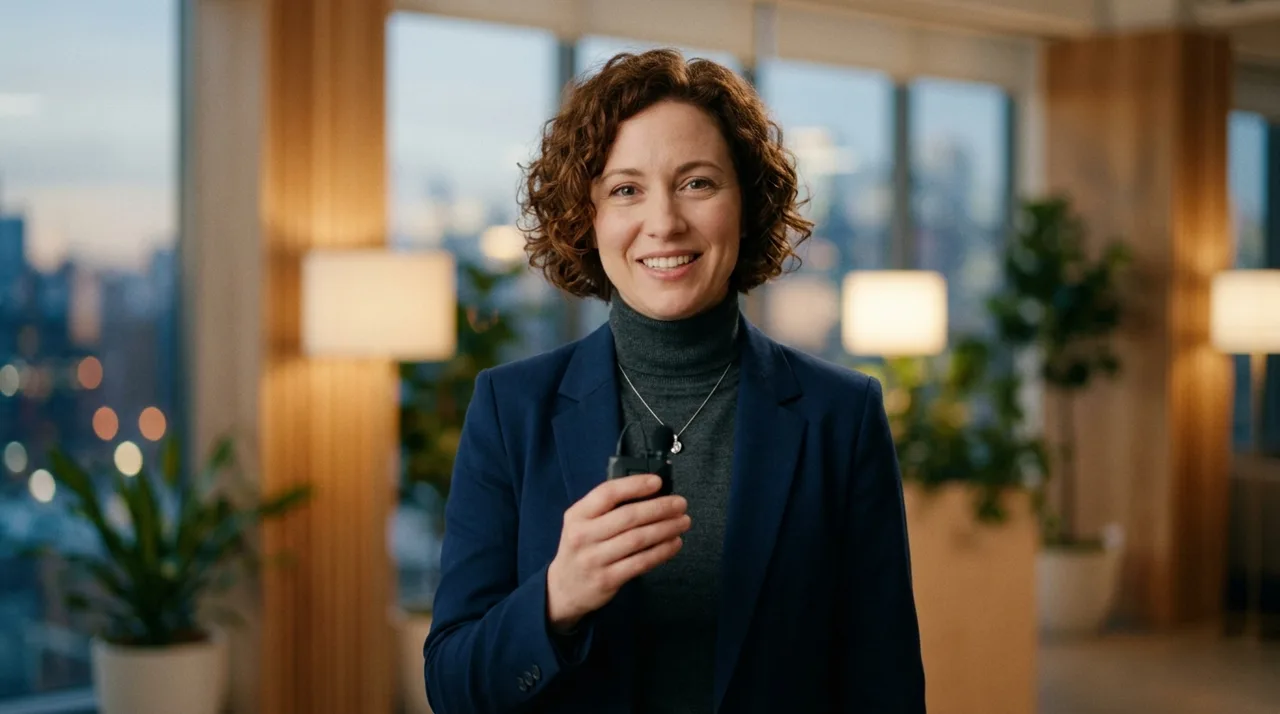
The AI automatically applies a tuned speaking-motion preset. Open the custom prompt only if you want a specific expression or delivery style.
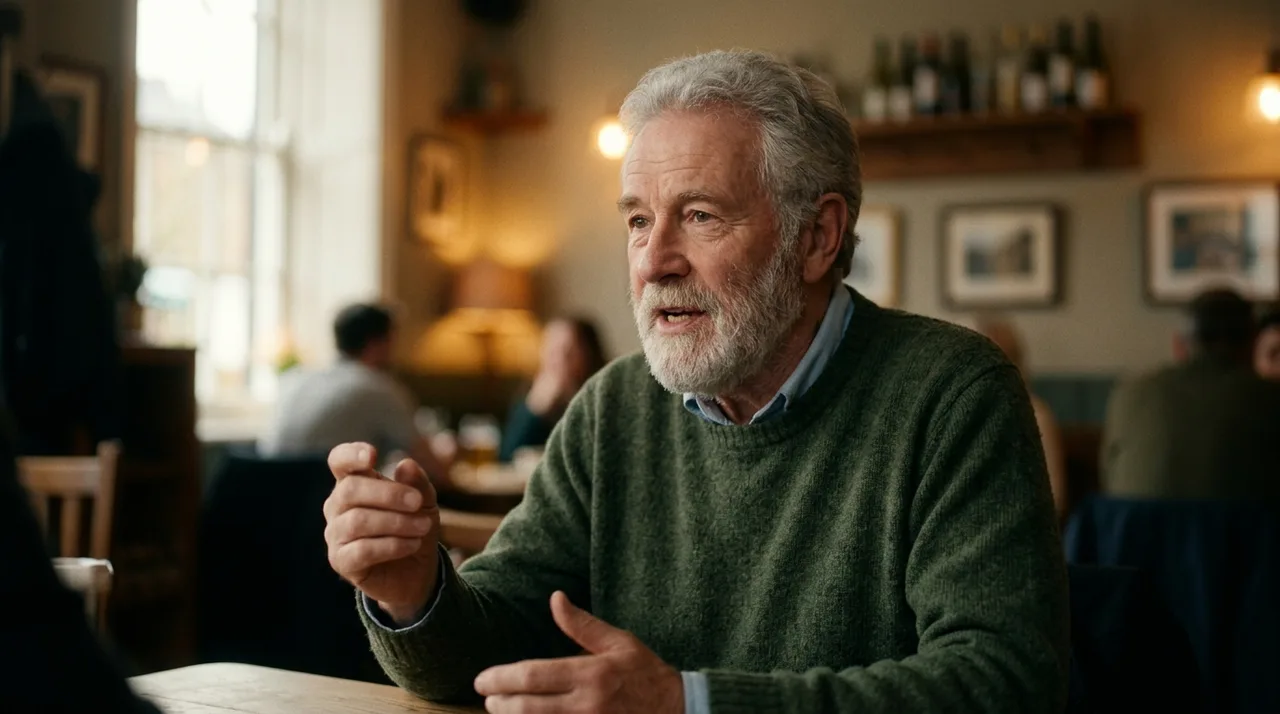
Click once and the portrait is animated into a short speaking clip — natural mouth movement, head nods, and blinks without changing identity.
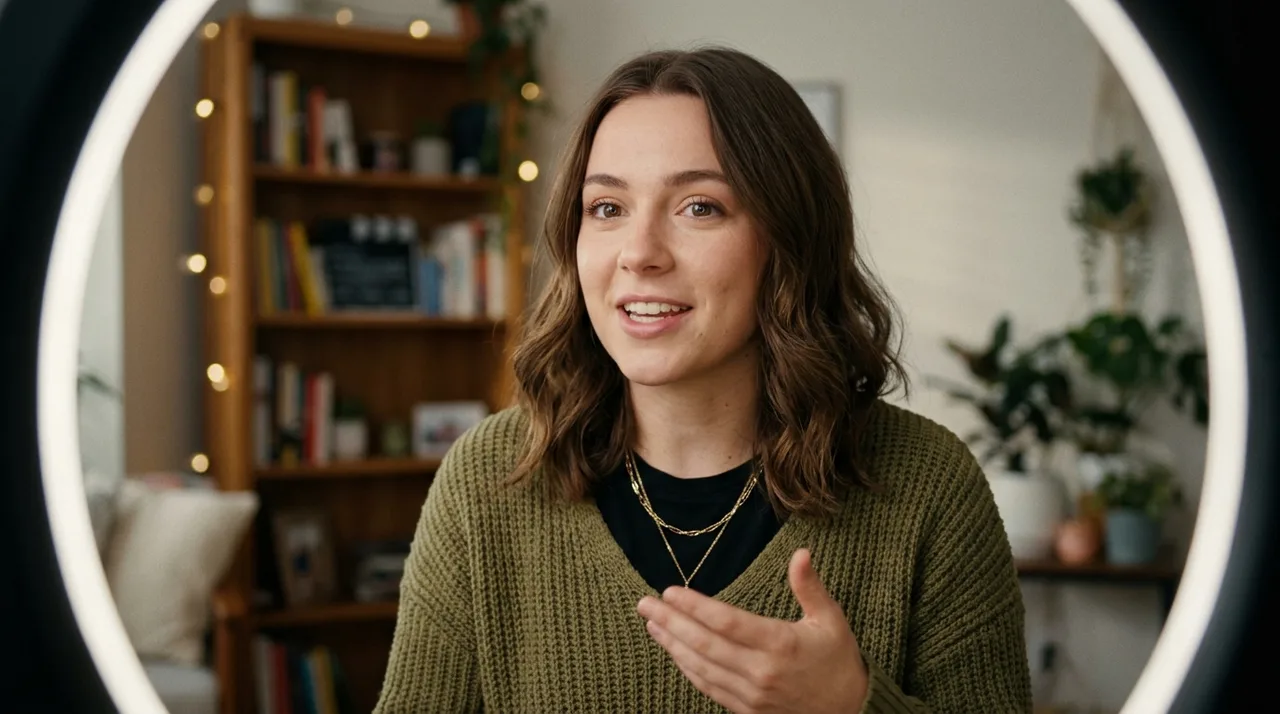
Sign in to save history and remove the export watermark, then use your talking photo anywhere — profile bios, social posts, or paired with your own voiceover.
Why it stays believable
Speaking motion is added to the portrait while the face, expression baseline, and framing stay locked — so it reads as the same individual, talking.
Upload and click once — the AI automatically applies a tuned talking-photo motion preset. No style picking needed.
Each style includes mouth movement, head nods, and eye blinks so the result reads as real speech rather than a stiff loop.
FAQ
Practical answers about portraits, speaking motion, and getting a believable speaking animation.
Yes. Upload a portrait and generate a short animated video with the free base model — the AI applies speaking motion automatically. Sign in to keep results in history and remove the export watermark from your downloads.
This is a one-click tool: just upload your portrait and click once — the AI automatically applies a tuned speaking-motion preset, then the portrait is animated into a short video. No style picking, no prompt writing needed. Want a different look? Open the full workbench and describe it in a custom prompt.
The tool adds speaking-style motion to the face — natural mouth movement, head nods, and blinks — rather than syncing to an audio track. Think of it as an expressive portrait animation, not dubbed audio. For voice-synced results, pair the output with your own voiceover.
Use a clear, well-lit headshot or bust portrait where the face is fully visible and not cut off. Frontal or slight-angle shots give the most believable speaking motion.
It generates a short clip suited to profile videos, social posts, and digital avatars. Generate a few styles and keep the take that looks most natural.
Treat results as creative drafts. Only animate photos you have the rights to, and avoid using a real person's likeness in a misleading or deceptive way.
Start with a prompt or reference, compare models, and save the best result to history. Upgrade when you need cleaner exports, stronger models, or more production volume.