
Personal birthday wishes
Animate a favorite photo into a quick celebration clip for messages, Stories, and family group chats.
AI Birthday Video Generator
Upload a birthday photo and turn it into a lively video in one click — flickering candles, floating confetti, and smiling faces with no prompt writing required.
Use cases
Each clip is the animated visual layer for a birthday moment — hover any card to preview the motion, then add your message or music in an editor.
Animate a favorite photo into a quick celebration clip for messages, Stories, and family group chats.
Use playful motion when balloons, cake, and smiling kids are visible enough to carry the scene.
Choose softer candlelight and gentle confetti for dinner parties, milestone birthdays, and classy greetings.
Turn one strong party frame into the animated opening or closing shot of a recap video.
Workflow
Upload, generate in one click, then share the birthday video — no style picking, no prompt needed.
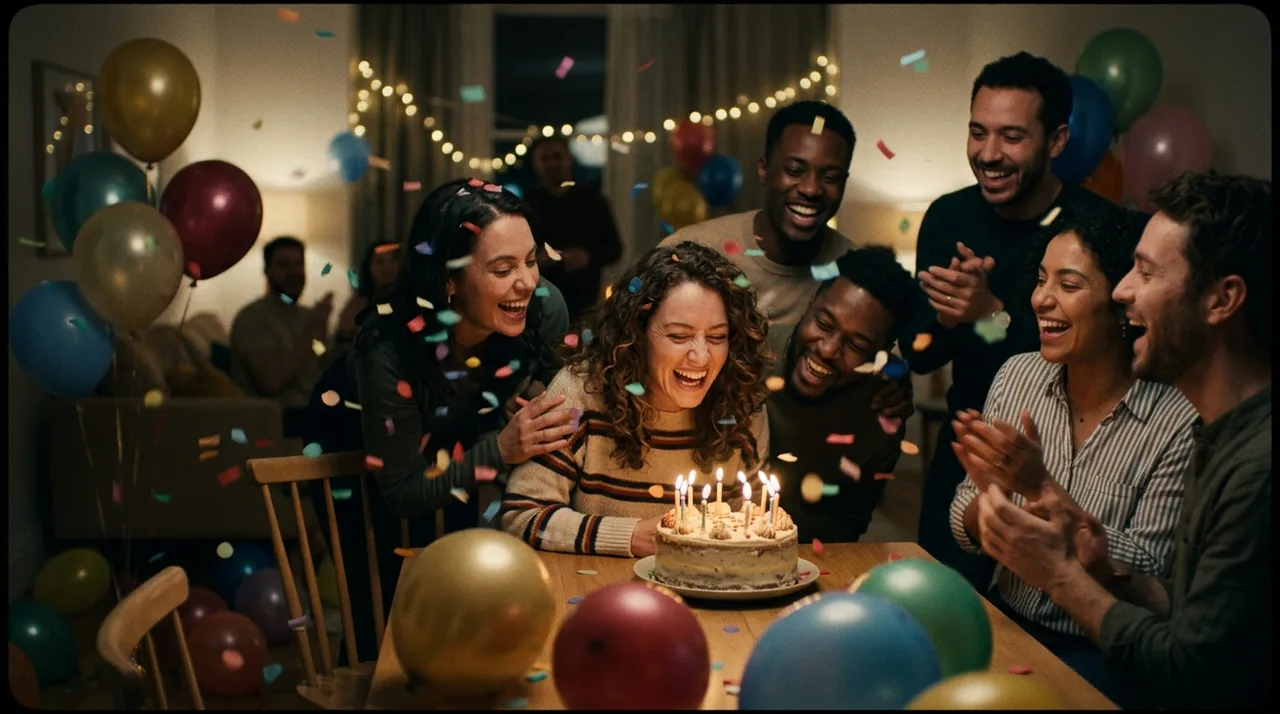
Add a clear photo where the birthday person, cake, or key celebratory details are fully visible — faces and candles give the AI the most to work with.
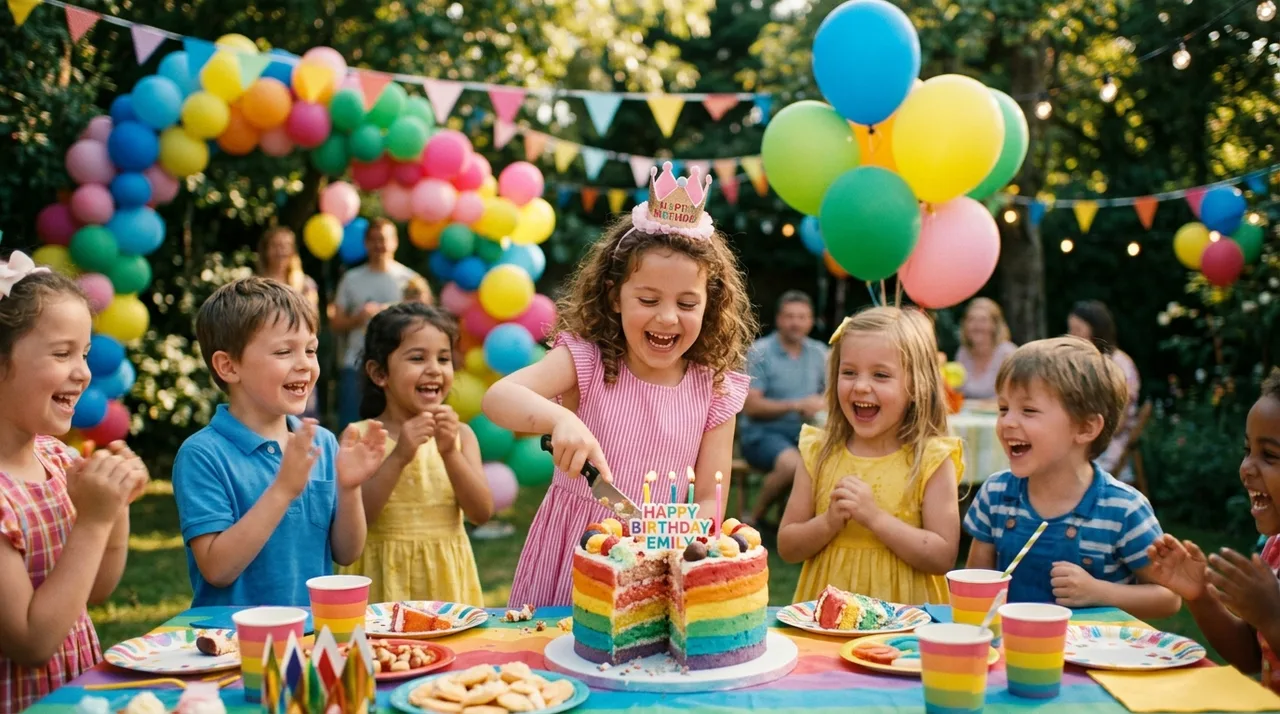
The AI automatically applies a tuned celebration motion preset. Open the custom prompt only when you want a specific extra detail, like slow candlelight or extra confetti.
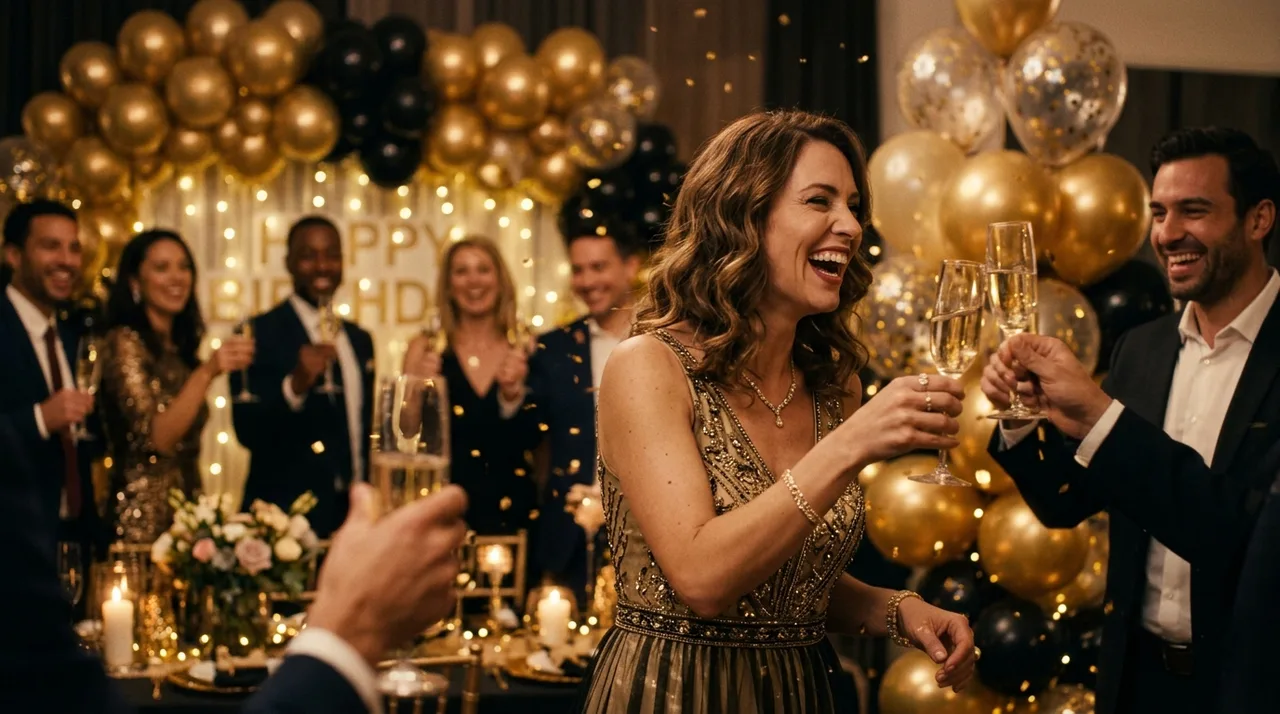
Click once and the photo is animated into a short birthday video — candles flicker, confetti floats, and expressions come alive with no prompt writing required.
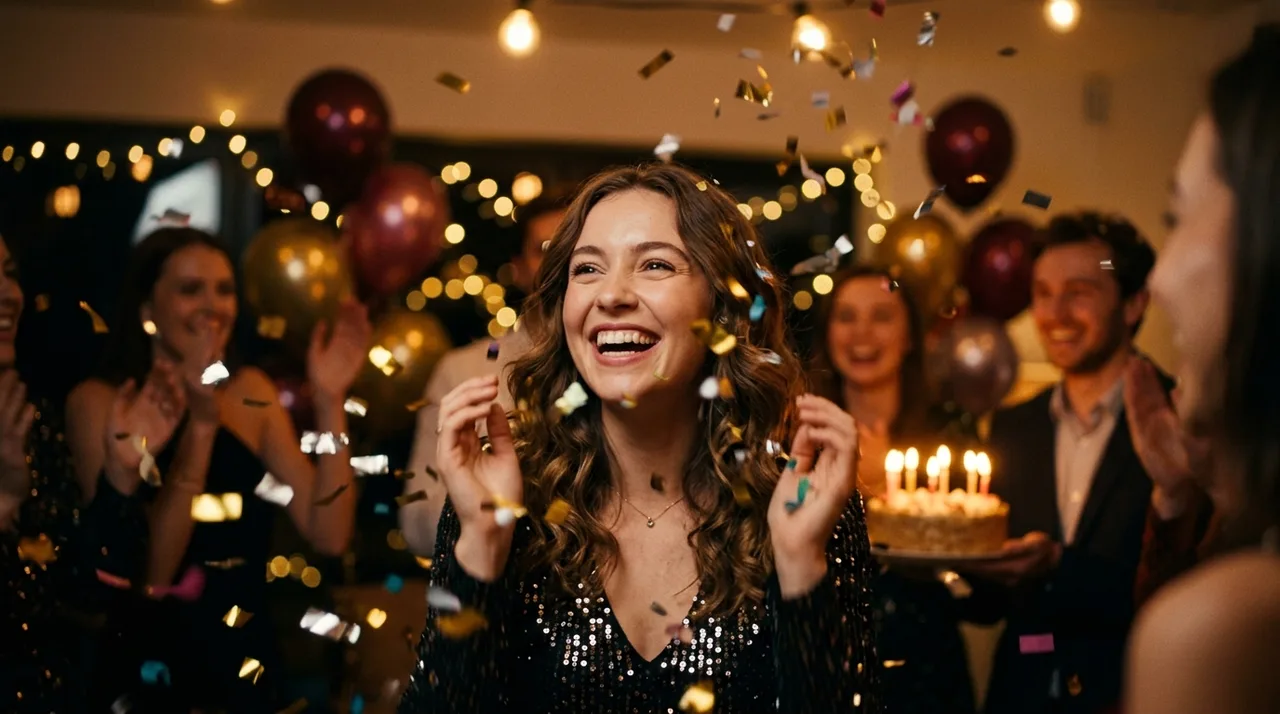
Sign in to save results in history and remove the export watermark, then send the video in a message or post it to Stories and Reels.
Why it stays believable
The preset adds celebration motion while keeping the same people, expressions, and scene — so it reads as the real moment, just brought to life.
Upload and click once — the AI automatically applies a tuned celebration motion preset. No style picking needed.
Motion focuses on candles, confetti, and expressions so the room and background hold steady instead of warping.
FAQ
Practical answers about photos, celebration motion, and getting a believable birthday video.
Yes. Upload a birthday photo and generate a short video with the free base model — the AI applies celebration motion automatically. Sign in to keep results in history and remove the export watermark from your downloads.
This is a one-click tool: just upload your birthday photo and click once — the AI automatically applies a tuned celebration motion preset, then the photo is animated into a short birthday video. No style picking, no prompt writing needed. Want a different look? Open the full workbench and describe it in a custom prompt.
Use a clear, well-lit birthday photo where people and key details like the cake and candles are visible and not cut off. Good lighting gives the most believable animated candles and confetti.
Yes. Group photos work well — the AI animates expressions and celebratory details across everyone in the frame while keeping the overall scene stable.
It generates a short clip suited to social posts, stories, and reels. Generate a few styles and keep the take you like best.
Treat results as creative gifts and personal-use clips. Only animate photos you have the rights to, and use real people's likenesses responsibly.
Start with a prompt or reference, compare models, and save the best result to history. Upgrade when you need cleaner exports, stronger models, or more production volume.