
Image-to-video stability tests
Hover to preview motion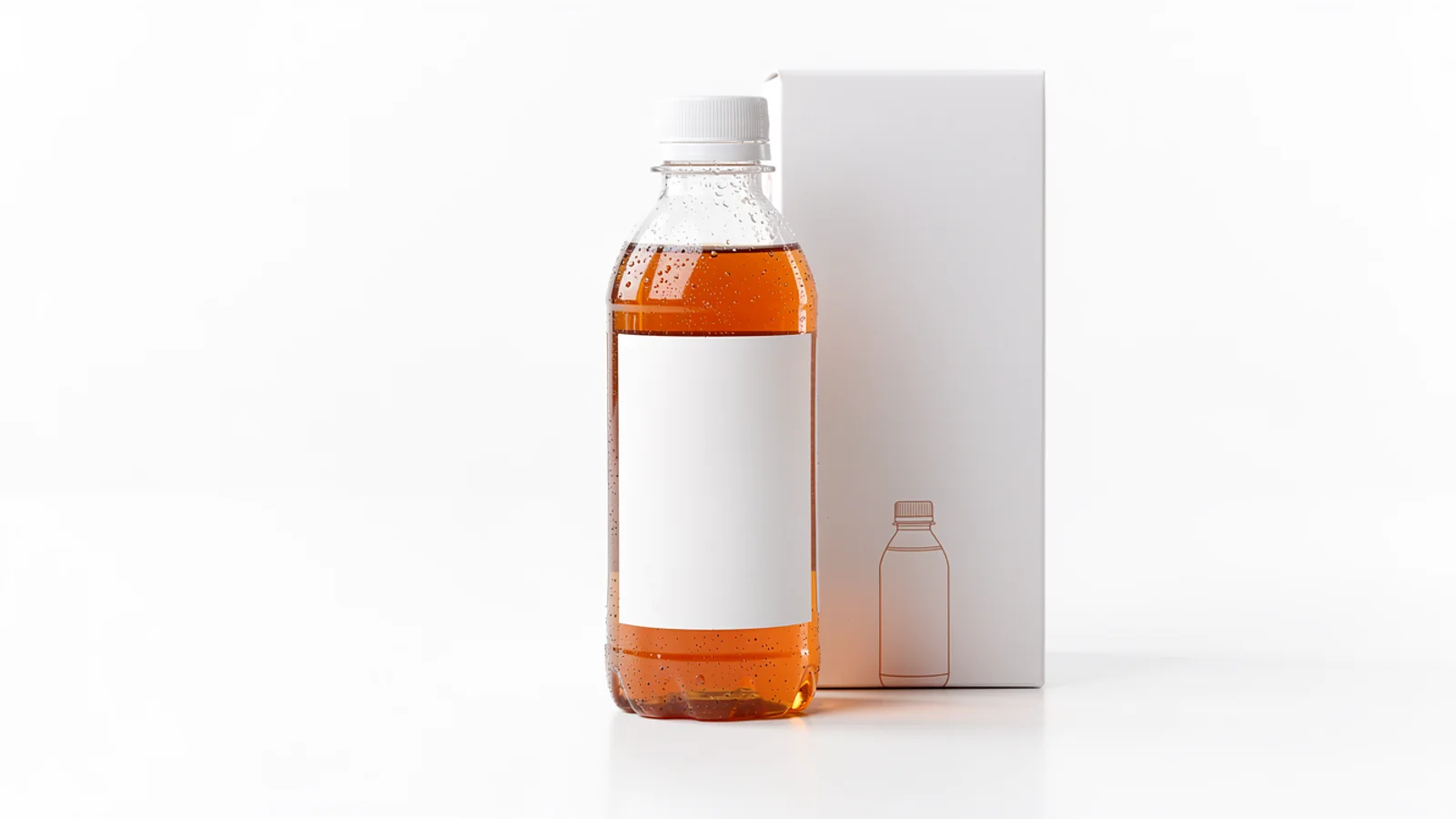
Balanced sample
Marketplace bottle
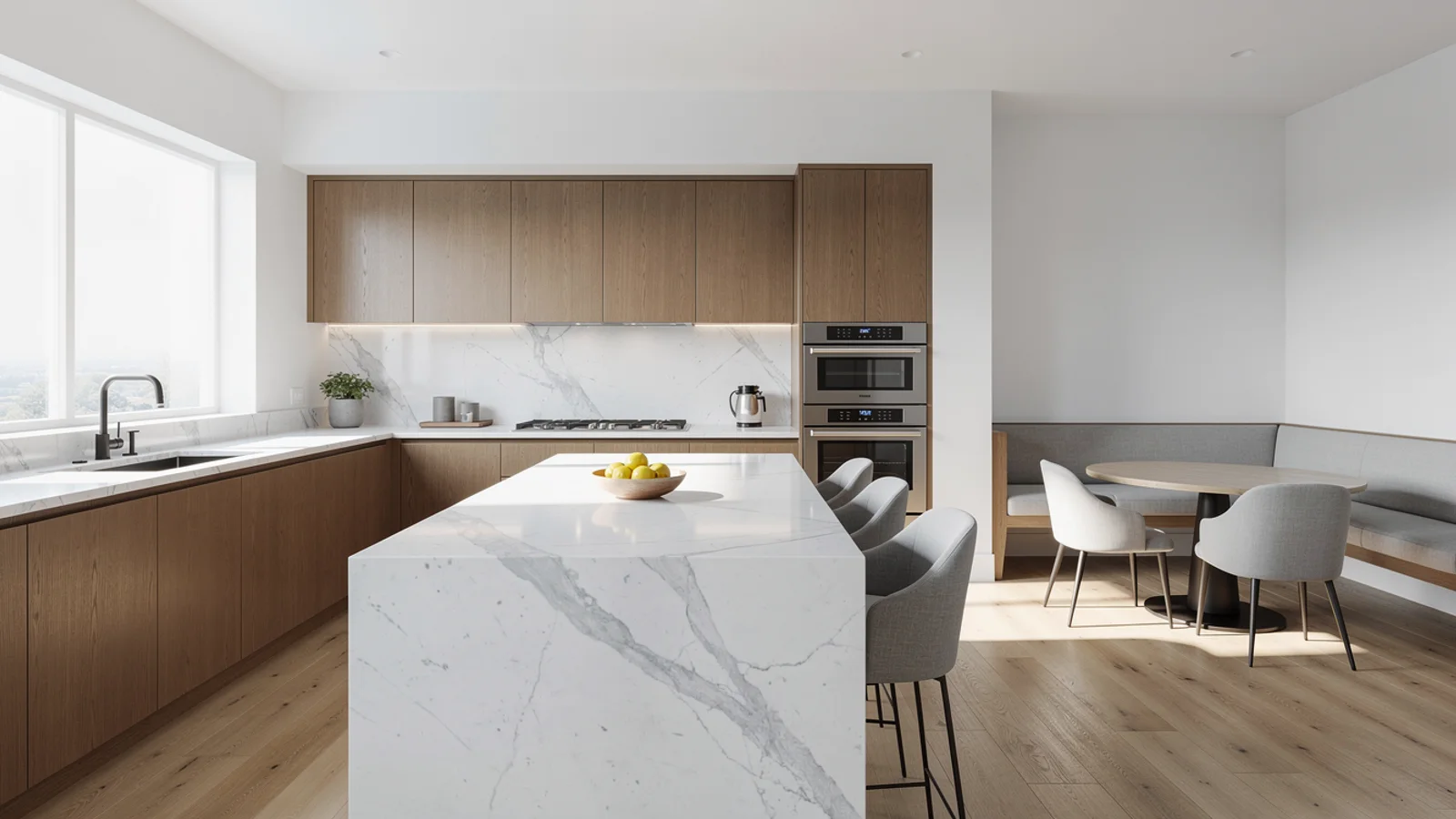
Bilingual drift check
Kitchen detail
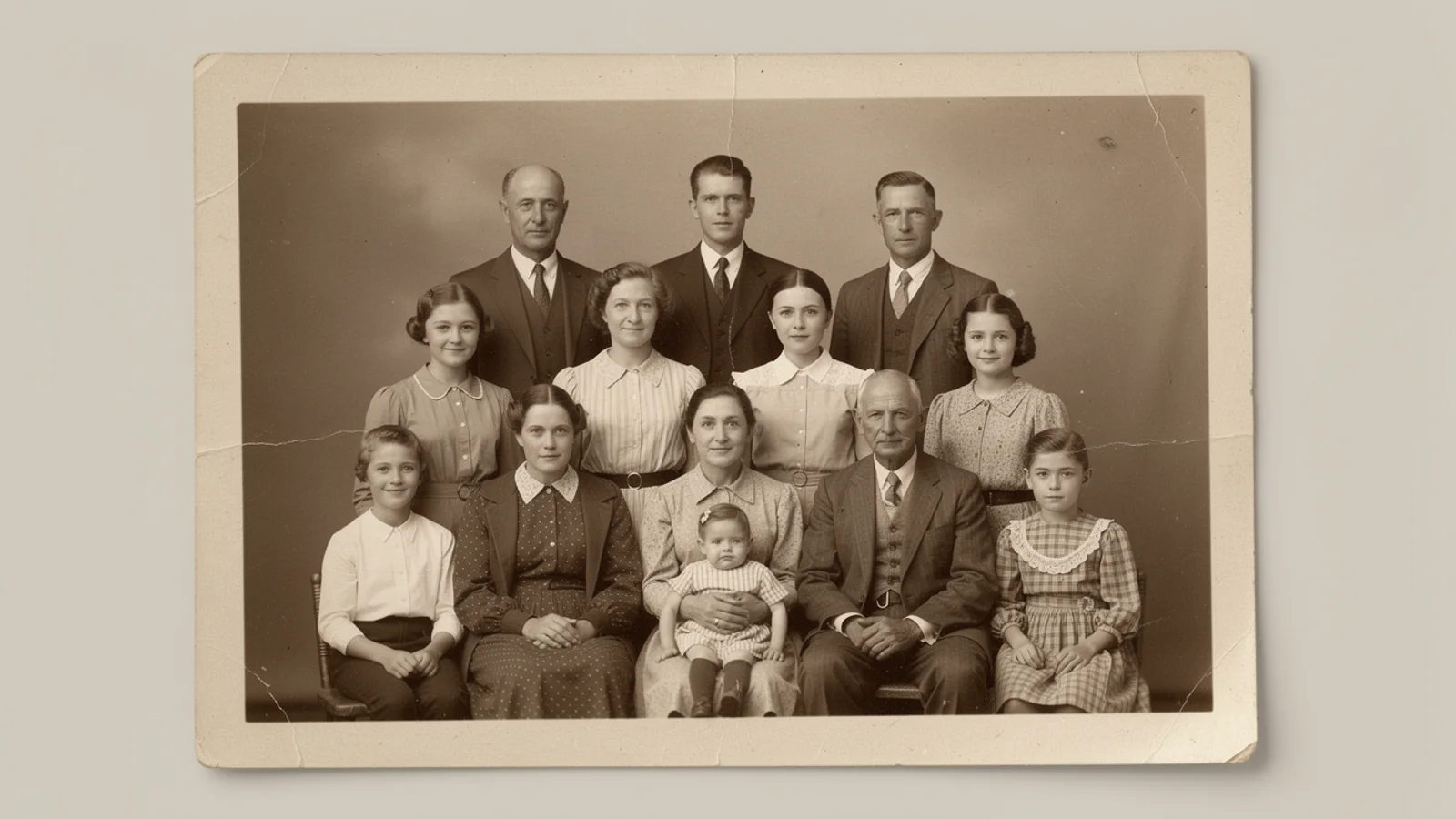
Multi-shot draft
Balanced Wan video model
Use Wan 2.6 on Inkfox AI for image-to-video and video-to-video, bilingual prompts, multi-shot tests, and 720p or 1080p clips. The workbench below opens on Wan 2.6, so you can run multi-shot, bilingual, and video-input tests with free monthly credits to start.
Stability proof board
Proven prior generationUse Wan 2.6 on Inkfox AI for image-to-video and video-to-video, bilingual prompts, multi-shot tests, and 720p or 1080p clips. Free monthly credits to start. As the prior balanced tier in the Wan line, its value is predictability: in image to video the subject and motion hold before you think about a quality bump.
Input frame
Upload a clean first frame and flag the subject and brand marks to lock.
Motion
Write one readable action; avoid stacking events in a single shot.
Camera
Name one move: push-in, orbit, pan, or slow handheld.
Stability check
State duration, use case, and which part has to stay consistent.
Image-to-video stability tests
Hover to preview motionBalanced sample
Bilingual drift check
Multi-shot draft
Push in and orbit a product frame with a stable subject; bottles, labels, and materials hold on Wan 2.6.
Write the same brief in Chinese or English and it still runs, which suits bilingual image-to-video teams.
Queue several first frames, test motion shot by shot, and keep the takes worth moving forward.
Wan 2.6 accepts video input, so you can re-time or restyle an existing clip into a new short.
Creation steps
The fastest path is not a longer prompt. It is one readable frame, one motion goal, and one camera choice.
Prepare one clear first frame with a defined subject and composition.
Describe one action and one camera move; Wan 2.6 holds simple briefs best.
Test the direction cheaply on a 720p clip and confirm the subject does not drift.
Raise stable takes to 1080p, or hand them to Wan 2.7 for more quality.
Prompt examples
Before spending 70+ credits on a larger batch, make sure the subject, use case, and output requirements are clear.
Upload a clean first frame and flag the subject and brand marks to lock.
Write one readable action; avoid stacking events in a single shot.
Name one move: push-in, orbit, pan, or slow handheld.
State duration, use case, and which part has to stay consistent.
Model comparison
Wan 2.6 is the proven balanced tier; step up to Wan 2.7 for stronger motion coherence and quality, or Kling 3.0 for controlled camera and character stability.
| Dimension | Wan 2.6 | Wan 2.7 | Kling 3.0 |
|---|---|---|---|
| Generation role | Prior balanced | Newer upgrade | Premium pick |
| Motion coherence | Steady | Stronger | Strong |
| Output quality | Reliable | Finer | High |
| Bilingual prompts | Strong | Strong | Medium |
| Resolution | 720p–1080p | 720p–1080p | 720p–1080p |
| Credit cost | 70+ credits | 48+ credits | 140+ credits |
Prompt examples
These examples show how to describe the subject, scene, camera, and final use so you can adapt them to your own image or video.
From the product first frame, slow push-in, a highlight travels along the bottle, label stays readable, subject stays stable, clean background, 5 seconds.
A person at a cafe window turns and smiles, natural light, slight camera pan, face and outfit stay consistent; brief works in Chinese or English.
From a short product clip, keep the original motion, shift to a warm dusk mood, slightly slower pacing, subject shape unchanged.
Decision guide
Choose it when the job matches use wan 2.6 on inkfox ai for image-to-video and video-to-video, bilingual prompts, multi-shot tests, and 720p or 1080p clips. free monthly credits to start.
Compare with Wan 2.7, Kling, Runway, Veo, Hailuo, or Grok Imagine when the brief depends on a different strength, cost, or output format.
Quick answer
Wan 2.6 is best for use wan 2.6 on inkfox ai for image-to-video and video-to-video, bilingual prompts, multi-shot tests, and 720p or 1080p clips. free monthly credits to start.. Use it when that matches your goal, check the credit cost before generating, and compare another model when you need a different strength.
Return to the workbenchFAQ
Model behavior, cost labels, and when to use this workbench.
Wan 2.6 is best for balanced quality and speed, bilingual prompt workflows, product motion, multi-shot tests, and practical 720p or 1080p short clips.
Use Wan 2.6 for balanced testing and multi-shot workflows. Use Wan 2.7 when the brief needs the newer Wan video model and stronger reference handling.
Yes. Wan 2.6 supports image, text, and video inputs in the Inkfox AI model configuration.
Use the Inkfox AI workbench for a quick generation, then compare real examples from other creator workflows.