
Destination campaigns
Animate scenic photos with camera movement, clouds, water, and light for tourism campaigns.
AI Travel Video Generator
Upload a landmark, hotel, beach, mountain, city, or scenic photo. Generate travel promo clips with drone-like push-ins, moving clouds, water, lights, and destination mood. Travel photo to video · scenic promos · creator-ready output
Travel showcase gallery
Travel videos need place fidelity. Keep the actual landmark, hotel, landscape, or city view recognizable, then add clouds, water, sunset light, crowd-safe atmosphere, and camera drift.
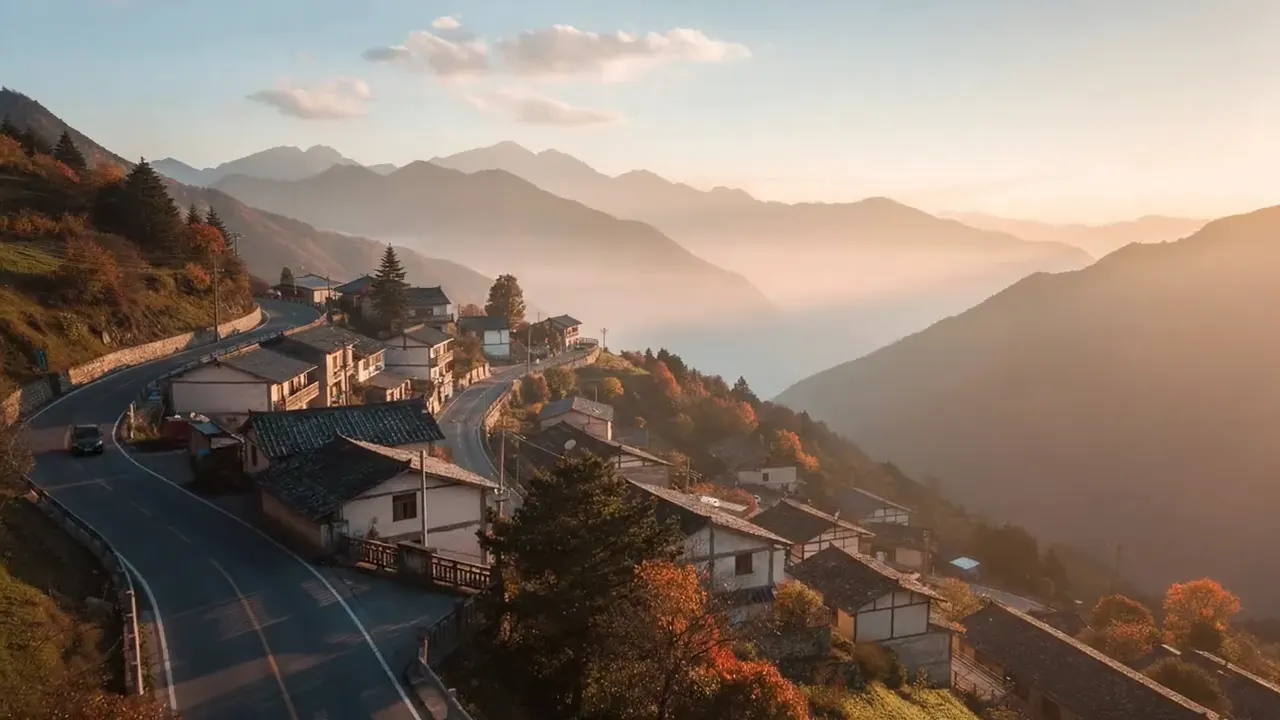
Source photo
AI video result
Workflow
Upload a scenic image, name the mood and camera movement, then export a promo clip for travel pages or social channels.
Use landmarks, beaches, mountains, hotels, city views, or destination photos.
Ask for drone-like push, clouds, water, lights, sunset, or a slow reveal.
Create vertical clips for social and landscape clips for destination pages.
Use cases
Turn trip photos into short destination clips for reels, itineraries, travel blogs, and memory edits.
Animate scenic photos with camera movement, clouds, water, and light for tourism campaigns.
Create room, pool, lobby, and exterior clips that feel premium without a video shoot.
Turn trip photos into short vertical posts for TikTok, Reels, Shorts, and travel blogs.
Prompt ideas
Match the motion to the original frame. Strong prompts stay specific about the action and conservative about identity.
Drone-like slow push-in over the scenic view, clouds moving gently, sunlight shifting, cinematic destination promo.
Ocean or lake water shimmering, soft breeze, warm travel mood, slow camera drift, keep the landmark recognizable.
Golden sunset reveal, lights slowly turning on, cinematic travel commercial, smooth camera movement.
Settings guide
Use these choices to keep motion believable instead of asking the model to change the whole scene.
Keep identity, framing, and lighting stable first. Add one visible action, then regenerate only if the subject or background drifts.
Destination feel
Avoid: One still travel image
Place fidelity
Avoid: Generic fantasy landscape
Output
Avoid: Gallery-only image
FAQ
Practical answers about travel photos, scenic camera motion, destination reels, and keeping landmarks stable.
Landmarks, beaches, mountains, hotels, city views, and scenic photos with strong composition work best.
Use prompts that preserve landmarks and add small environmental motion. Avoid asking the model to redesign the location.
Yes. Paid plans support commercial use. Make sure the original photos are authorized for promotion.
Use 9:16 for Reels, TikTok, Shorts, and stories. Use 16:9 for destination pages, hotel websites, and YouTube.
Start with a prompt or reference, compare models, and save the best result to history. Upgrade when you need cleaner exports, stronger models, or more production volume.