
Scene understanding
Upload a clear first frame with defined scene and subject.
Google-style high-quality video model
Use Veo 3.1 on Inkfox AI for Google-style AI video, image-to-video drafts, prompt-driven motion, and audio-aware campaign tests. The workbench below opens on Veo 3.1, so you can start from a clear first frame and shot goal with free monthly credits to start.
Cinematic sample reel
Final-grade hero shotsUse Veo 3.1 on Inkfox AI for Google-style AI video, image-to-video drafts, prompt-driven motion, and audio-aware campaign tests. Free monthly credits to start. When a shot has to make the final cut with Google-grade quality and native audio, Veo 3.1 reads scene intent instead of just animating the first frame. Treat it as the final-grade tier for campaign hero shots.

Campaign hero shot
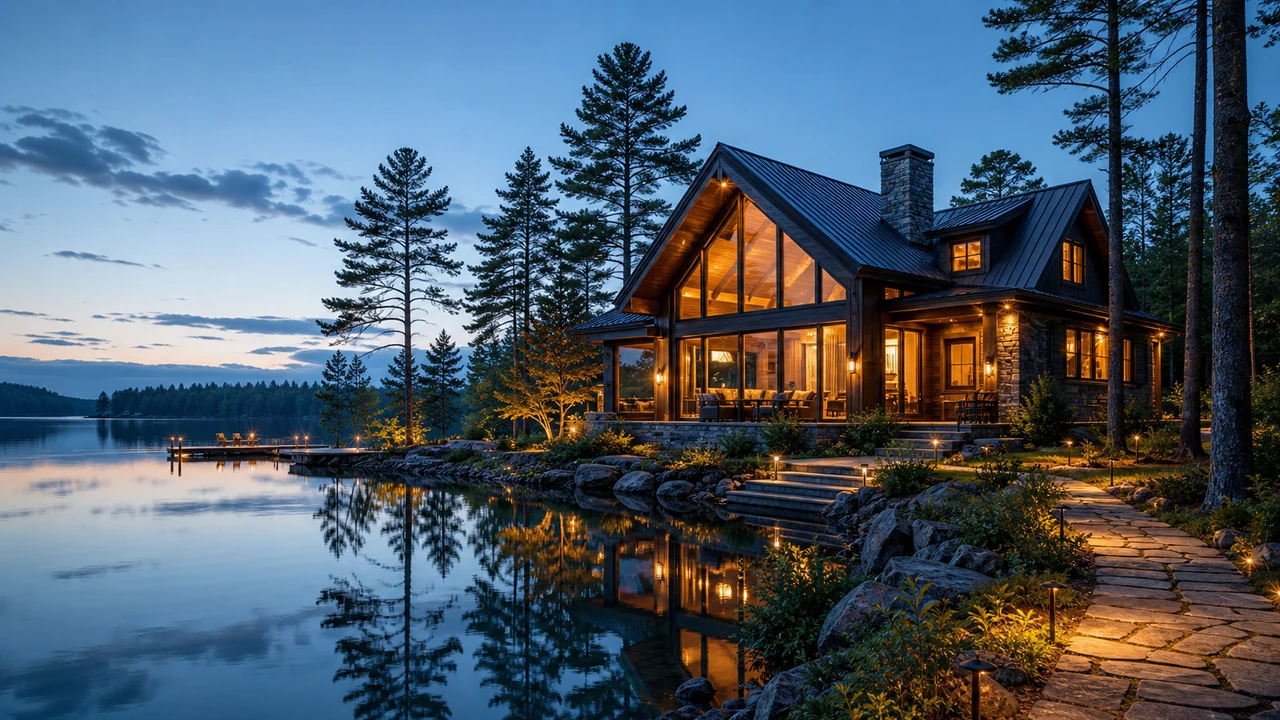
Audio-led mood shot
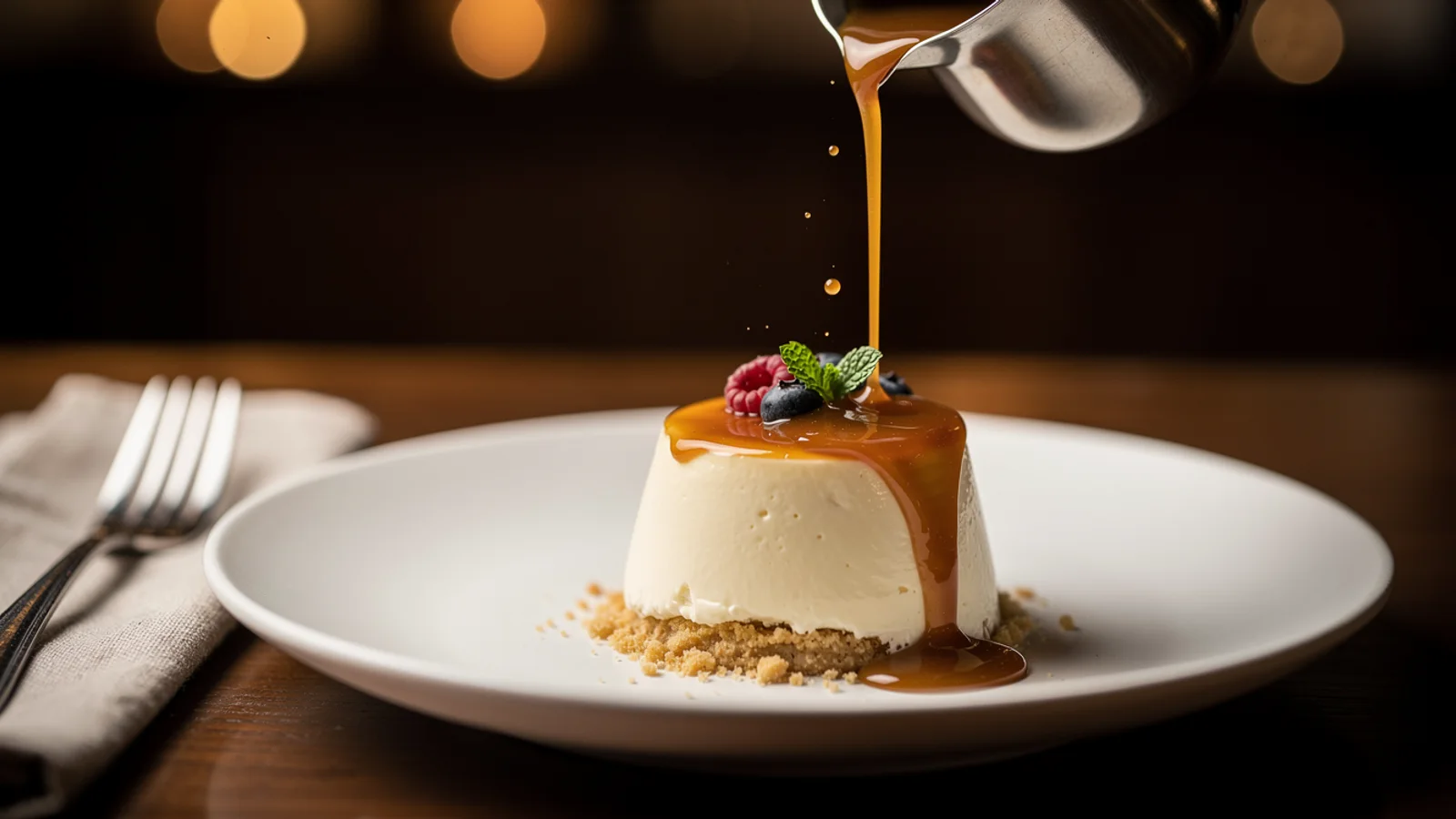
Narrative support shot
Upload a clear first frame with defined scene and subject.
Describe the action, pace, and overall mood intent.
Specify the camera move and any ambience or sound needed.
Final-grade pick
Use Veo 3.1 for the one shot that has to hit broadcast standard on quality, audio, and duration. Run throwaway direction tests on a cheaper tier first.
Creation steps
The fastest path is not a longer prompt. It is one readable frame, one motion goal, and one camera choice.
Prepare a clear first frame and state scene intent and mood.
Describe action, camera, and whether audio is needed.
Validate the direction cheaply on a lower quality profile.
Switch to a high-quality profile for the final clip and export.
Prompt examples
Before spending 30+ credits on a larger batch, make sure the subject, use case, and output requirements are clear.
Upload a clear first frame with defined scene and subject.
Describe the action, pace, and overall mood intent.
Specify the camera move and any ambience or sound needed.
State quality profile, duration, and destination.
Model comparison
Prefer Veo 3.1 for quality and native audio, Kling 3.0 for motion consistency, Hailuo for value and speed.
| Dimension | Veo 3.1 | Kling 3.0 | Hailuo |
|---|---|---|---|
| Visual quality | Strong | Strong | Medium |
| Native audio | Strong | Some configs | Limited |
| Scene understanding | Strong | Medium | Medium |
| Resolution | High | 720p–1080p | 720p–1080p |
| Speed | Slower | Medium | Fast |
| Credit cost | 30+ credits | 140+ credits | Medium |
Prompt examples
These examples show how to describe the subject, scene, camera, and final use so you can adapt them to your own image or video.
From the product first frame, slow push-in, soft cinematic light, shallow depth of field, subtle ambient sound, premium mood.
Rainy city street at night, neon reflections, slow camera pan, rain sound and distant traffic ambience, cinematic look.
A person in a cafe looks up and smiles, natural window light, gentle push-in, faint murmur ambience, warm mood.
Decision guide
Choose it when the job matches use veo 3.1 on inkfox ai for google-style ai video, image-to-video drafts, prompt-driven motion, and audio-aware campaign tests. free monthly credits to start.
Compare with Kling, Runway, Veo, Hailuo, or Grok Imagine when the brief depends on a different strength, cost, or output format.
Quick answer
Veo 3.1 is best for use veo 3.1 on inkfox ai for google-style ai video, image-to-video drafts, prompt-driven motion, and audio-aware campaign tests. free monthly credits to start.. Use it when that matches your goal, check the credit cost before generating, and compare another model when you need a different strength.
Return to the workbenchFAQ
Model behavior, cost labels, and when to use this workbench.
Veo 3.1 is best for high-quality AI video drafts, prompt-driven motion, and clips where the model needs to understand scene intent rather than only animate pixels.
Yes. Inkfox AI exposes Veo 3.1 through visible workspace settings. Use cheaper or faster options for tests, then move to higher-quality settings only for promising clips.
Choose Veo 3.1 for broader scene understanding and campaign tests. Choose Hailuo when the brief is mainly portrait motion, facial expression, or natural character movement.
A key Veo 3.1 strength is native audio for clips with ambience or a dialogue feel. Exact capability depends on the selected configuration shown in the workspace settings.
This workbench defaults to Veo 3.1 from about 30 credits, rising with the quality profile. Validate the direction on a lower profile first, then raise quality for the final clip.
Yes. Veo 3.1 understands scene intent better, which suits multi-element shots with ambience and narrative. Describe action and mood clearly for closer results.
Use the Inkfox AI workbench for a quick generation, then compare real examples from other creator workflows.