
Pick a theme
Choose from eight birthday styles — from kids fun and cartoon to elegant adult and milestone gold.
AI Birthday Invitation Generator
Pick a birthday theme, describe the party, and generate fun, print-ready invitation designs for kids and adults — then download and share in seconds.
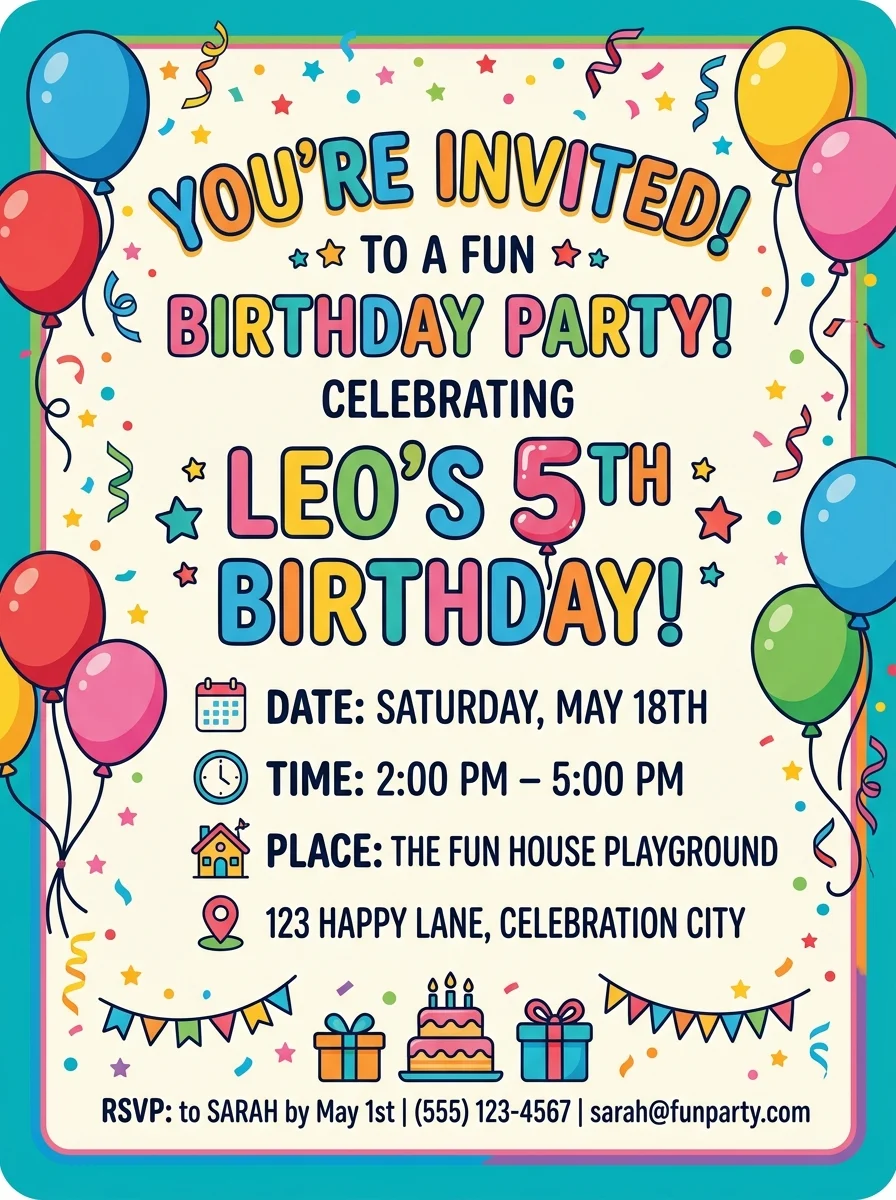
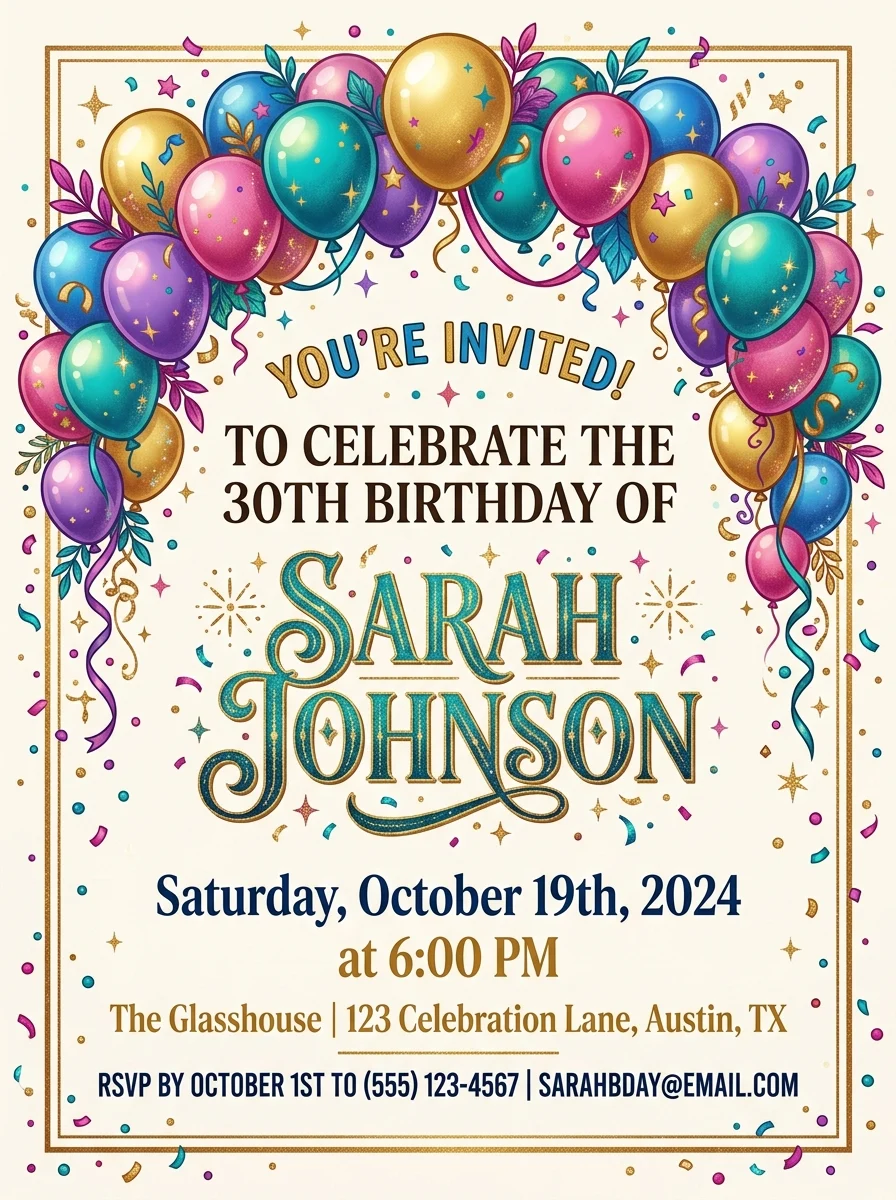
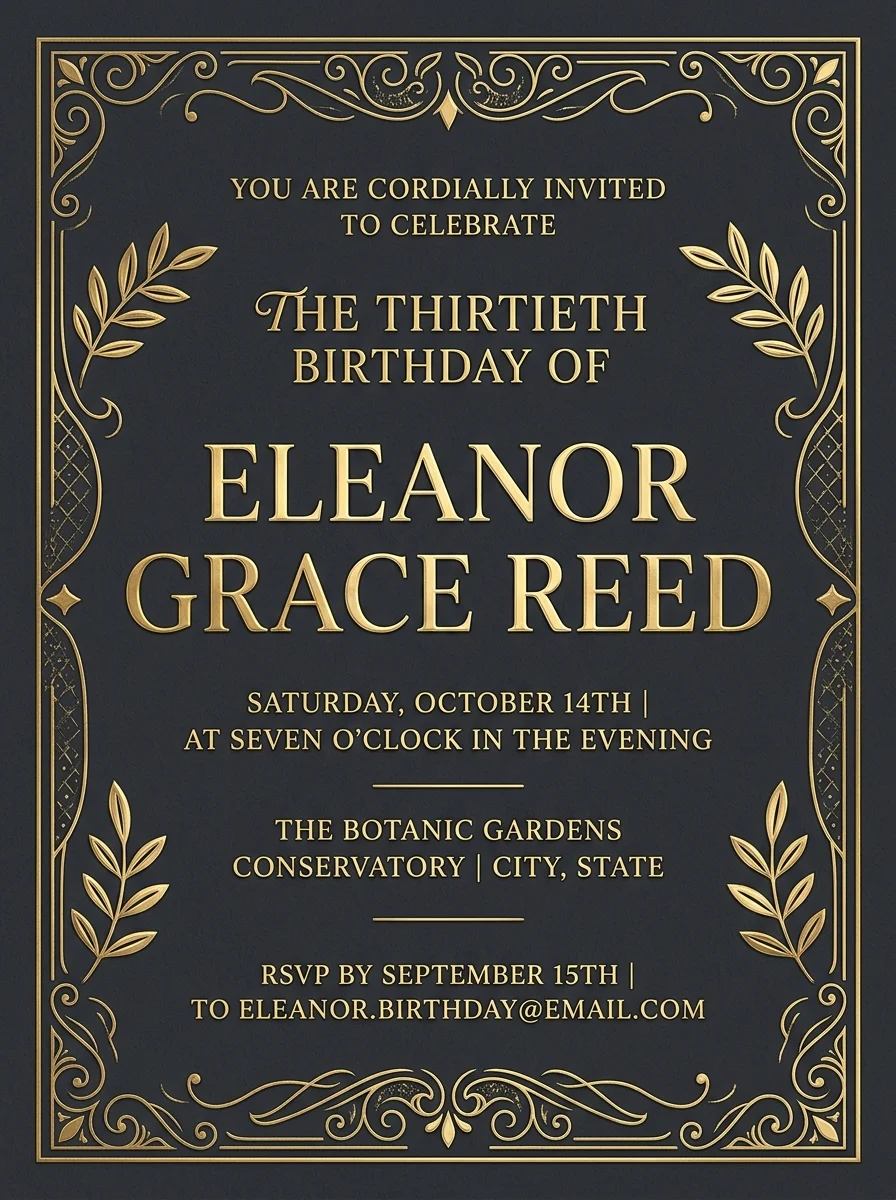
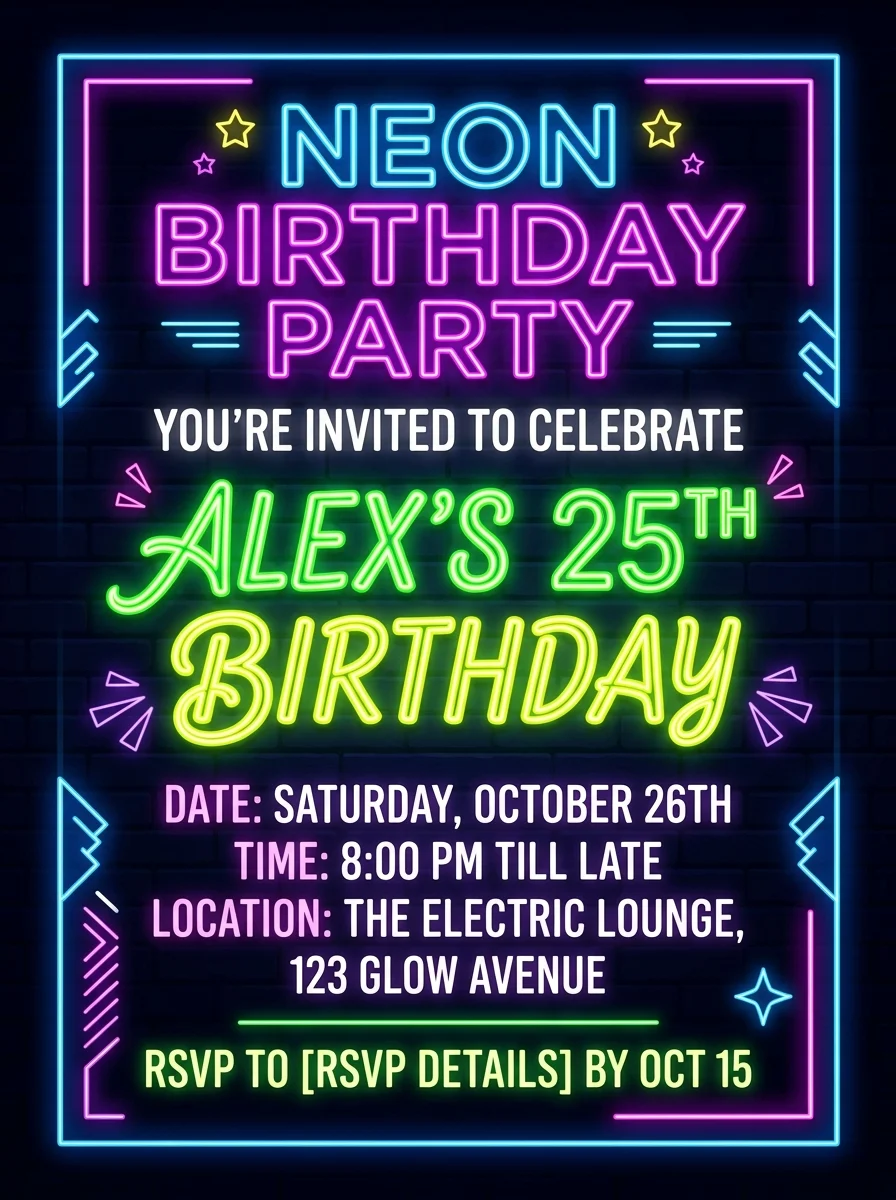
Inspiration
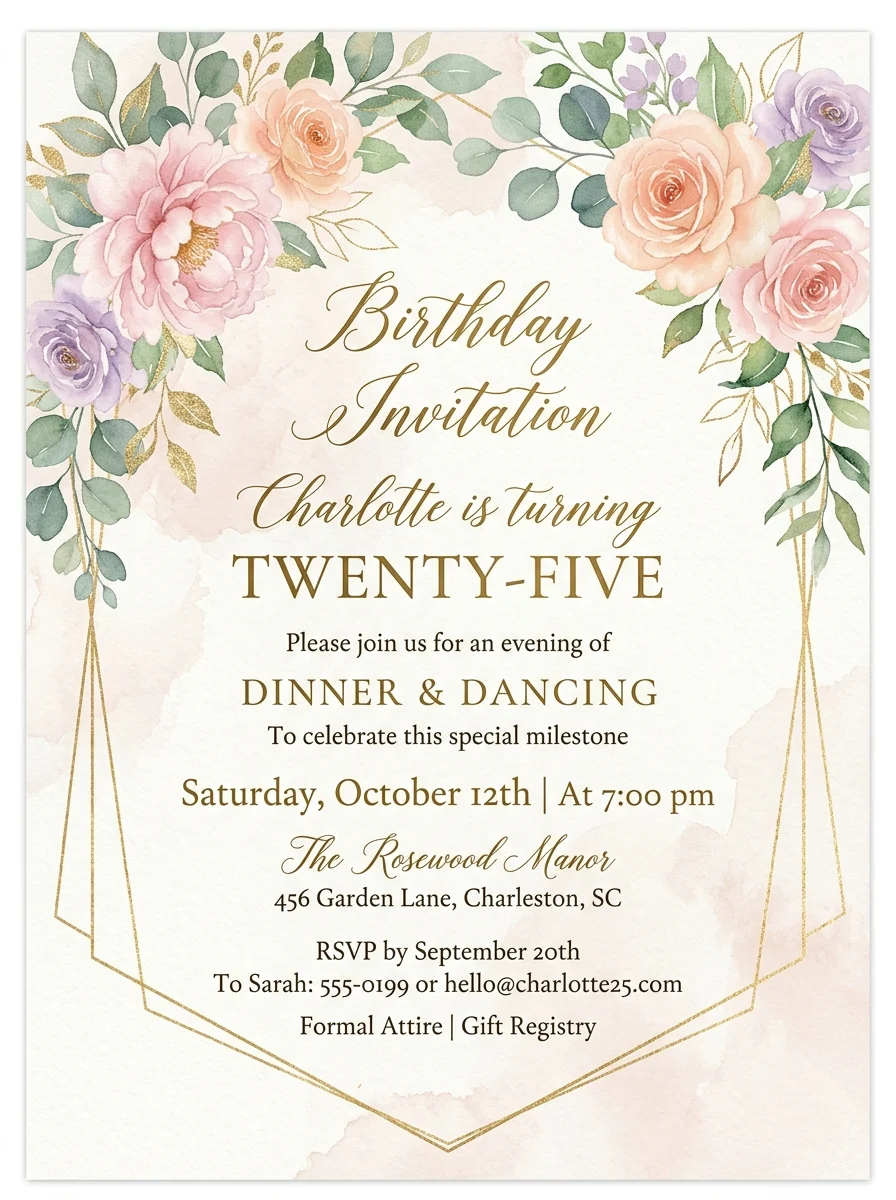
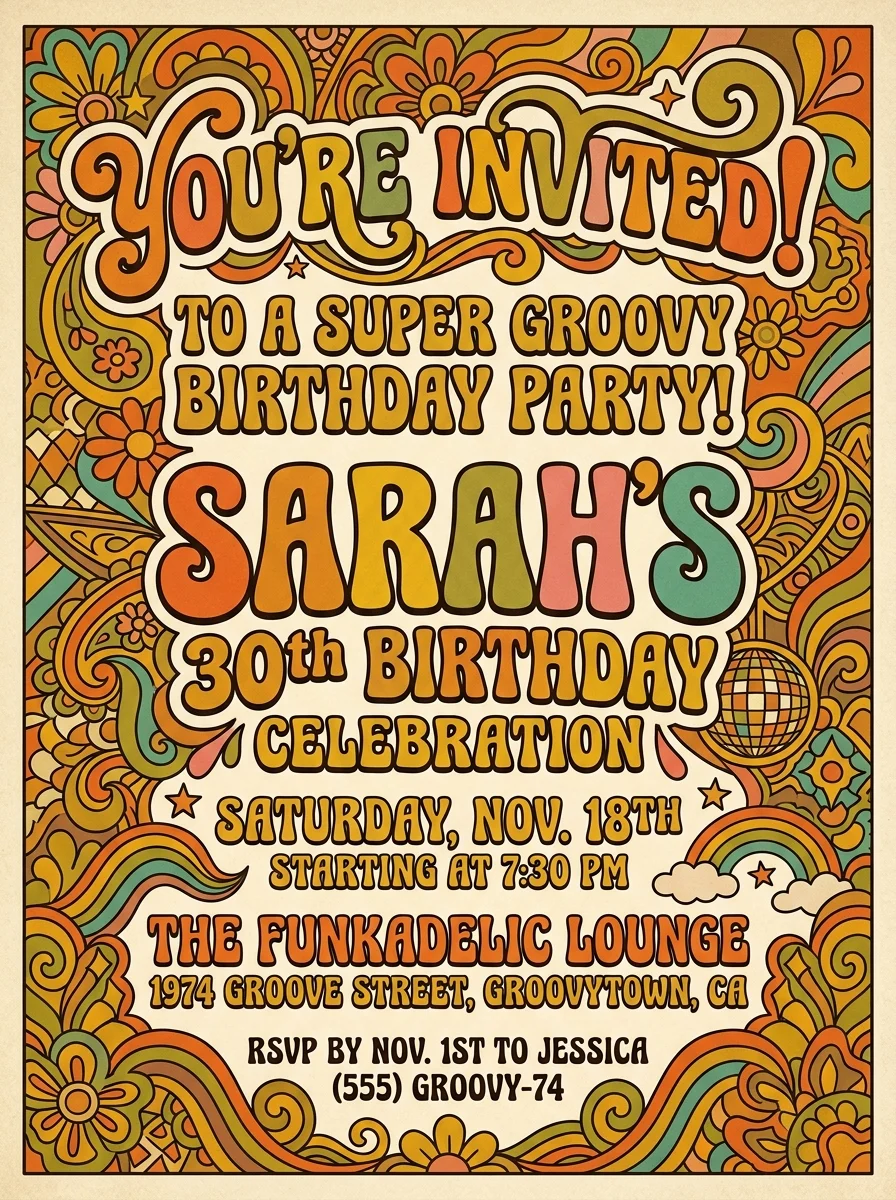
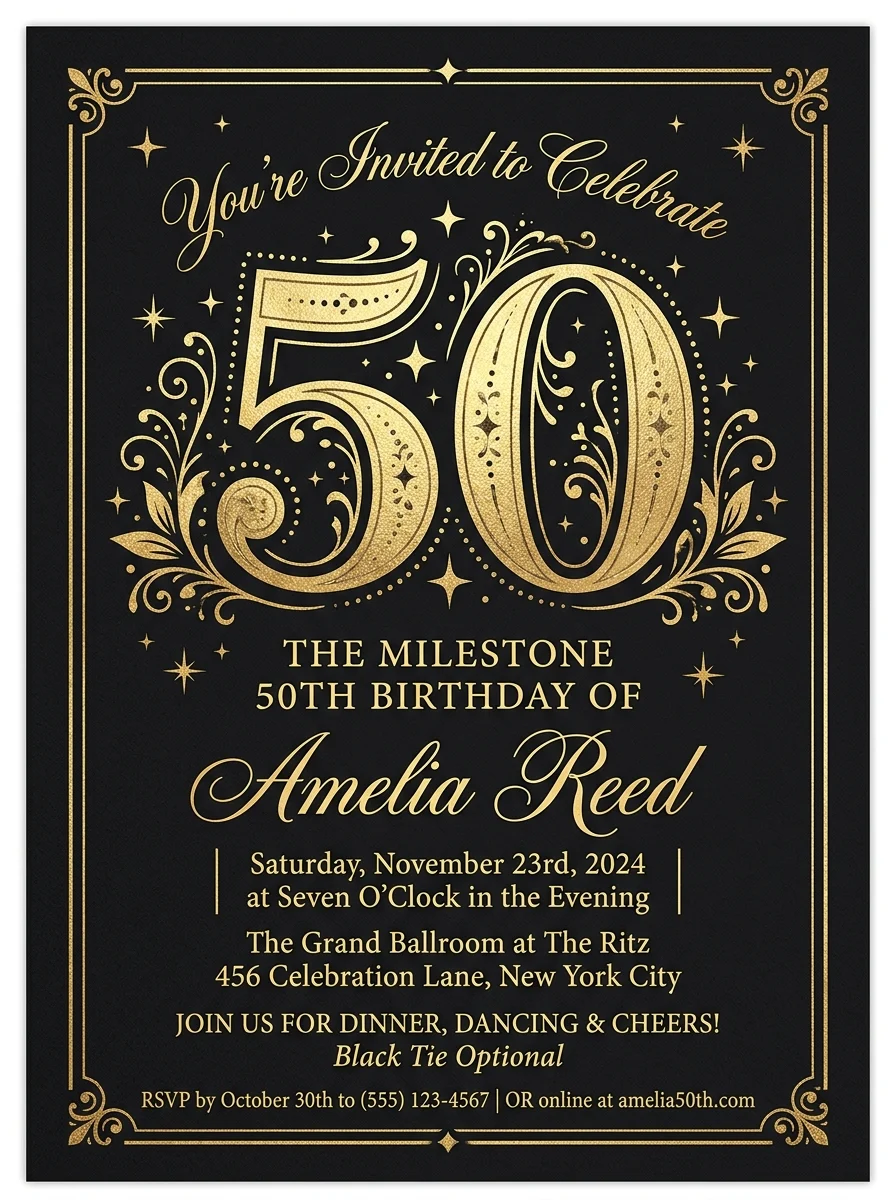
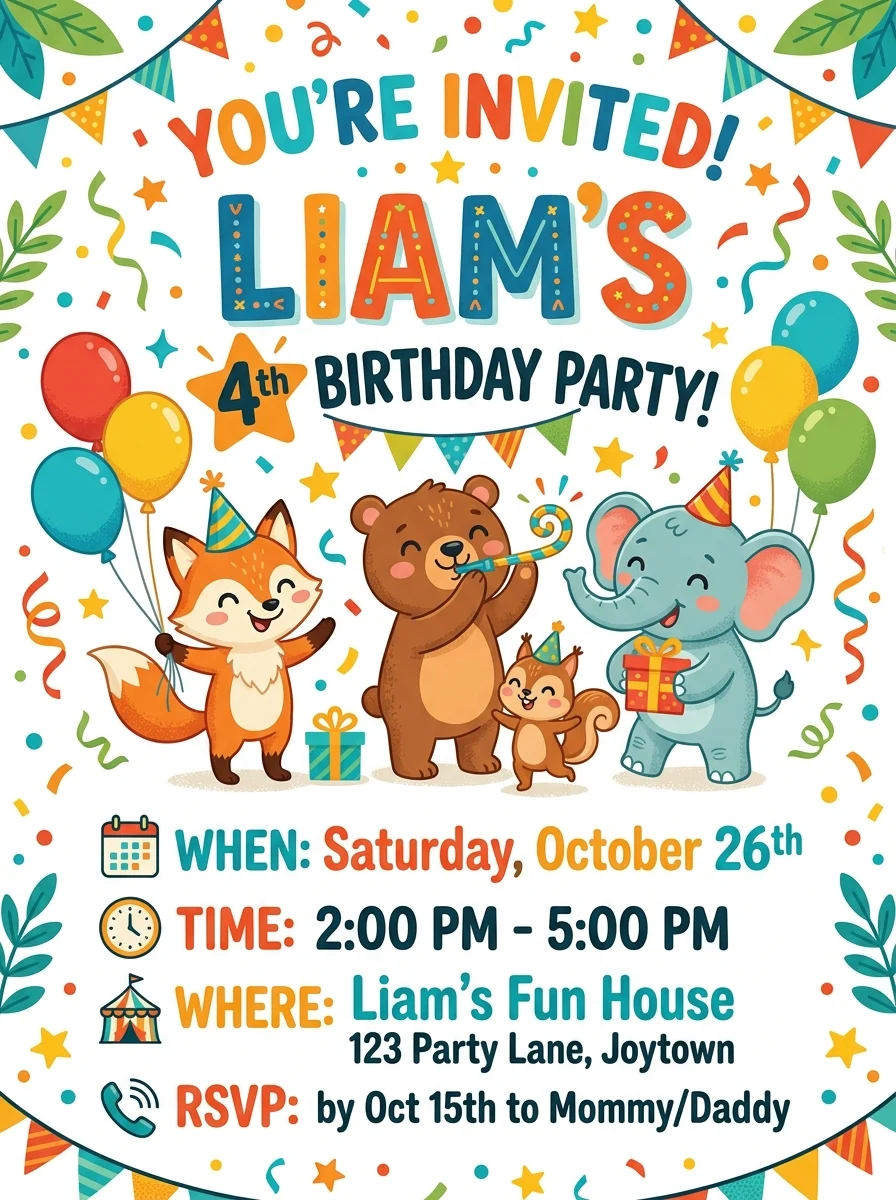
No blank canvas. Tap any invitation to load its theme and description into the generator, swap in your own party details, and create a fresh version in seconds — across kids themes, elegant adult styles, and milestone designs.
Prompt recipes
A good invitation prompt follows a simple pattern: theme, name, age, and one or two party details. Tap a recipe to load a working example, then swap in your own details.
Write a better brief
The model is only as good as the brief. A clear, specific sentence beats a vague one every time — here is what to include.
Lead with who is celebrating, how old they are turning, and when — "Mia turns 7, Saturday 2pm" gives the model the most useful context.
Pick a single visual direction — jungle, unicorn, neon, floral. Too many ideas produce a cluttered card that is hard to read.
Mention print or digital, and whether you need it landscape or portrait so the layout and text size work for the format.
Workflow
Pick a theme, describe the party, generate, and share.
Choose from eight birthday styles — from kids fun and cartoon to elegant adult and milestone gold.
Add the name, age, date, and any fun detail like the venue or color scheme you want on the card.
Create a few options and pick the one that matches the party vibe best.
Save your invitation and send it digitally, or take it to a print shop for physical cards.
Use cases
Design the perfect invite in minutes — for any age, any theme, any party.
Create playful invites for birthday themes like unicorns, dinosaurs, jungle, and superheroes that kids will love.
Design elegant cards for big-number celebrations — 30, 40, 50, 60 — with gold and classic layouts that feel special.
Generate invites for neon nights, garden parties, retro throwbacks, and any adult birthday vibe.
Download and send directly over WhatsApp, email, or social media — no print needed.
FAQ
Practical answers about themes, text accuracy, print size, digital sharing, and getting a finished design.
Yes. Pick a theme, describe the party, and generate invitation designs with the free base model. Sign in to keep results in history and remove the export watermark from your downloads.
Yes. The themes cover both — Kids fun, Balloon arch, and Cartoon work great for children's parties, while Elegant adult, Neon party, Milestone gold, and Floral chic suit grown-up celebrations.
The AI can render short text like a name or number, but spelling is not always perfect. For a final invitation with guaranteed accurate text, use the AI design as a visual template and add the details in a design app like Canva or Google Slides.
Results generate as high-quality images suitable for digital preview and most home printing. For professional print shops that need exact bleed and trim marks, open the image in a print-layout tool and set up your document to their specs.
Yes. The portrait 3:4 format displays well in messaging apps and email. Download the image and share it directly, or screenshot it for quick sharing.
Yes — use the same theme and color description in a new generation to get a matching thank-you card. Keep the prompt consistent for a cohesive set.
Invitations download as standard image files. For editable vector formats, use the AI result as a reference and rebuild the layout in a vector tool.
Generate as many concepts as you like with the free base model — most people try a few themes and phrasings before landing on one they love. Sign in to keep your favorites in history.
Start with a prompt or reference, compare models, and save the best result to history. Upgrade when you need cleaner exports, stronger models, or more production volume.