Hats are deceptively hard to buy online. A baseball cap and a wide-brim fedora can look great on the model and completely change the proportions of your own face. Brim width fights with jaw shape, crown height changes how tall you read, and a beanie that looks effortless on a product shot can swallow a smaller head. You can't tell any of that from a flat catalog photo on someone else's head.
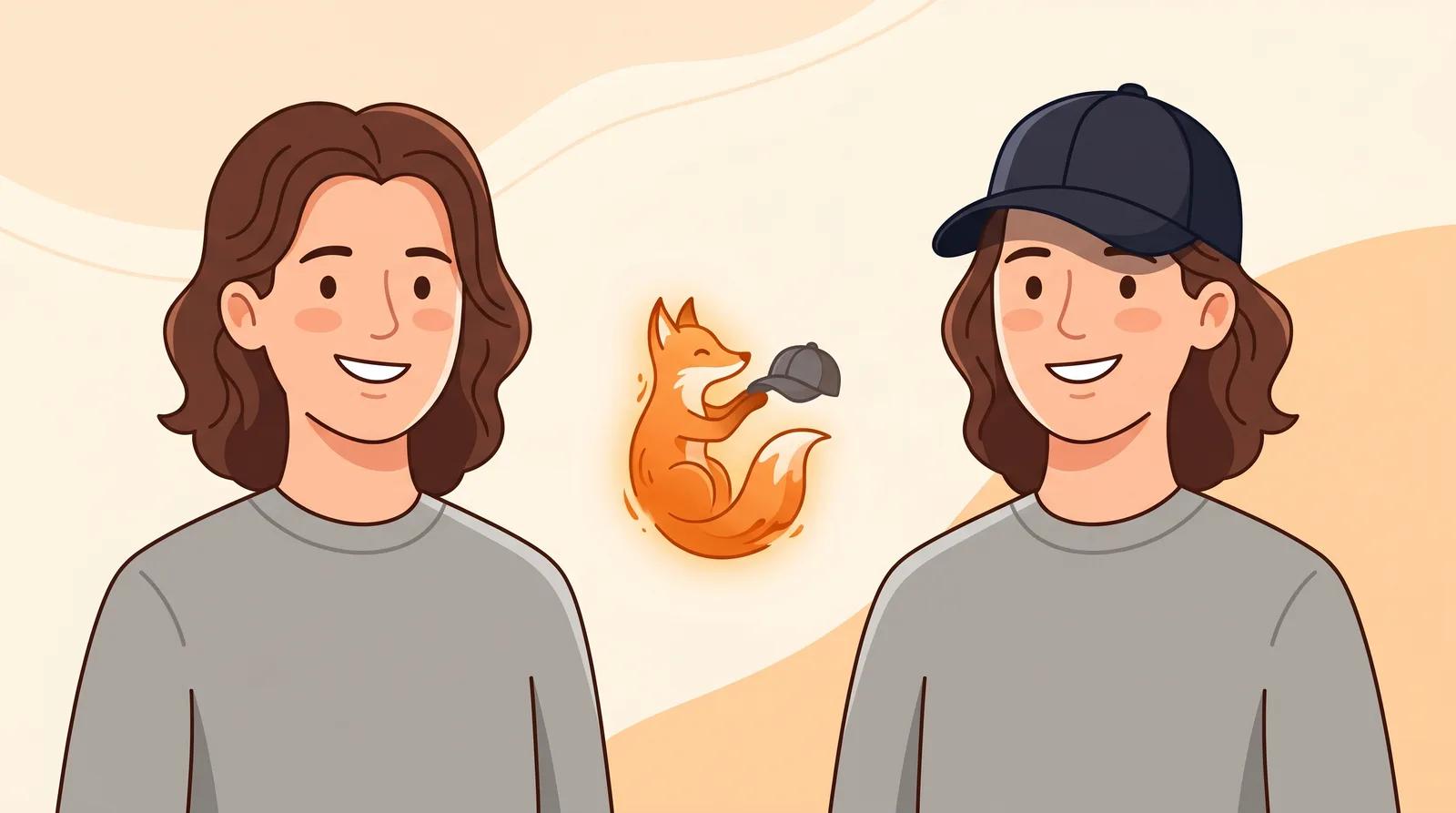
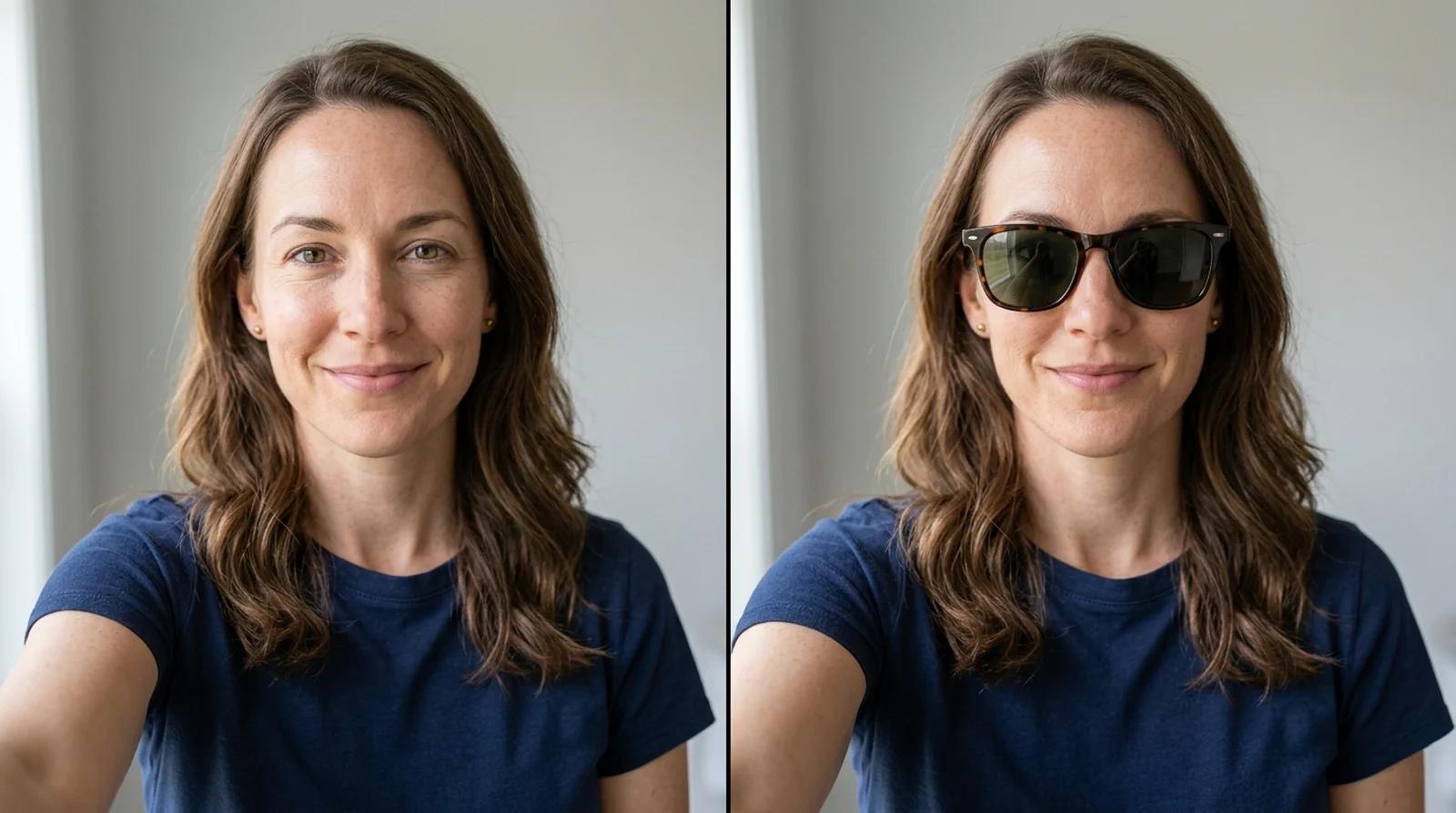
That is the gap an AI hat try-on fills. You upload one photo, pick a hat style, and the AI places it on your head while keeping your face, hair, and lighting the same. Instead of guessing from a thumbnail, you see a cap, a fedora, or a bucket hat on you before you commit. This guide covers how to use it and how to read the result honestly.
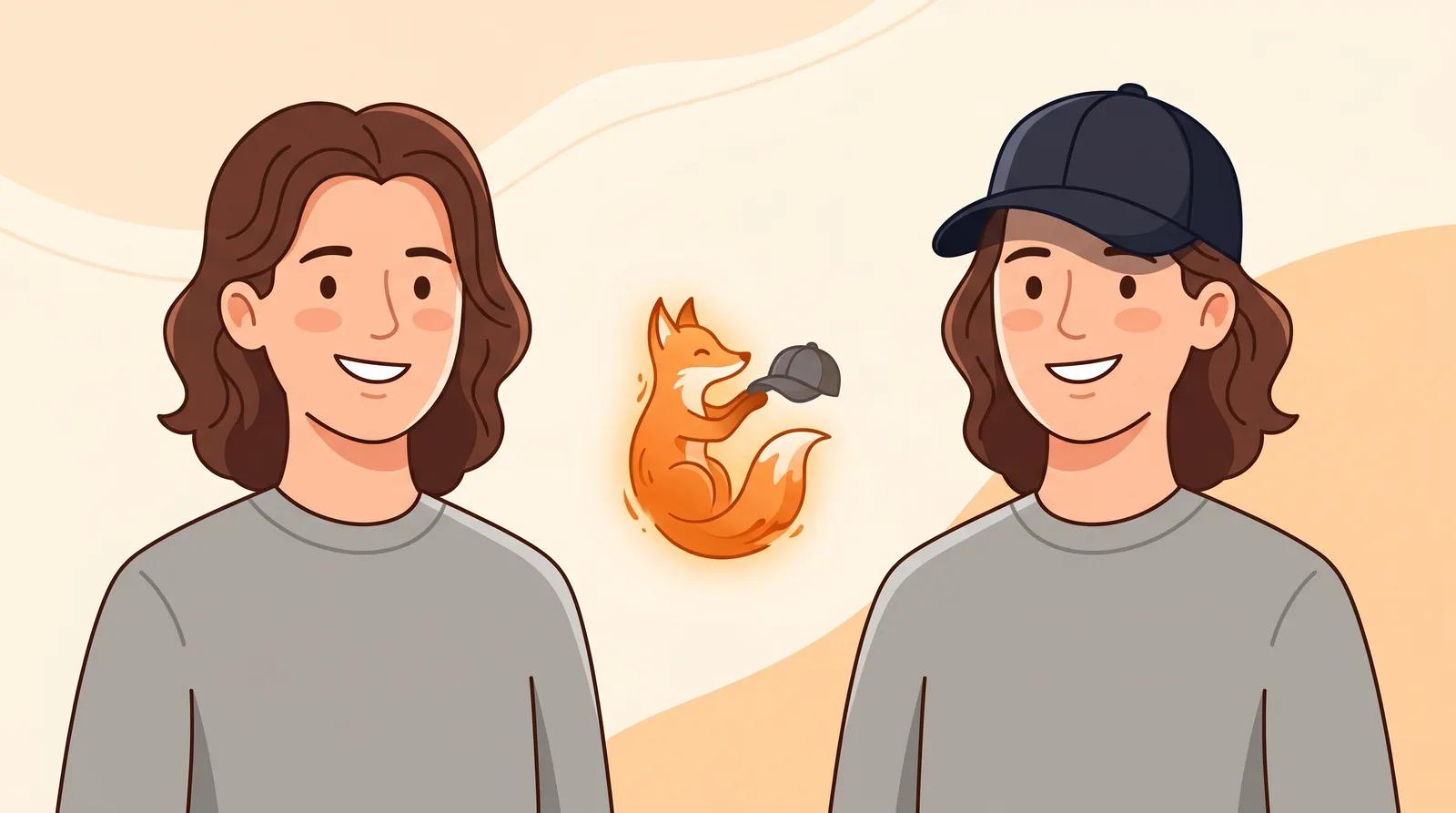
A virtual try-on does one job: it helps you judge style, scale, and how a hat shape sits on your face before you buy. It works well for:
- Narrowing a long wishlist down to two or three styles worth ordering.
- Checking whether a brim or crown that looks good on a model also works on you.
- Comparing a structured fedora against a soft beanie side by side.
- Mocking up a look for a profile photo or a social post.
It is not a real fitting tool. It will not measure your head circumference or confirm the fabric, weight, or whether a size runs large. Treat the result as a strong shortlist, then check the actual sizing and return policy with the seller before you pay. It is also not a tool for editing someone else's photo without their consent.
The AI can only place a hat well on a head it can read clearly. Open the AI hat try-on and upload a photo that gives the model what it needs:
- Your full head, hairline, and the top of your shoulders are visible. This is what the hat aligns to.
- You are facing the camera head-on. Steep angles and tilted heads make the crown and brim sit unconvincingly.
- The light is even. Soft daylight from a window beats harsh overhead light that throws shadows across your forehead.
- Nothing is already covering your head. Skip an existing hat or hood so the model has a clear hairline to work from.
A recent phone photo taken near a window is plenty. You don't need a studio shot, just a clear, head-on frame with your hairline visible.
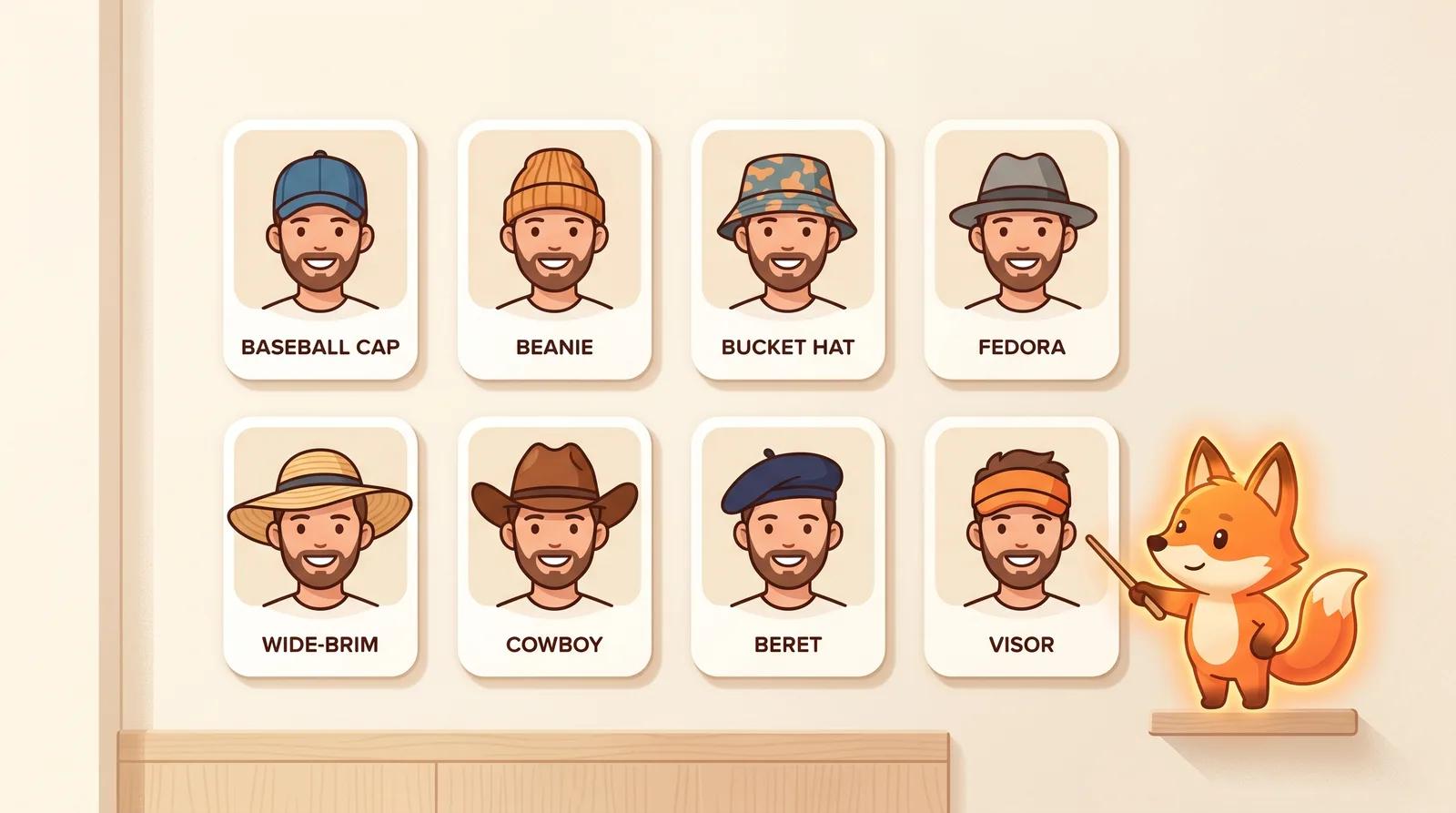
Choose a style reference. There is no prompt to write; the styles are pre-built, so you pick the shape instead of describing it. You get eight to compare:
- Baseball cap: curved brim, casual everyday staple.
- Beanie: soft knit, close to the head.
- Bucket hat: short downward brim, relaxed and street.
- Fedora: structured crown with a pinch, dressed-up.
- Wide-brim: large brim, sun coverage and drama.
- Cowboy: tall crown, upturned brim.
- Beret: flat, soft, leans fashion.
- Visor: open crown, brim only.
Comparing styles is free, so run more than one. Try the two or three shapes you are torn between on the same photo and look at them next to each other.
Pick a style and run the try-on. The model adds the hat while keeping your identity, hair, skin texture, lighting, and expression stable. It takes a few seconds.
When it finishes, zoom in and check the details that tell you whether a hat works on you:
- Crown fit: the hat should rest on your head naturally, not float above the hair or crush down over your eyes.
- Brim angle: the brim should sit at a believable angle for that style, framing your face rather than hiding it.
- Hairline transition: hair around the edge of the hat should look natural, not sliced off in a hard line.
- Proportion: the hat should suit the scale of your face, not overwhelm or perch too small.
- Shadow: a real hat casts a soft shadow on the forehead. If it looks pasted on with no shadow, the scale is probably off.
If something looks wrong, regenerate or try a different style instead of keeping the first pass. Each run varies a little, and a cleaner, more head-on source photo fixes most alignment problems.
Hat shape is mostly about balancing your face and head proportions. Use this as a starting point, then let the try-on confirm it on you.
| Hat style | Tends to suit | Vibe it gives |
|---|
| Baseball cap | Most faces, oval | Casual, easygoing |
| Beanie | Oval, longer faces | Relaxed, cozy |
| Bucket hat | Angular, square | Street, laid-back |
| Fedora | Oval, heart | Sharp, dressed-up |
| Wide-brim | Oval, longer faces | Glamorous, high coverage |
| Cowboy | Square, oval | Bold, statement |
| Beret | Round, heart | Soft, fashion-forward |
| Visor | Most faces | Sporty, practical |
The general rule: balance a round face with structure and soften a strong, angular face with rounder shapes. It is a guideline, not a law. The point of trying styles on virtually is that you can ignore the chart the moment one clearly looks right.
The difference between a try-on you can trust and one you can't comes down to the source photo. A few things matter most:
- Use a sharp, in-focus shot. Clear edges let the model align the hat. Blurry photos produce sloppy fits.
- Shoot in even light. Face a window in daytime so light falls evenly across your face and forehead.
- Keep your head straight and level. A head-on angle with the camera at eye level is the single biggest factor in accurate placement.
- Check the hairline and the brim. If the hair around the hat and the angle of the brim both look natural, the scale is right. If not, regenerate or switch styles.
If every result looks off, the fix is almost always a better source photo, not more attempts.
You can upload a photo, pick a style, and generate a try-on on the free model without an account. Comparing the eight styles costs nothing. Signing in removes the export watermark from your download, so the saved image is clean and ready to share or drop next to a product page.
You don't have to gamble on a hat from a flat product photo. Upload one clear, well-lit photo, compare a few styles on your own face, and check the fit before you order.
Try the free hat try-on →