
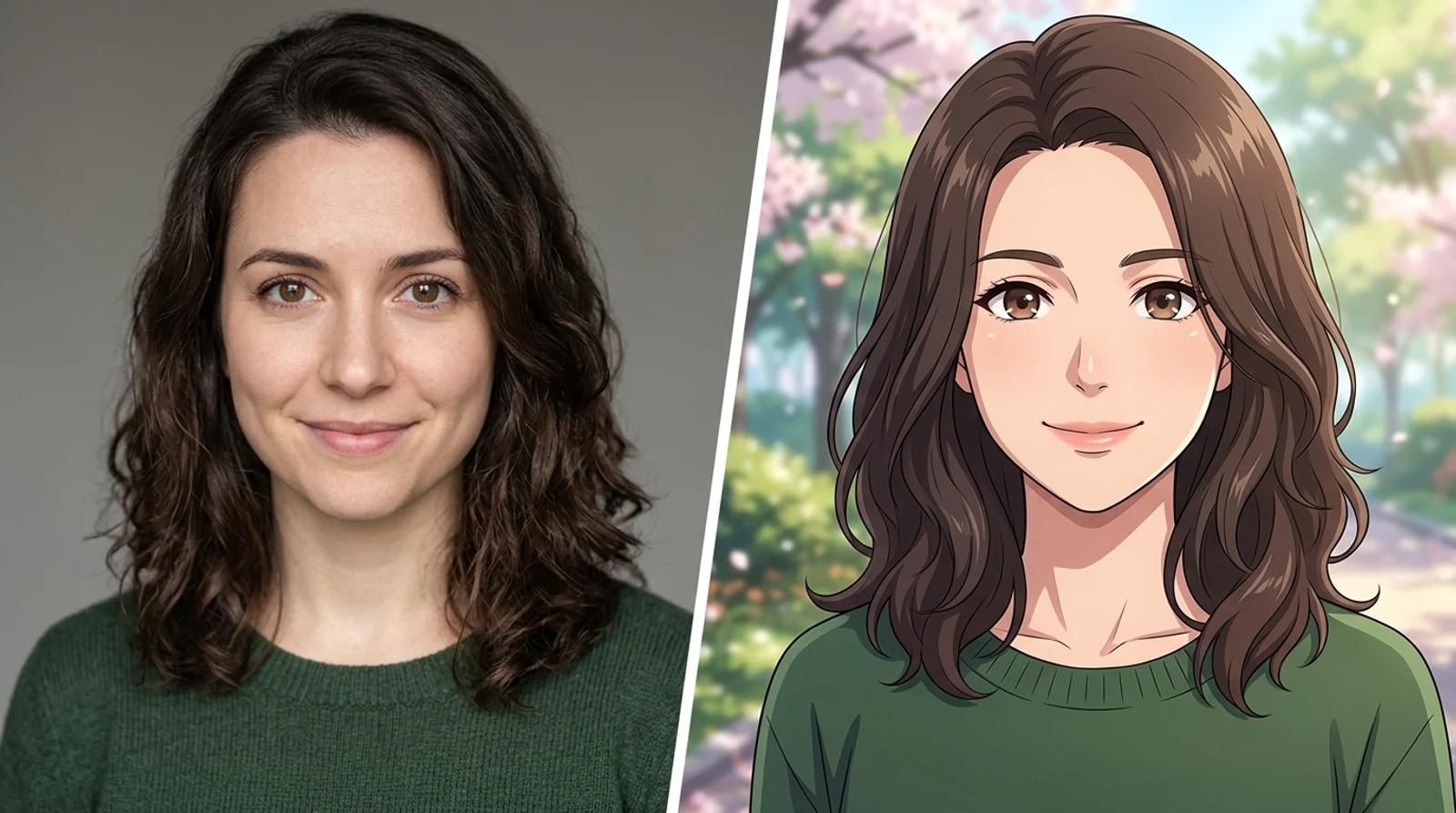
How to Turn a Photo Into Anime With AI (Free Photo-to-Anime Converter)
A practical guide to turn a photo into anime with AI for free. Learn the photo-to-anime steps, which style to pick, and how to keep your likeness.

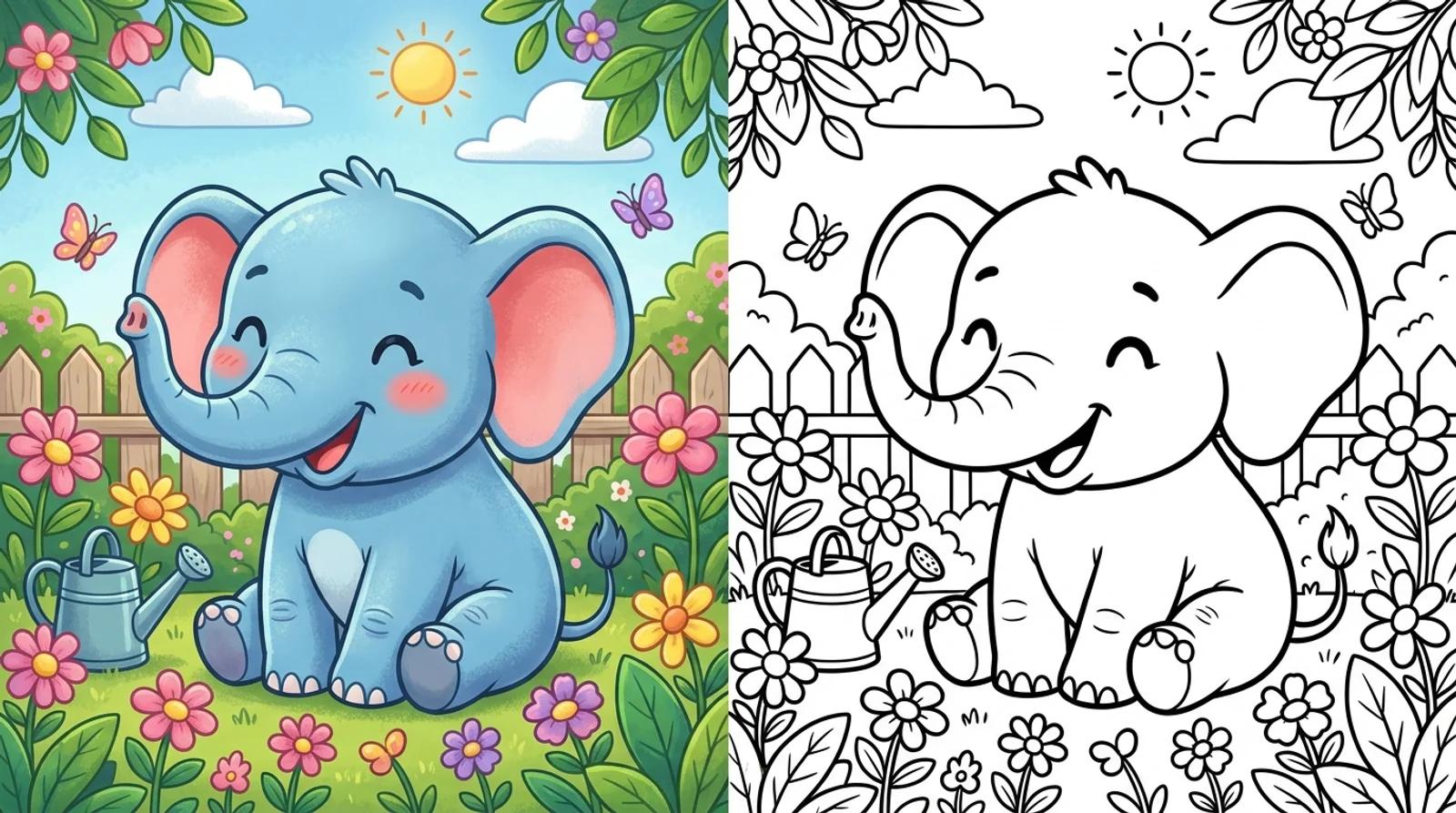
Make custom coloring pages with AI from a text prompt or a photo. Get clean, free printable black-and-white line art for kids and classrooms.
It's a rainy afternoon, the kids are bored, and the printer pack you bought has the same twelve pages they've already colored twice. Or it's the night before a dinosaur birthday party and you can't find a single free printable that matches. This is where you make custom coloring pages with AI: instead of hunting the internet for a page that almost works, you describe what you want, or hand it a photo, and get a clean printable in seconds.
The AI coloring page generator is built for people who reach for coloring pages on short notice: parents, teachers, daycare staff, party hosts who need a themed page on demand. This guide covers both ways to make one, how to write a prompt that comes back as crisp line art, and how to print a page that holds up on ordinary paper.
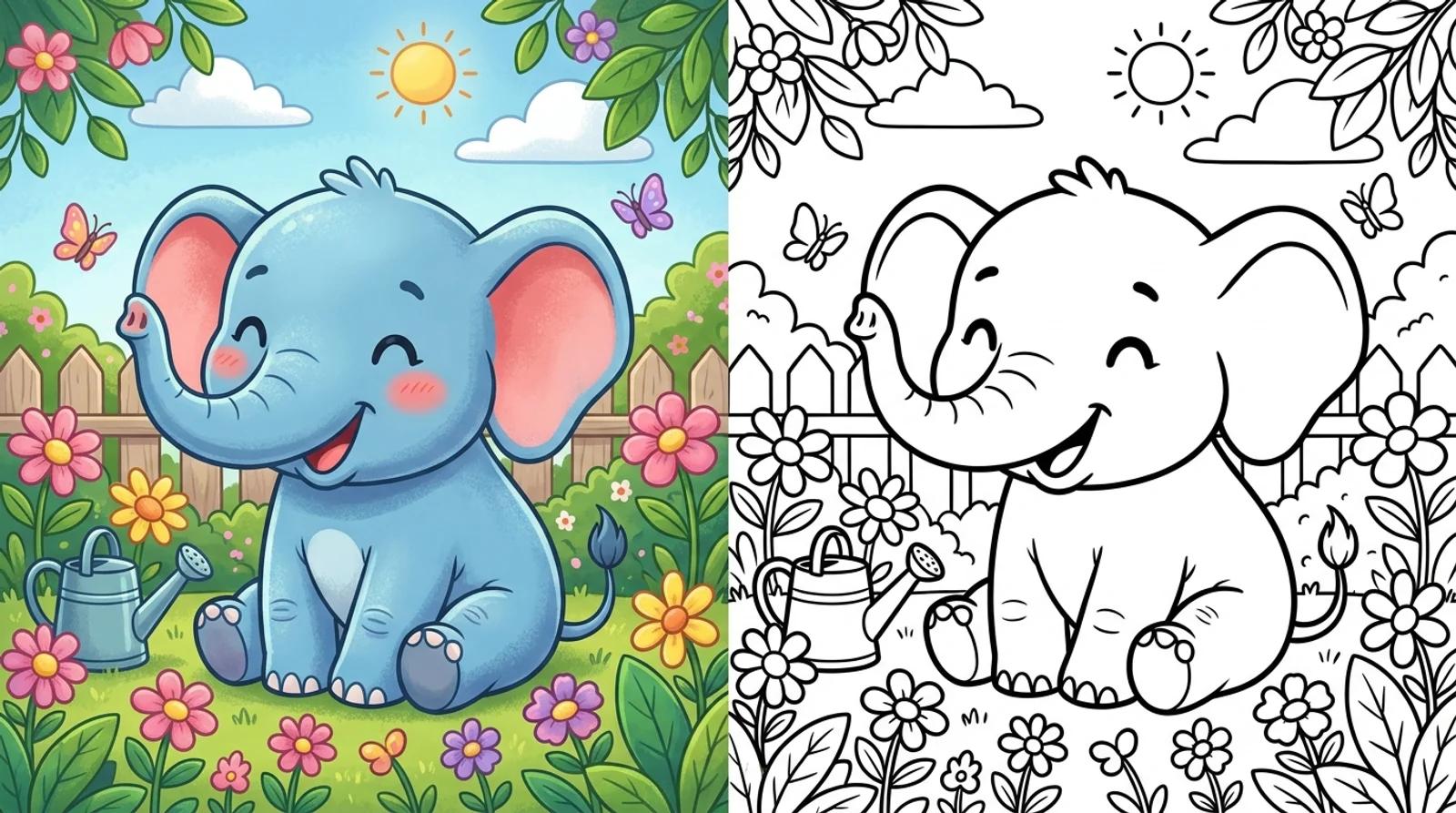
Both paths land on the same result, a printable black-and-white line drawing on white. Pick based on what you already have.
Start from a text prompt. If you know the subject but don't have a picture, describe it: "a friendly dinosaur in a jungle." The model draws it from scratch. This is the fast path for themed sets and anything imaginary.
Convert a photo or drawing. Upload a photo and it traces the subject into bold line art. This is where it gets personal: your own dog, the kid's favorite toy, a family snapshot, even a cartoon or anime character all turn into a page they can color. Pet photos, family photos, kids' own drawings, toys, cartoon characters, selfies, landmarks, and vehicles all work well as uploads.
Either way the output is line art for the child to color by hand. The AI makes the page; your kid brings the crayons.
A coloring page isn't a regular AI image. You don't want a finished, shaded illustration, you want an outline a child can fill in. Four things push a prompt toward clean line art:
The tool appends the clean-output wording behind the scenes (bold black outlines, no shading, no grey, white background, printable, kid-friendly), so you can keep your part short and focused on the subject.
Two example prompts at different levels:
Same tool, same flow. The only real difference is how much detail you ask for.
Open the AI coloring page generator. You have two options on the same screen: upload a photo to convert, or type a description. You don't have to do both. If you're converting, drag the photo in or click to select it.
Working from a prompt? Type your subject, "a friendly dinosaur in a jungle," and keep it to one clear subject. Converting? Upload your photo and let it trace. A sharp, well-lit photo with the subject standing out from the background gives the cleanest line art.
Click Make coloring page. The model draws your subject or traces your photo into a black-and-white line drawing on white. It takes a few seconds. When it finishes, you get a page ready to print and color.
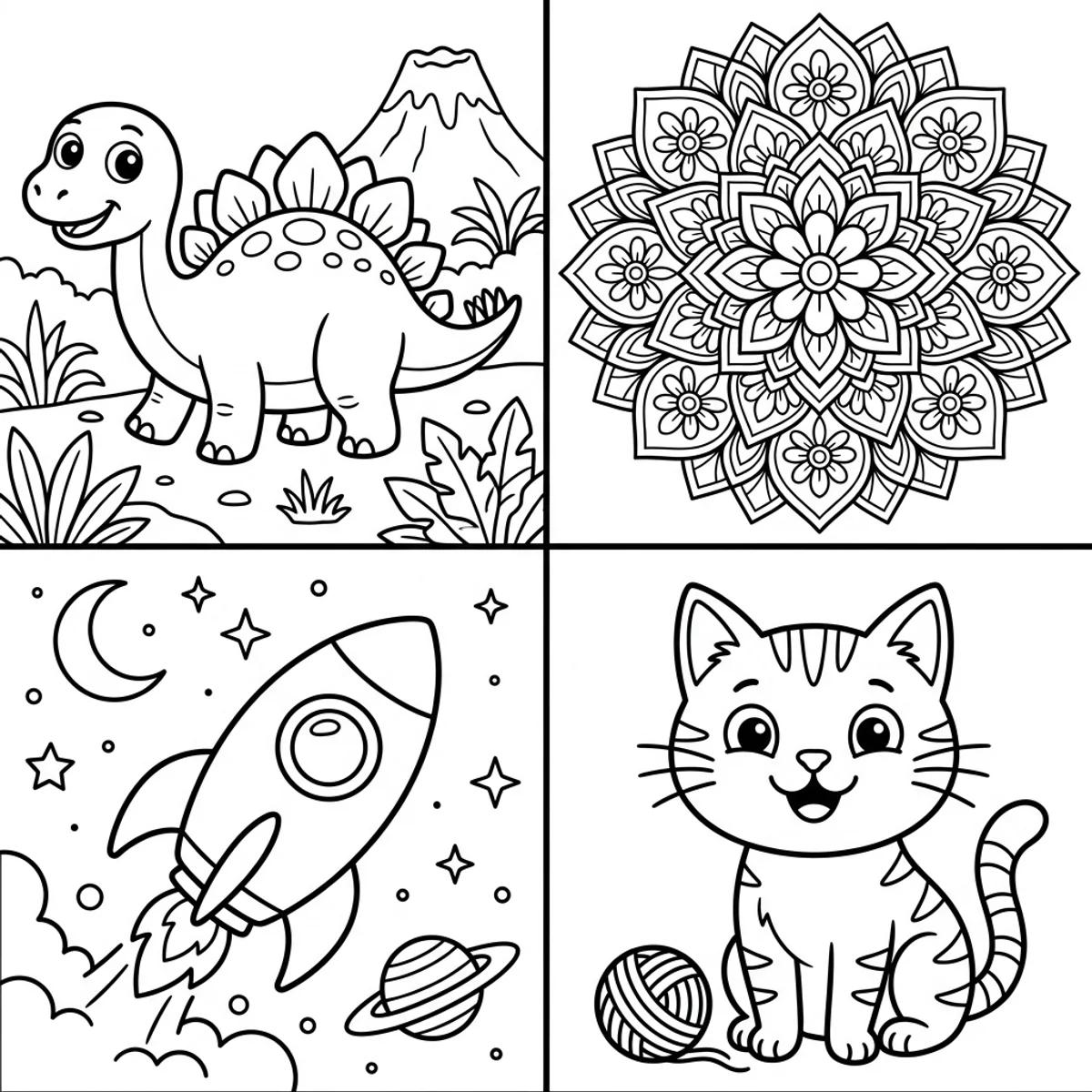
Want a whole activity pack? Run several pages on the same theme with similar wording, a series of jungle animals or a set of vehicles, and you have a printable bundle for a party or a quiet afternoon.
A coloring page is only as good as the print. The output is built for it, black line art on white, so it prints sharp on standard home and classroom paper. A few settings keep it that way:
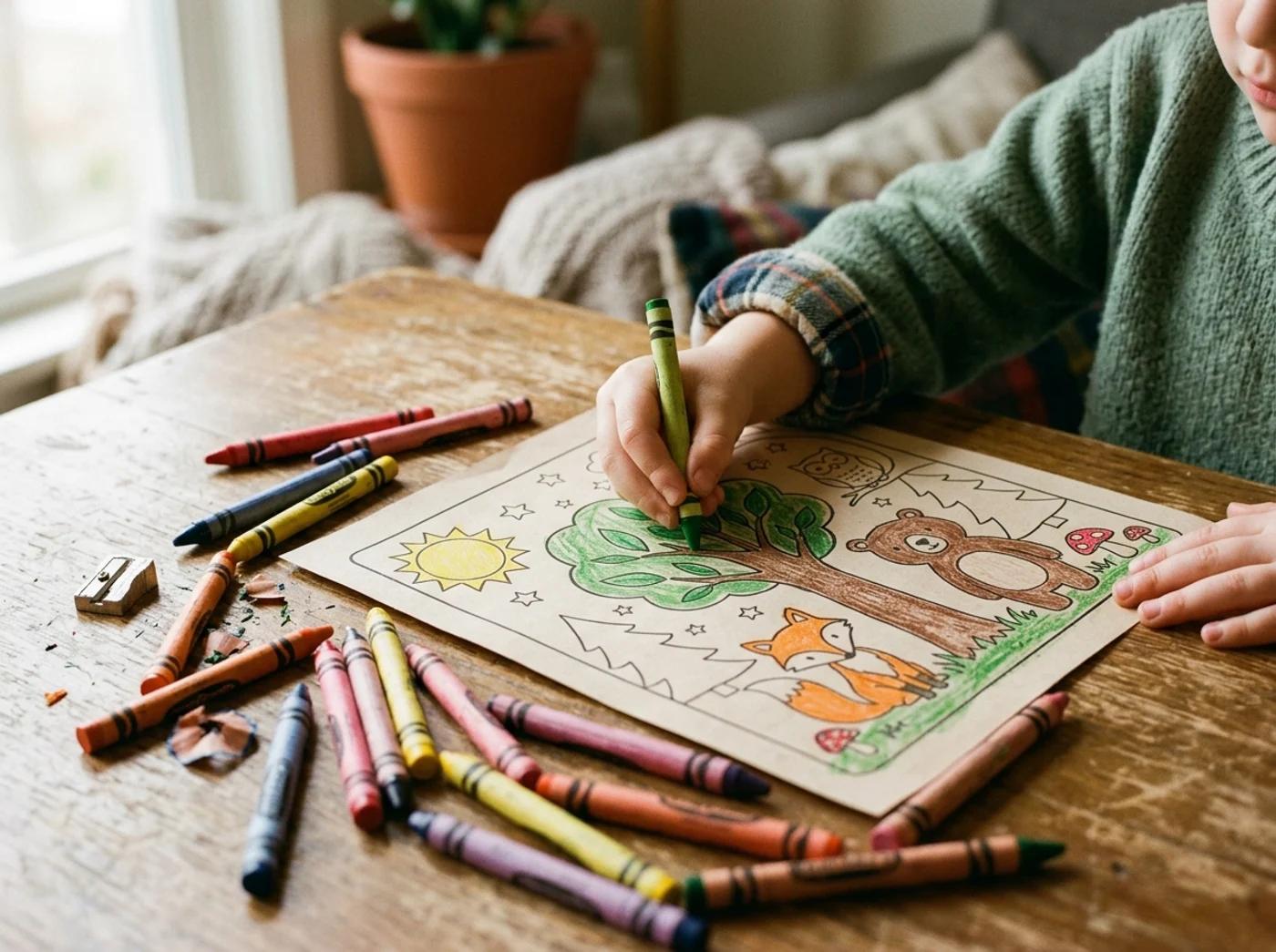
Bold outlines matter most. Thin, faint lines can wash out when printed, especially in draft mode, so a page with thick black outlines is the one that survives the printer.
The same tool works for a two-year-old and a ten-year-old. You just dial the detail up or down. Use this as a rough guide:
| Age group | Ideal complexity | Line thickness | Subject ideas |
|---|---|---|---|
| Toddlers (2 to 4) | Very simple, big open shapes | Thick, bold | Single animals, balloons, a favorite toy, basic shapes |
| Young kids (5 to 7) | A clear subject with a little background | Bold | Pets, dinosaurs, cars, cartoon characters |
| Older kids (8 to 10) | More detail and finer patterns | Medium | Rockets and space scenes, flower mandalas, vehicles |
| Tweens and up | Intricate patterns, dense detail | Fine | Mandalas, detailed animals, fantasy scenes |
When in doubt, go simpler. A busy page frustrates a young child, and an easy one gets more fun with a bigger box of crayons anyway.
Usually the first page comes back clean. When it doesn't, the fixes are quick:
You're after open shapes with crisp black borders, the kind of page where a kid can stay inside the lines and the colors pop.
You can upload a photo or type a description and generate a printable coloring page on the free base model without an account. Signing in keeps your pages in history, so you can come back to a themed set, and it removes the export watermark from the download.
You don't have to settle for whatever printable turns up online. Describe the subject your kid is obsessed with this week, or upload a photo of the real thing, and get a clean printable page in seconds. Then hand over the crayons.
A practical guide to turn a photo into anime with AI for free. Learn the photo-to-anime steps, which style to pick, and how to keep your likeness.
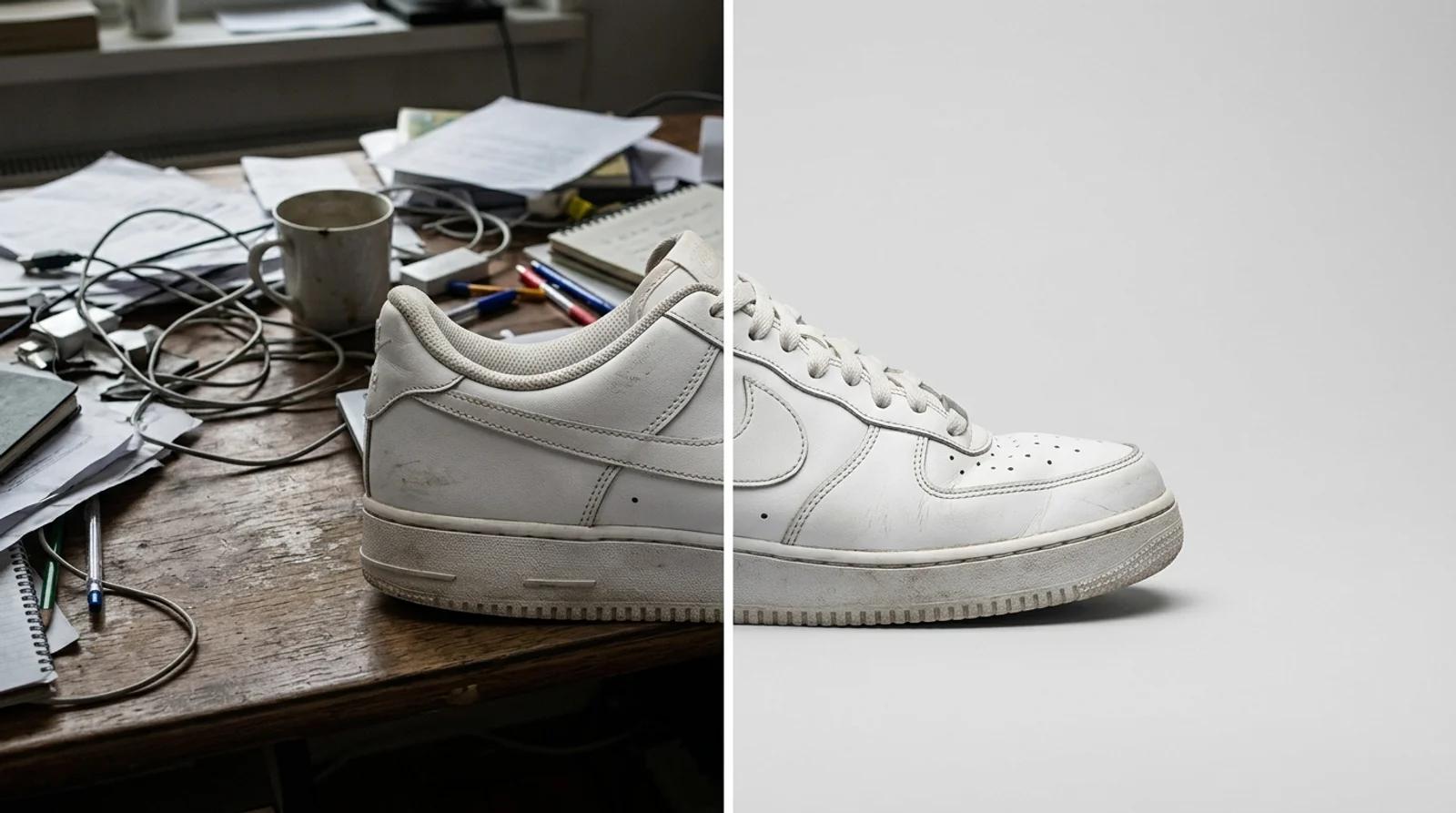
Change the background of a photo online free with AI. Swap a messy backdrop for a clean studio one on product shots, portraits, and listings.
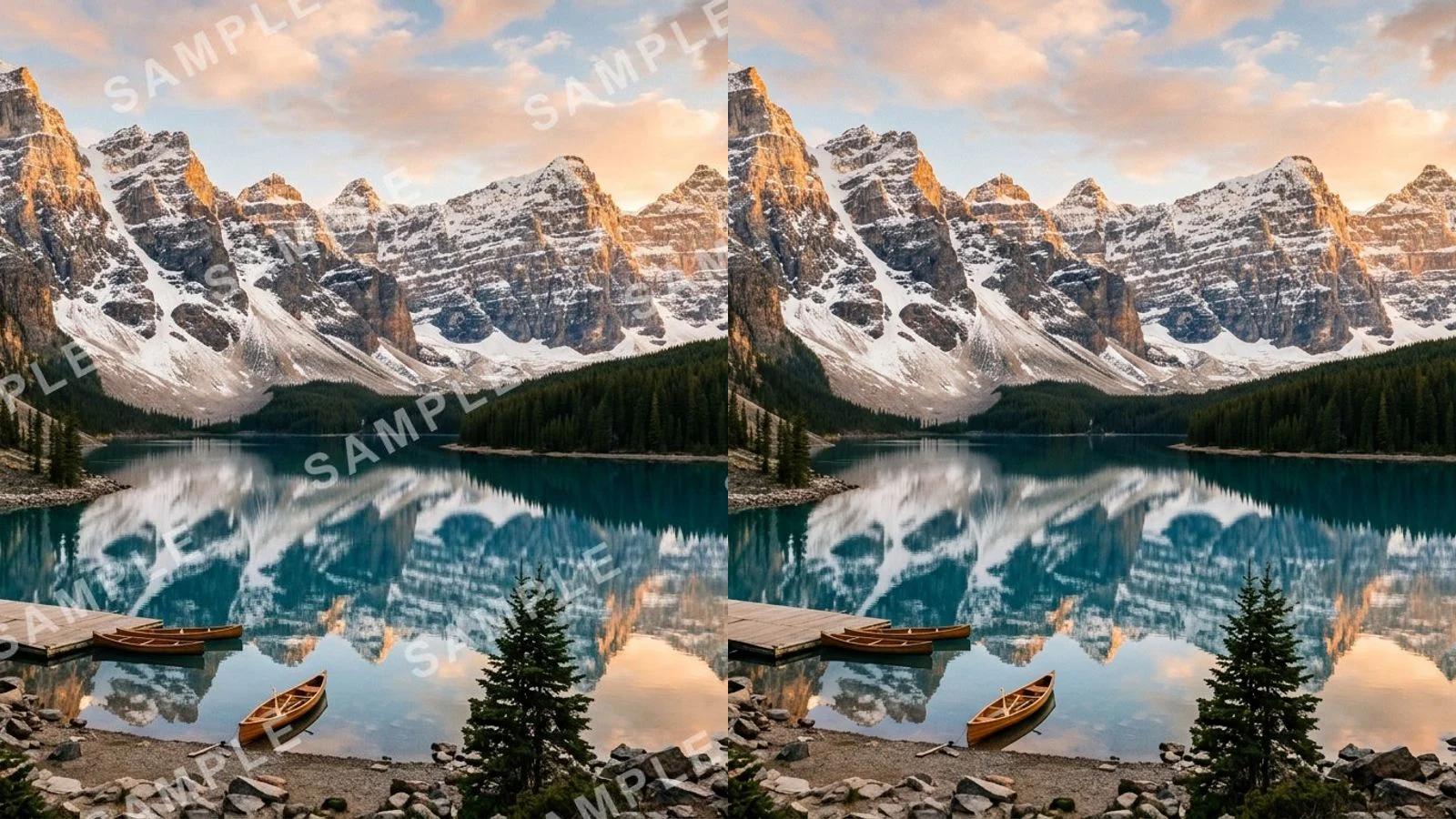
Remove a watermark from a photo for free with AI. Clear stock marks, logos, signatures, and date stamps in one click, no Photoshop needed.
Newsletter
Subscribe to our newsletter for the latest news and updates