

Best Free AI Image Generators in 2026
A practical guide to free AI image generators, what free really means, and how Inkfox AI fits when you need unlimited drafts plus premium model upgrades.


An honest comparison of the best AI video generators in 2026, including Veo 3.1, Kling 3.0, Runway, Wan 2.7, and Hailuo 2.3, with guidance on which model to use for product, portrait, social, and cinematic clips inside Inkfox AI.
There are more AI video generators now than anyone has time to test. Most comparison posts rank them like a leaderboard, but that ranking falls apart the moment you have a real clip to make. A model that nails a cinematic landscape can butcher a talking portrait. A model that animates a product beautifully can turn a crowd scene into soup.
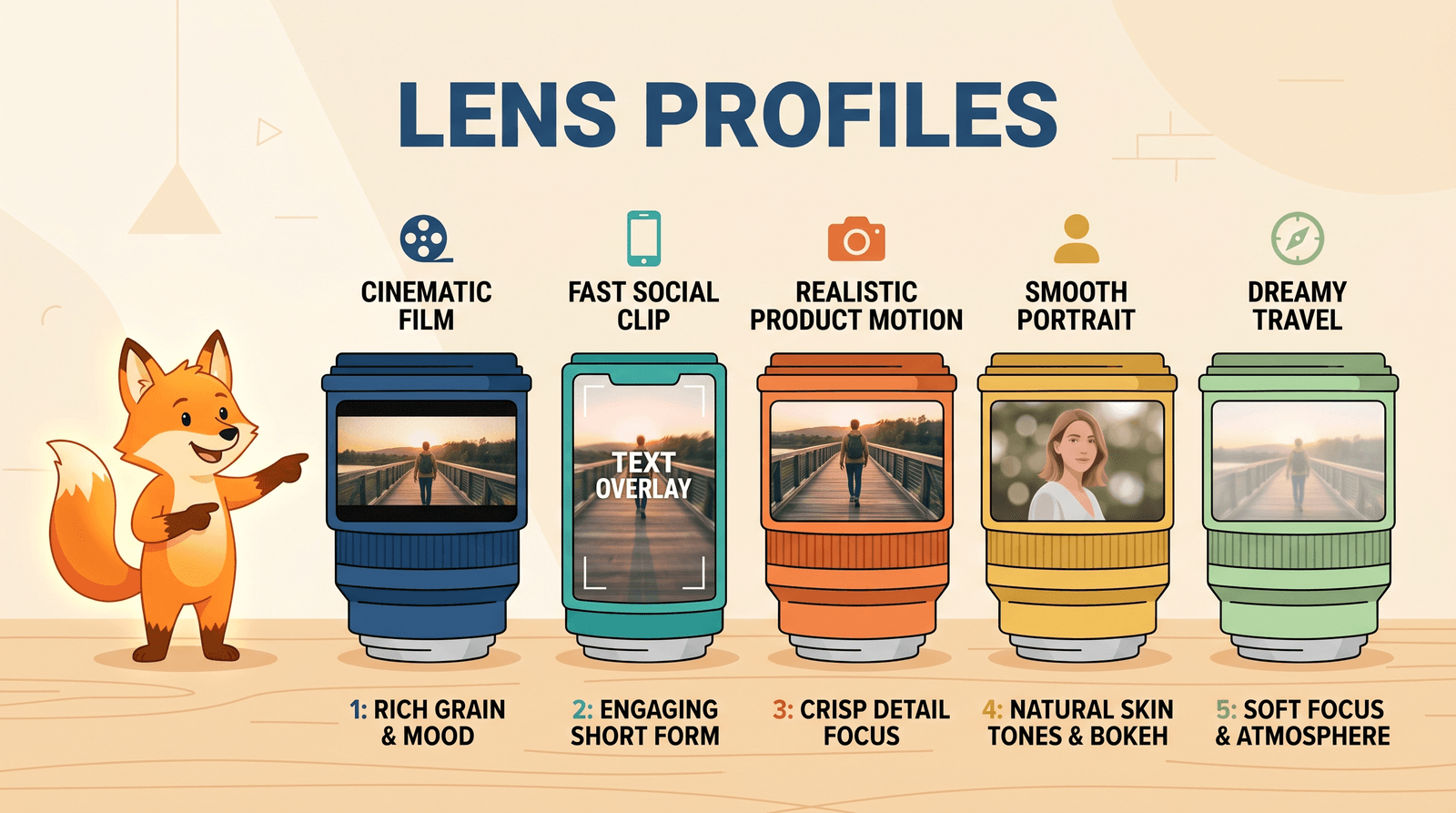
So this is not a leaderboard. It is a guide to picking the right AI video generator for the specific clip in front of you, using the models available inside Inkfox AI: Veo 3.1, Kling 3.0, Runway, Wan 2.7, Hailuo 2.3, Seedance 2.0, and Grok Imagine, plus the in-house Inkfox AI Pro and Max video models for fast everyday motion.

If you want a starting point before reading the detail, here is where most people land:
| If you are making... | Try first | Why |
|---|---|---|
| A cinematic shot with sound | Veo 3.1 | Strong prompt control and native audio |
| A product reveal or motion ad | Kling 3.0 or Wan 2.7 | Stable motion, clean object consistency |
| A talking or expressive portrait | Hailuo 2.3 | Natural faces and believable movement |
| A fast social clip on a budget | Seedance 2.0 or Inkfox AI Pro | Quick turnaround, low cost per clip |
| A stylized or playful concept | Grok Imagine or Runway | Looser, more creative motion |
The rest of this post explains when each of those choices is right, and when it is the wrong call.
Before you pick a model, decide where the clip starts. This single choice changes the output more than the model does.
Text to video invents the whole scene from a prompt. It is the right tool when you have an idea but no footage, and when you do not need the subject to match anything specific. The tradeoff is control: the model decides what the product, face, or room looks like.
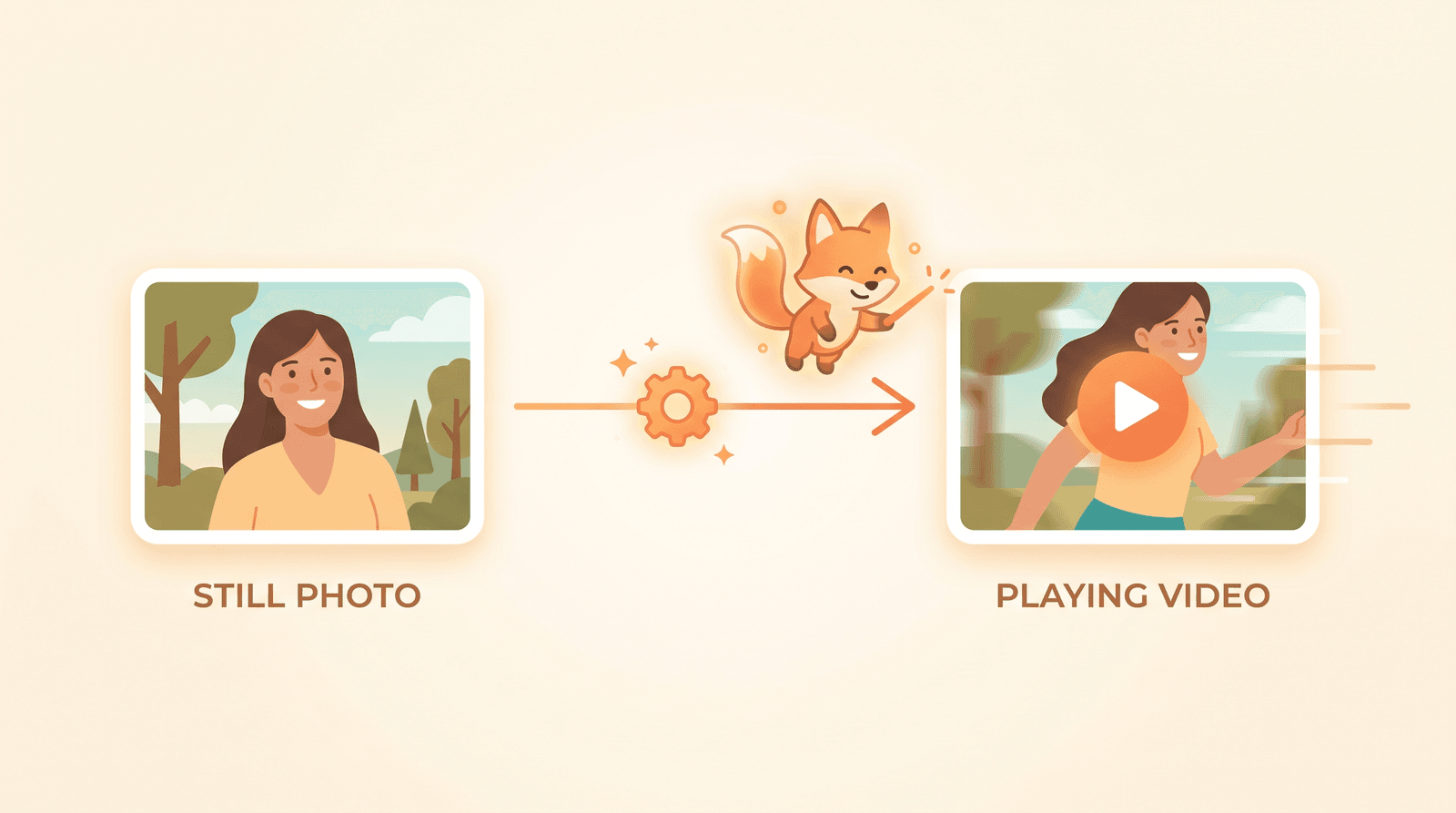
Image to video animates a still you already have. Use it when the subject must stay recognizable, like a real product, a brand asset, a headshot, or a photo a client gave you. You keep the look and only direct the motion. For most marketing work this is the safer path, because the first frame is already approved.
A practical rule: if accuracy matters, start from an image. If imagination matters, start from a prompt.
Veo 3.1 is a good default when you need a clip that feels directed rather than generated. It follows detailed prompts well, handles camera language like slow push-ins and pans, and can produce native audio, which saves a separate sound pass.
Reach for Veo 3.1 when:
Where it gets expensive is iteration. Because the quality is high, it is tempting to keep regenerating until a clip is perfect. Lock the prompt and the first frame before you commit credits. Try Veo 3.1 when the brief reads like a shot list.
Kling has become a workhorse for motion that needs to stay coherent. Kling 3.0 holds objects together across frames better than most, which is exactly what you want when a product rotates, a hand moves, or a logo needs to survive the clip without warping.
It is a strong choice for:
If you remember older AI video that melted faces and smeared edges, Kling 3.0 is the kind of model that fixed that reputation. Start with Kling 3.0, and drop to Kling 2.6 if you want a cheaper pass for testing.
Wan 2.7 is useful when your source material is messy. It accepts text, image, and video references in one suite, so you can guide a clip with a reference image and still describe the motion you want. That flexibility makes it a good fit for repeatable content where you reuse the same product or character.
Use Wan 2.7 when:
The cost of flexibility is setup time. A vague Wan prompt produces vague results, so spend the extra thirty seconds describing the shot.
When the subject is a person, faces are unforgiving. Viewers catch a wrong blink or a rubbery mouth instantly. Hailuo 2.3 is the model to try first for talking heads, expressive reactions, and human movement that has to read as natural.
It shines for:
For anything where a human carries the clip, start with Hailuo 2.3 before a more general model.

Not every clip needs a flagship model. Most early drafts do not. Seedance 2.0 and the in-house Inkfox AI Pro and Inkfox AI Max models exist for the part of the job nobody talks about: making twenty rough versions before you find the one worth polishing.
These are the right tools when:
The smart workflow is to draft cheap and finish expensive. Find the motion and timing with a fast model, then run the winner through Veo or Kling.
Some clips are supposed to feel stylized rather than realistic. Grok Imagine and Runway lean into looser, more expressive motion, which is useful for playful social content, concept pieces, and anything where a slightly surreal look is the point. Try Grok Imagine when the brief is creative and Runway when you want flexible motion control.
Judge these against the goal, not against realism. A clip that looks "too AI" can still be the right call for a meme or a teaser.
Most regret with AI video comes from picking a model by reputation instead of by task. Inkfox AI keeps these models in one workspace for a reason: you can route the clip instead of switching tools, and you can compare outputs in the same aspect ratio before spending real budget.
A workflow that holds up:
A clip can look impressive in preview and fail in the feed. Check it against the job:
| Check | What to look for |
|---|---|
| Subject integrity | Does the product, face, or logo stay correct the whole time? |
| Motion realism | Is the movement believable, or does it drift and warp? |
| First and last frame | Are both frames clean enough to use as thumbnails? |
| Length and pacing | Does it earn its duration, or sag in the middle? |
| Format fit | Is it the aspect ratio the channel actually needs? |
If the answer is weak, change the model or the first frame before you regenerate ten more times.
If you already have a photo, open image to video and animate it. If you are starting from an idea, use text to video. Browse AI models to see everything available in one place, explore the full AI tools suite for editing and upscaling, and check pricing when you need higher-volume premium generation.
There is no single best one. Veo 3.1 is strong for directed cinematic clips with audio, Kling 3.0 for stable product and people motion, and Hailuo 2.3 for portraits. Inkfox AI keeps them together so you can match the model to the clip.
It depends on the goal. Image to video keeps a real subject recognizable, which is safer for product and brand work. Text to video gives you a full scene from a prompt when you have no footage to start from.
Use a fast model like Seedance 2.0 or the Inkfox AI Pro video model for drafts, then move only the winning clip to a premium model. Drafting cheap and finishing expensive keeps cost under control.
Yes. That is the main reason to use Inkfox AI as a workspace instead of separate model sites. You can run the same brief across models and compare results in the same aspect ratio.
A practical guide to free AI image generators, what free really means, and how Inkfox AI fits when you need unlimited drafts plus premium model upgrades.
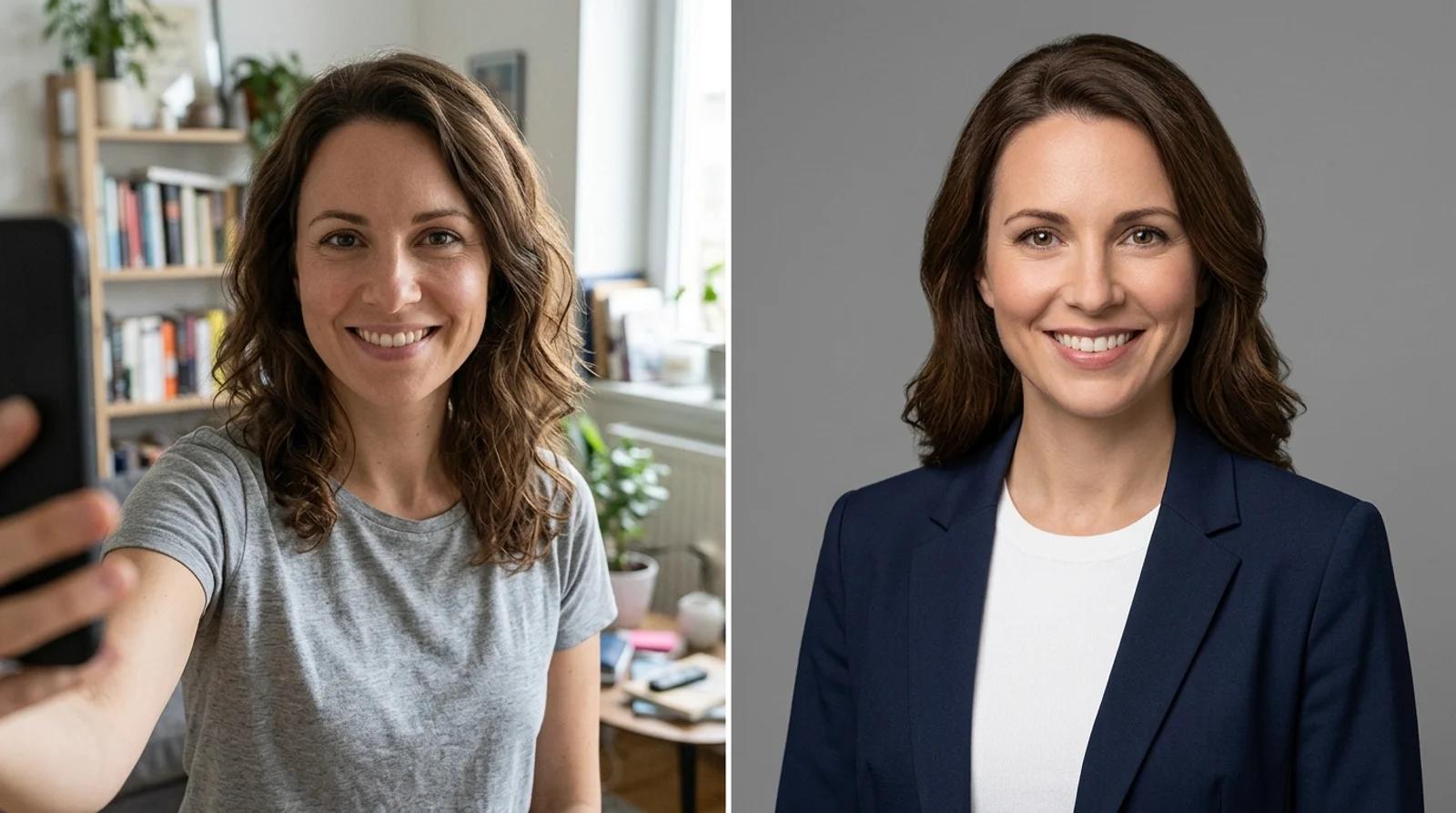
How to turn a phone selfie into a professional headshot for LinkedIn, resumes, and team pages with free AI: which selfie to use, how to pick a style, and how to check the result still looks like you.

A hands-on look at AI sunglasses try-on: what eight frames taught me about face shapes, online shopping, and where free AI image tools are actually useful now.
Newsletter
Subscribe to our newsletter for the latest news and updates